Watch Math · formerly iWatch Math
The answer first.
Then every step.
Photograph a math problem on iPhone and get the answer with numbered steps you can ask about. Practise for exams, and follow the steps on Apple Watch.


3 solves a day are free. Premium is bought in the iPhone app.
What it does
Snap, pick or type
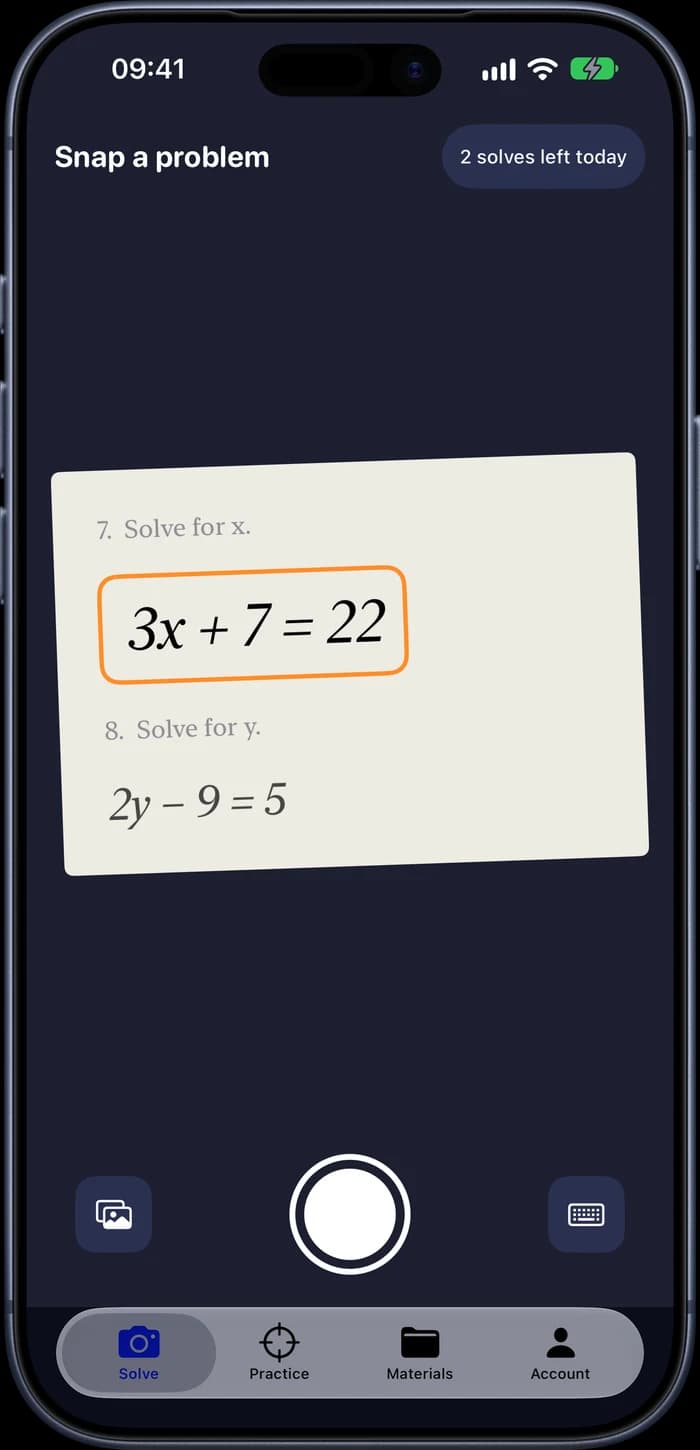
The app opens on the camera. Photograph a problem, pick a photo, or type it in.
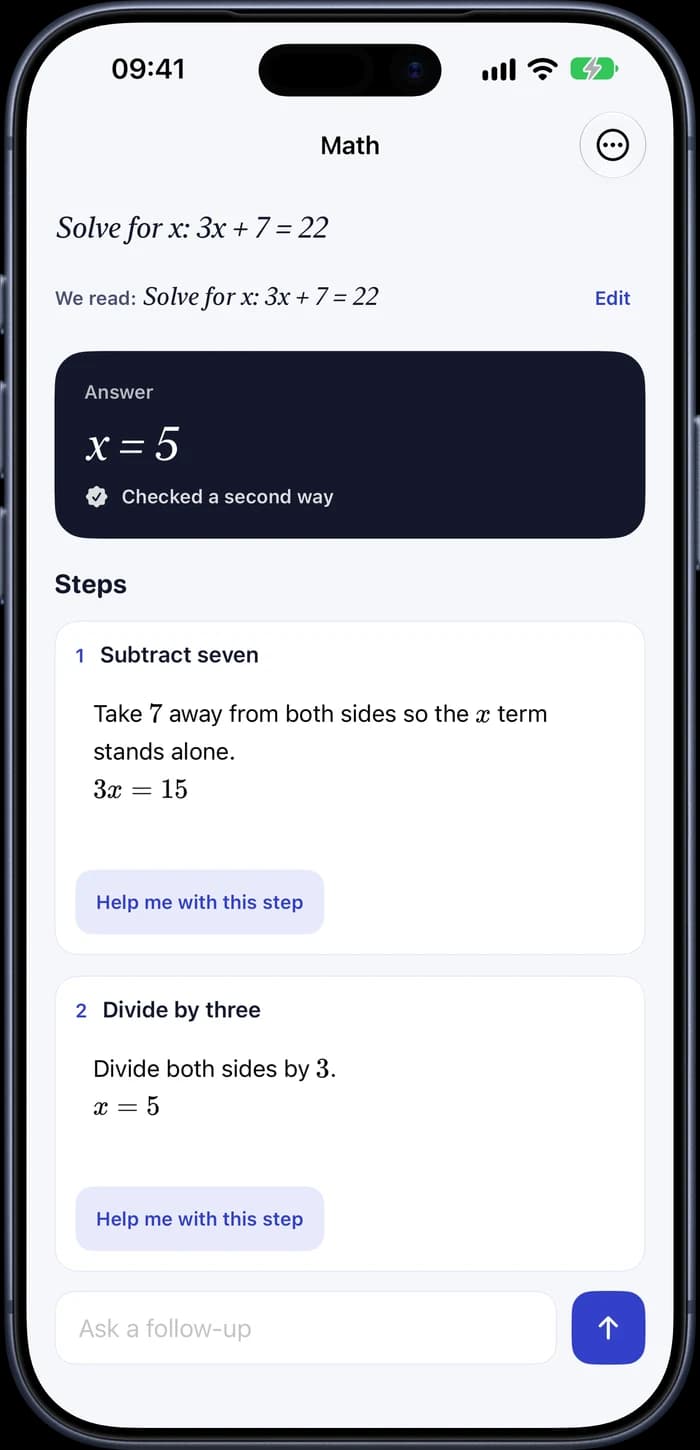
Answer first, then steps
The answer sits on top, with numbered steps underneath. You see what the app read and can fix it before it solves.
Checked a second way
Each answer is checked a second way before you see it.
Help with any step
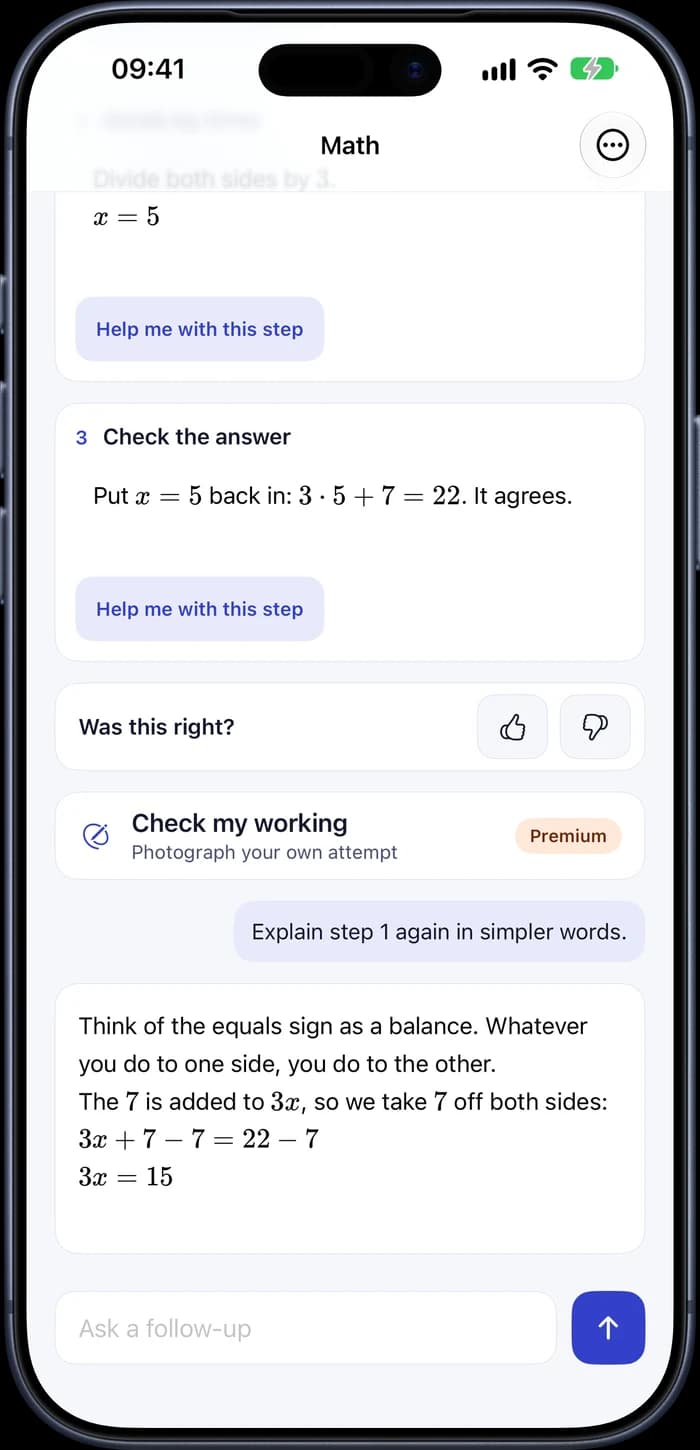
Tap Help me with this step and it is explained again in simpler words, or ask your own question.
Exam practice
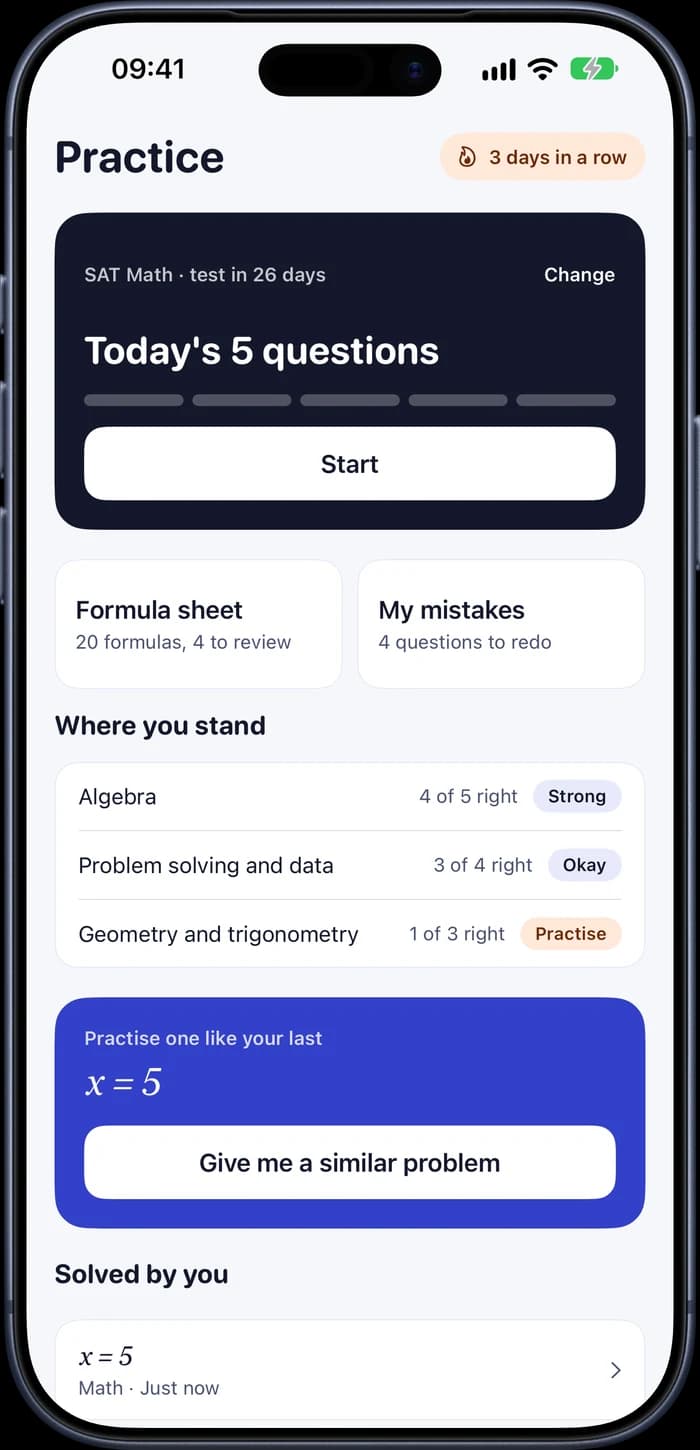
Five questions a day for your exam, missed questions first, and a formula sheet for geometry, algebra and data.
On Apple Watch
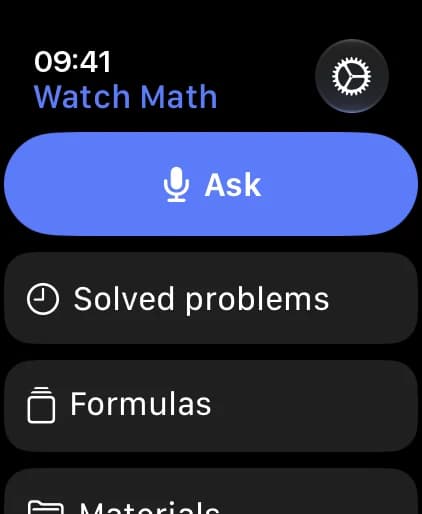
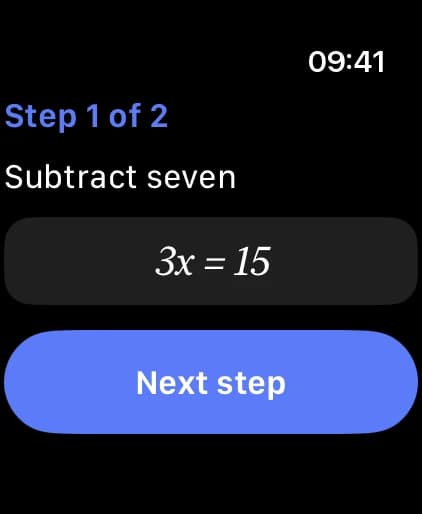
Ask a problem from your wrist and go through the steps one screen at a time.
Solve
Point the camera at the problem.
Frame the line you want solved, or pick a photo or type it. The badge shows how many solves are left today.
Understand
Stuck on a step? Ask.
Any step can be explained again in simpler words. With Premium, Check my working finds the first wrong line in your own attempt.
Practise
Five questions a day before the test.
Set your exam and test date. Questions you missed come back first, and the formula sheet marks what to review.
On the watch
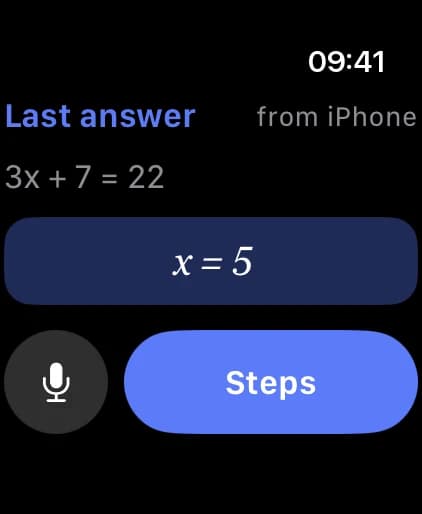
Tap Ask and say or type a problem. The steps come one per screen, with a tap on your wrist for each. Your last answer stays on the watch, and Send to Watch on iPhone puts any answer there. Premium follows your account to the watch.
Questions
- Is Watch Math free?
- The download is free and includes 3 solves a day, shared between iPhone and Apple Watch. Premium removes the limit and adds Check my working. It is a subscription bought inside the iPhone app.
- Is it the same app as iWatch Math?
- Yes. Version 2.1 renamed iWatch Math to Watch Math.
- Can the answers be wrong?
- Yes. Answers are generated by AI. Each one is checked a second way, but check the results that matter.
- Do I need an account?
- No. Sign-in is optional. If you create an account, you can delete it in the app’s Account tab.