Blog
Guides and honest verdicts on using an Apple Watch for reading, studying and working — without reaching for your phone.
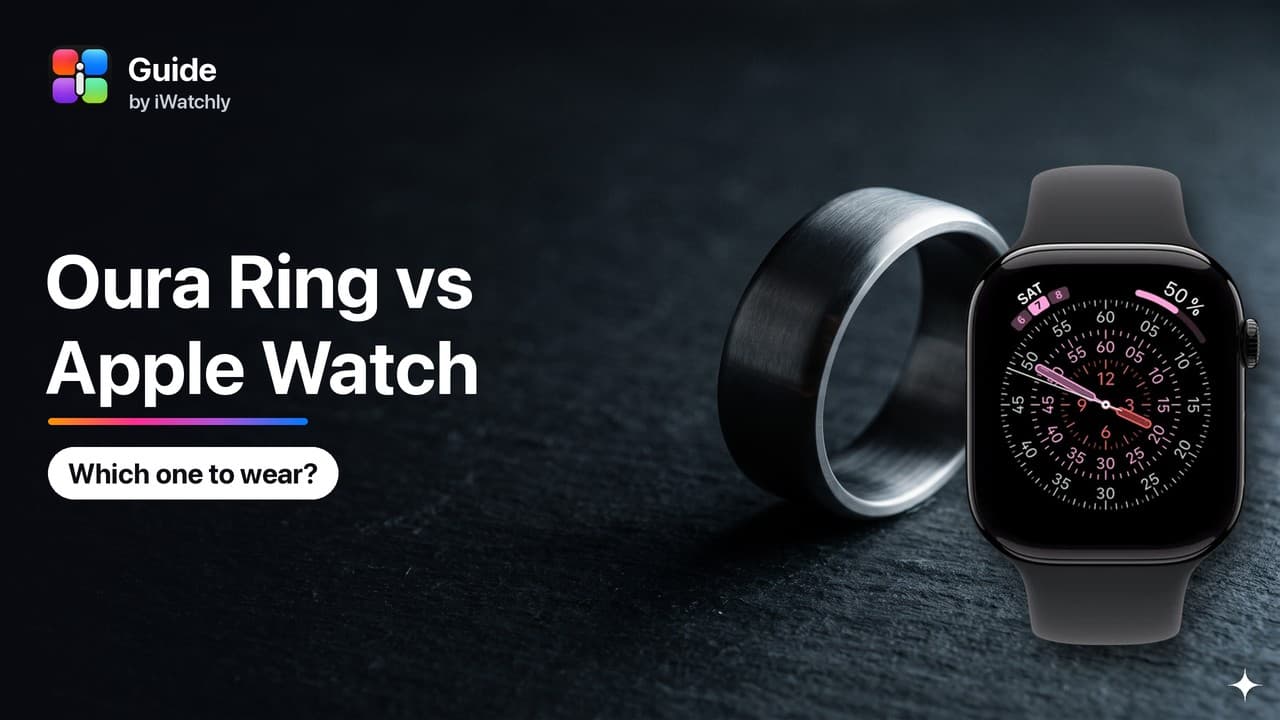
Oura Ring vs Apple Watch: Which One Should You Wear?
Compare price, battery, sleep accuracy, health alerts and the monthly fee, then pick the one that fits how you actually live.
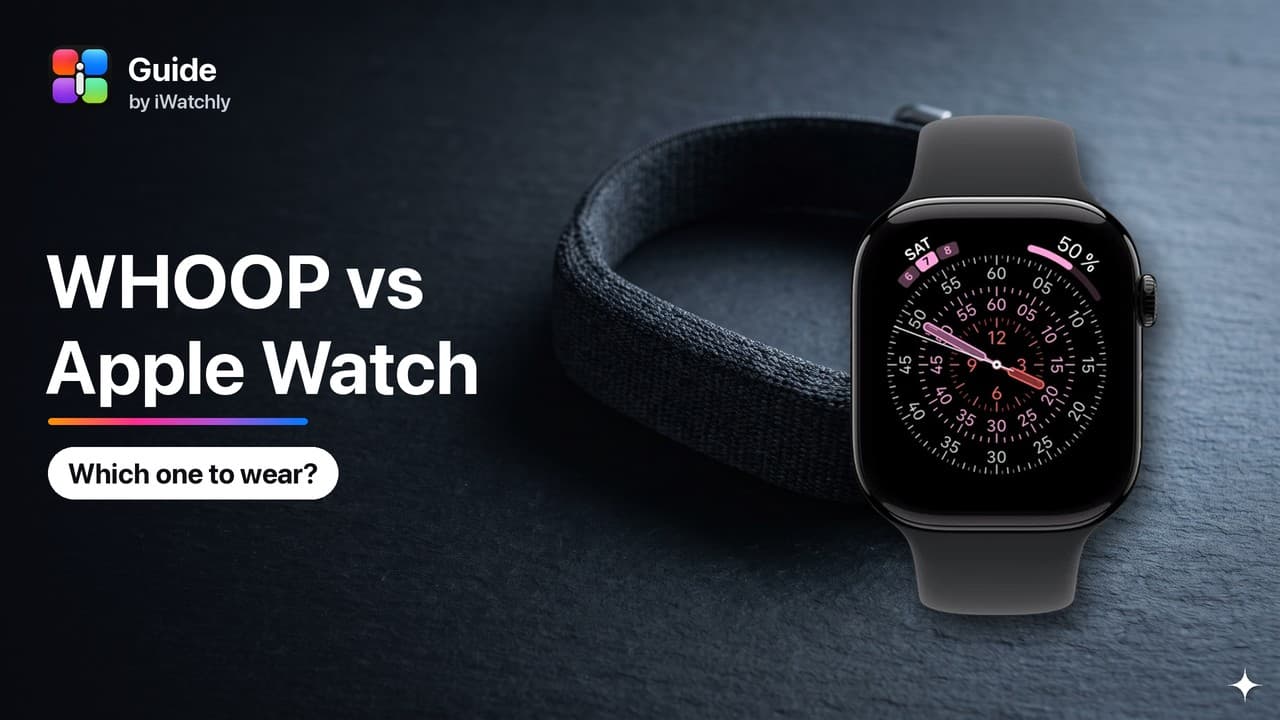
WHOOP vs Apple Watch: Which One Should You Wear?
Compare price, battery, sleep and recovery scores and health alerts, then pick the one that fits how you actually live.
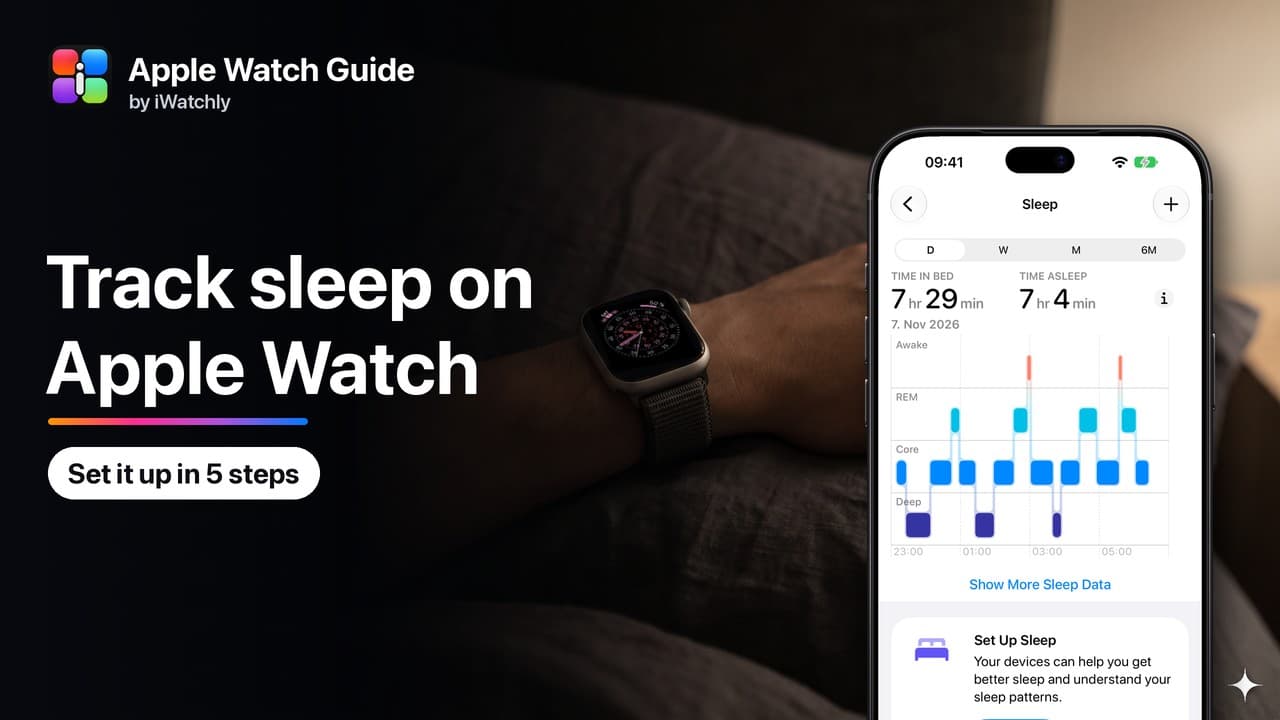
Apple Watch Sleep Tracking: How to Set It Up and Read the Results
Turn on sleep tracking in five steps, then read your sleep stages, Sleep Score and overnight vitals the next morning.
How to Remove Apple Intelligence From iPhone (iOS 27)
iOS 27 has no button that deletes Apple Intelligence. Here is how to turn it off, what Apple says it takes, and what really frees space.
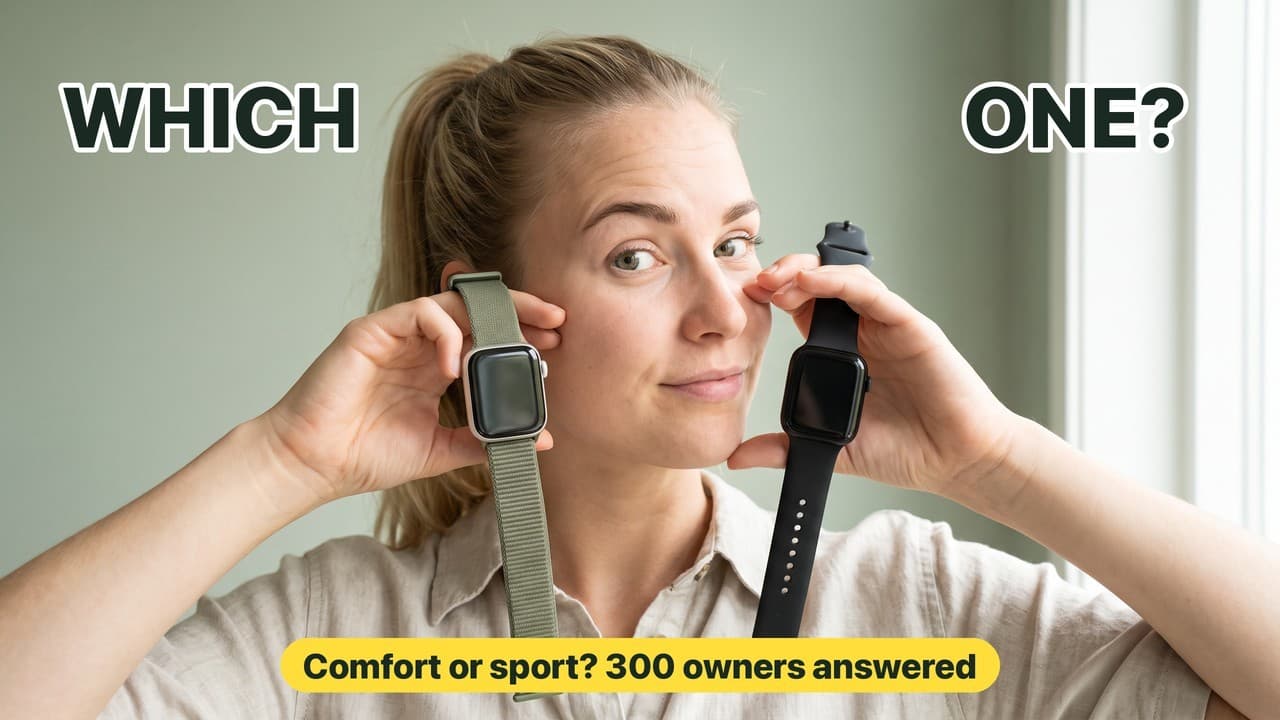
Best Apple Watch Bands: What 300 Owners and a 96-Band Test Say
Sport Loop or Sport Band? What Apple Watch owners actually wear, what testers recommend instead, and where to buy.
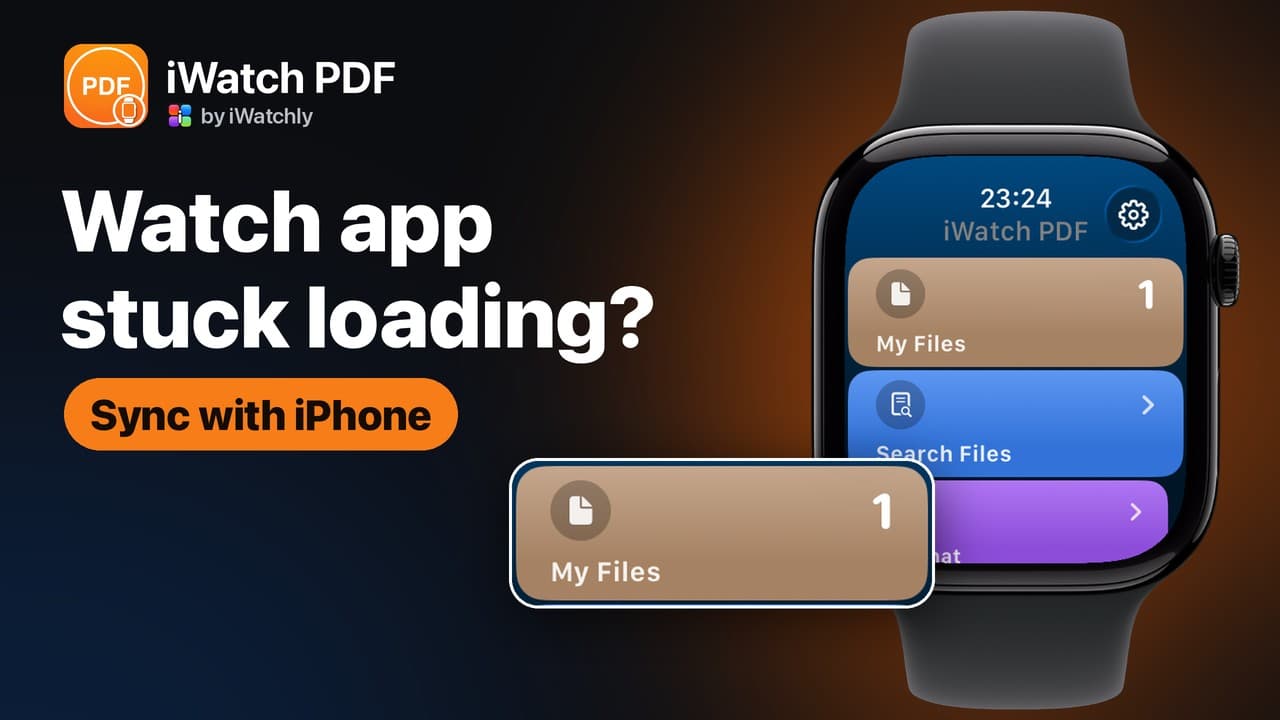
Apple Watch App Stuck Loading? Sign In From the iPhone
Most watch apps take their sign-in from the iPhone app. Open it, stay signed in, keep the phone close, then tap Sync with iPhone on the watch.
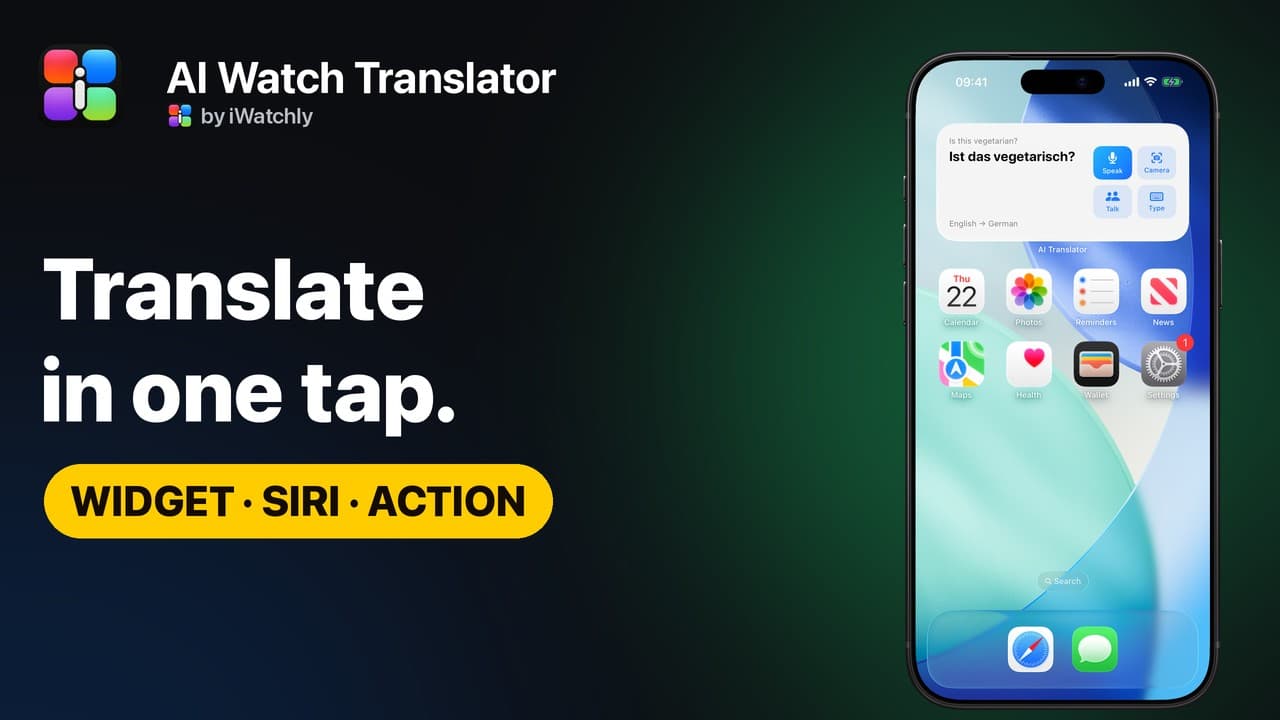
Translate From a Widget, the Action Button or Siri
Start a translation from a widget, Control Center, the Action button, Siri or your watch face, without looking for the app.
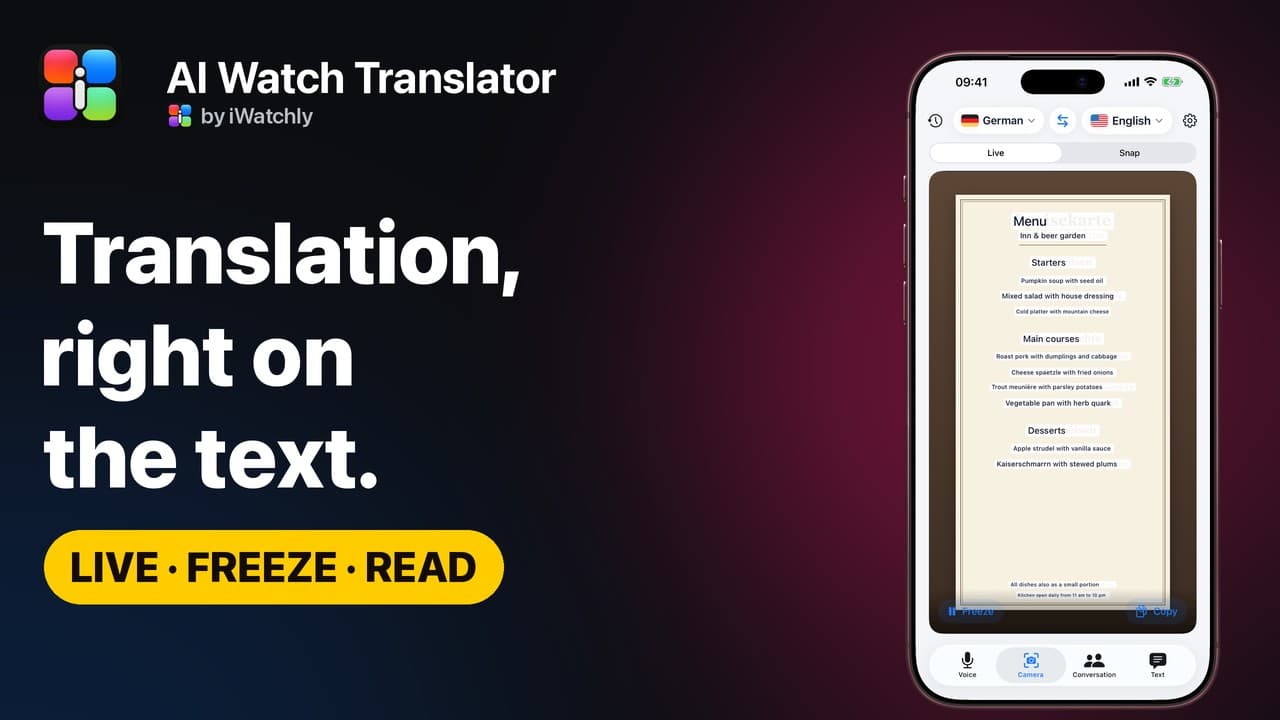
Live Camera Translation on iPhone: Point and Read
Live mode draws the translation right on the text as you move your iPhone. Freeze holds the view; Read lists everything in the frame.
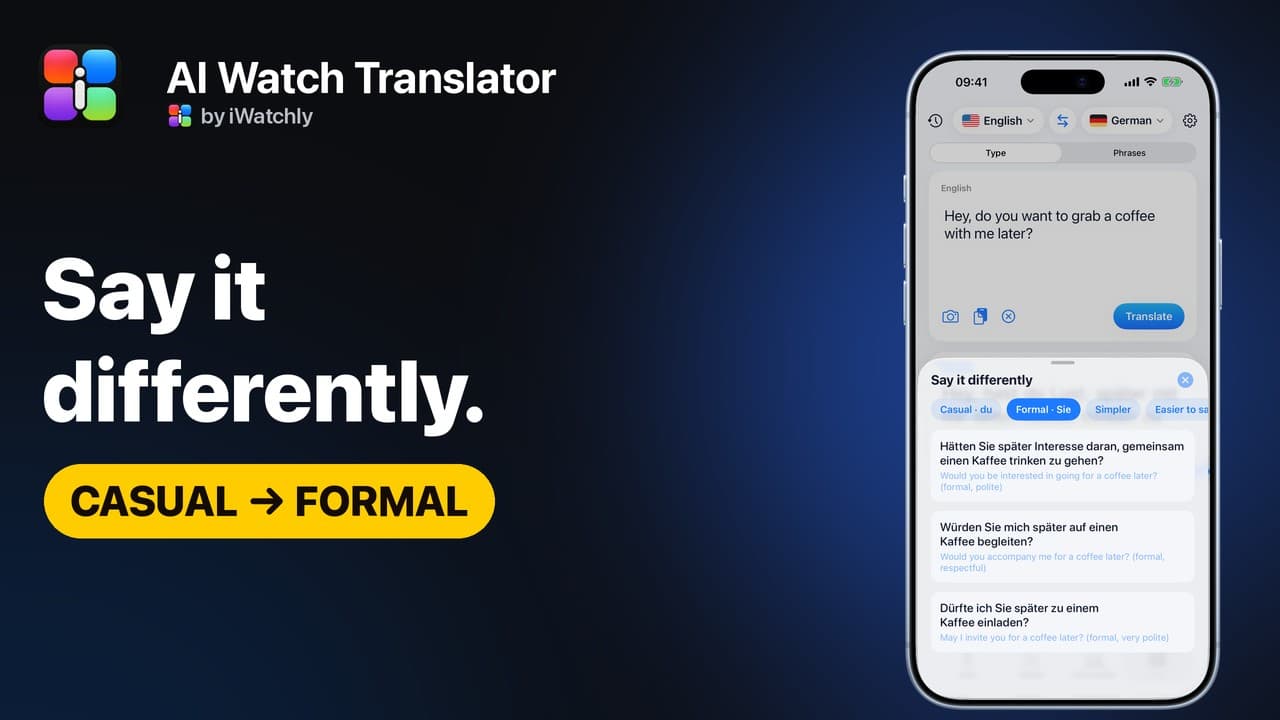
Say It Differently: Other Ways to Phrase a Translation
Tap a word for alternatives, or rephrase the whole sentence as casual, formal, simpler or easier to say, each with its meaning.
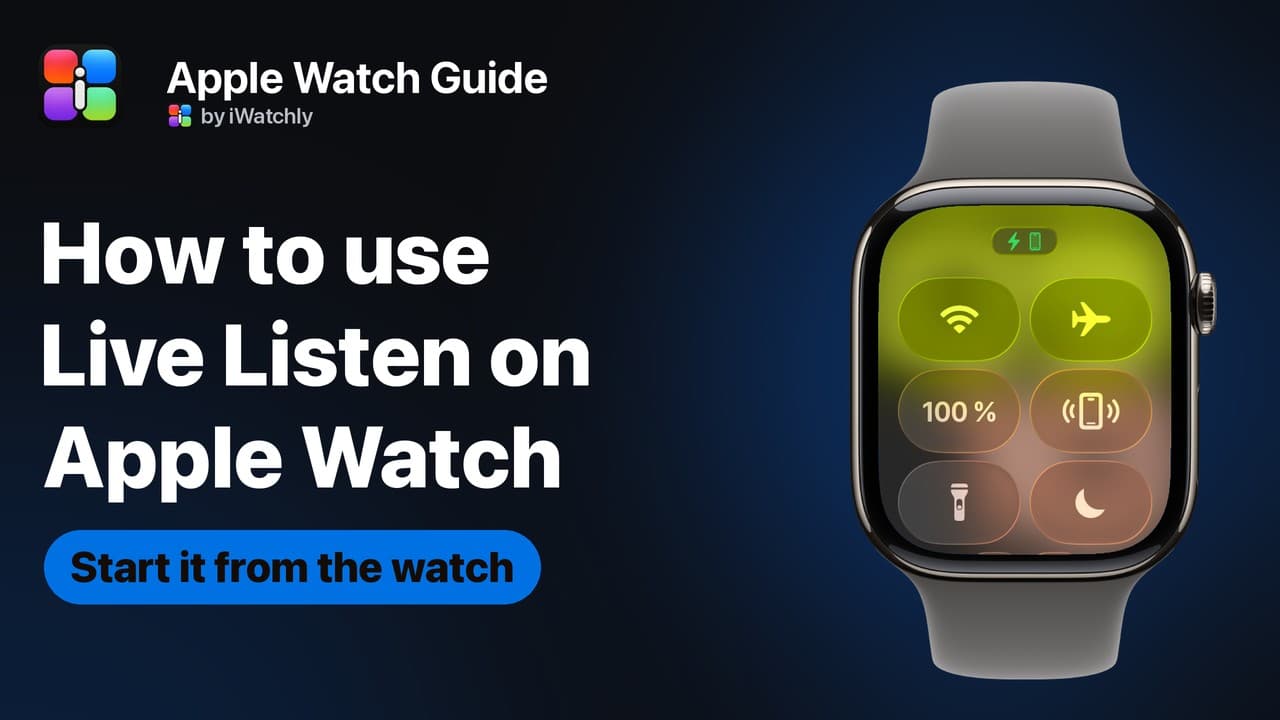
How to Use Live Listen on Apple Watch (and What It Can't Do)
Live Listen turns your iPhone into a microphone for your AirPods. The Apple Watch starts it, rewinds it and shows captions. Here is the setup, step by step.
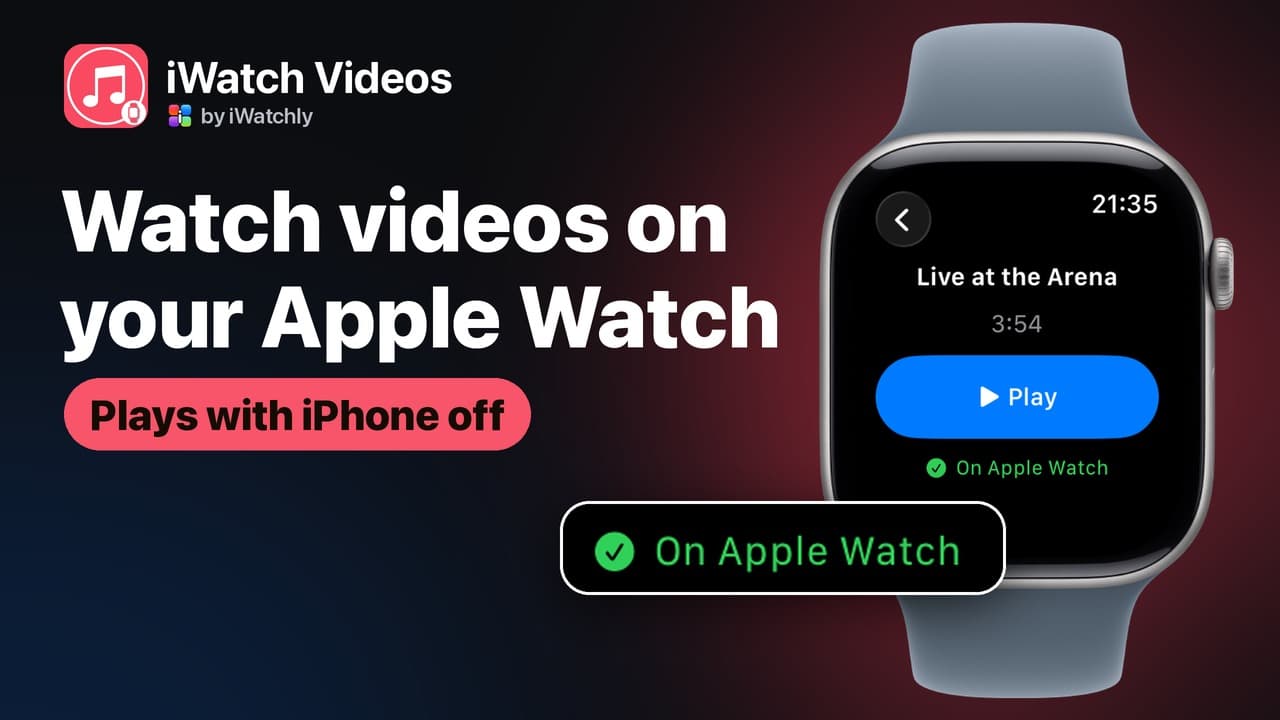
Can You Watch Videos on an Apple Watch? Yes — Here's How
Yes — with the right app. Add your own videos on the iPhone, save them to the watch, and they play on your wrist even with the phone left at home.