- iWatch PDF
- Apple Watch app not loading
- Apple Watch sign in
- Apple Watch troubleshooting
Apple Watch App Stuck Loading? Sign In From the iPhone
By Kalyani Lokireddy
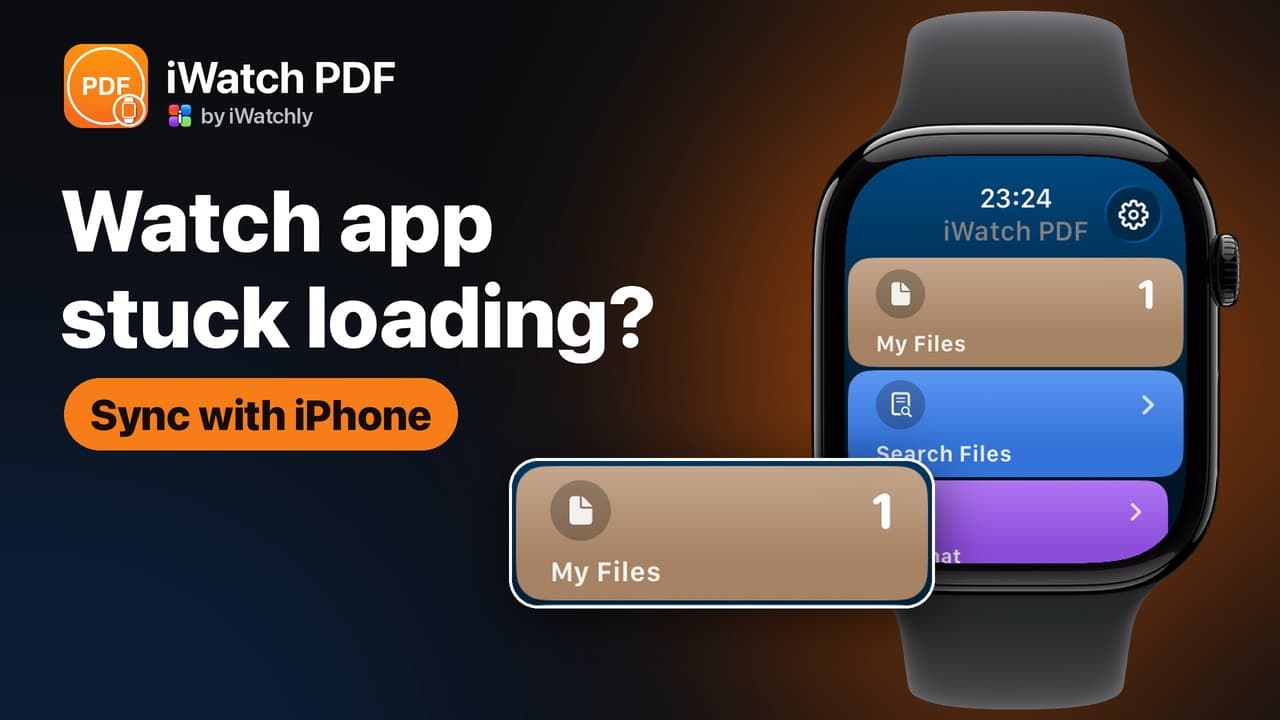
If an Apple Watch app is stuck loading or won't sign in, it is usually waiting for the iPhone. Many watch apps, iWatch PDF among them, take their sign-in from the iPhone app. Open the app on the iPhone, check you are signed in, keep the phone close, then tap Sync with iPhone on the watch. The steps use iWatch PDF, but the same order helps most watch apps that come with an iPhone app.
Why does the watch app keep loading?
When iWatch PDF starts on the watch, it shows Connecting… and asks the iPhone app for your account. With no answer within a few seconds, it shows the Sign In screen. An answer needs three things: the iPhone app installed, the iPhone app signed in, and the watch connected to the iPhone.
A watch that was signed in can stall later too: its session runs out when the iPhone app has not been opened for a while.
How do I fix it?
- Open iWatch PDF on the iPhone and check you are signed in. Leave it open.
- Keep the iPhone close, with Bluetooth and Wi-Fi switched on.
- On the watch, tap Sync with iPhone. If nothing arrives, the watch says: "Open iWatch PDF on your iPhone and sign in, then tap Sync with iPhone."
- Still stuck? Close the app on both devices, then open it on the iPhone first and on the watch second.
- If the watch shows the red iPhone icon, the two are not connected. Fix that first with our Apple Watch disconnected from iPhone guide, then sync again.
Can I sign in on the watch itself?
Yes. The Sign In screen has three buttons. Sign in with Apple works on the watch alone. Sign in with Google opens on the iPhone, because Google's sign-in does not run on watchOS, and the watch waits up to a minute while you finish there. Sync with iPhone copies the account the iPhone app already uses.
Choose the account you use on the iPhone. A different one signs in fine but opens a different library, which may be empty.
Frequently asked questions
Q: Do I need the iPhone app installed? A: For Sync with iPhone and for Google, yes: the watch looks for the iPhone app before it asks. Sign in with Apple works without it.
Q: Why does My Files say "Could not load files"? A: The watch could not reach the server, or its session ran out. Open the iPhone app for a moment, then tap Retry on the watch.
Q: Will signing in again lose my documents? A: No. Your library belongs to your account, so signing in with the same account brings the same files back.
iWatch PDF is available on the App Store. To read without the phone once you are signed in, see Read a PDF on Apple Watch without your iPhone.
Read next
Starred PDFs: Find Your Most-Used Files Fast on Apple Watch
Star a PDF in iWatch PDF on the iPhone and it waits under Starred on your Apple Watch, sorted A to Z, two taps from the home screen.
2 min read
What Counts Against the Monthly AI Allowance in iWatch PDF
Why the allowance is measured in tokens rather than questions, what uses it, what never does, and how to read the Usage page.
3 min read
How to Share a PDF With Another Apple Watch User (and Take It Back)
Share by email, watch it turn from pending to opened, and revoke it later. What the other person can and cannot do with your document.
3 min read