Everything you need,
already on your wrist.
Documents, the web, video, communication — 6 apps that make an Apple Watch genuinely useful on its own, not just a notification screen.



iWatch Math
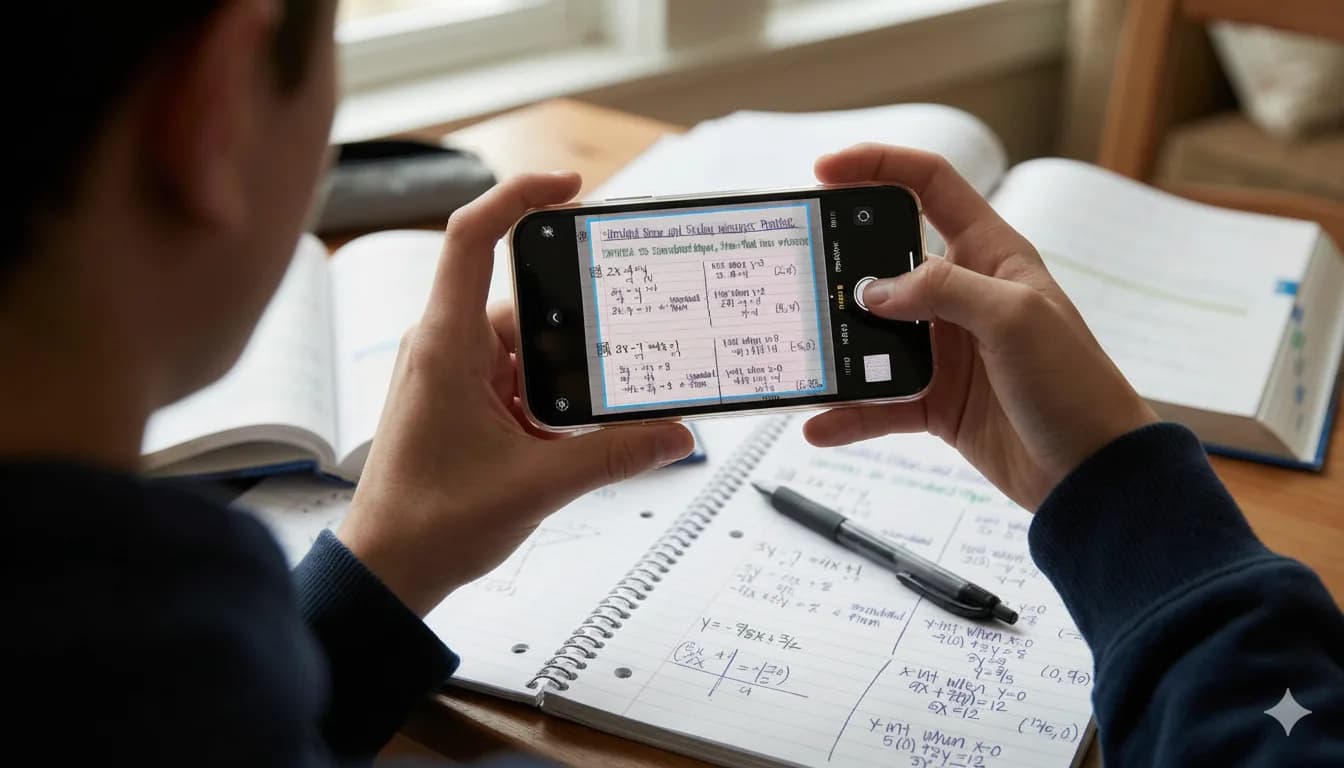
Photograph the problem.
Point your camera at a maths problem and get a worked explanation, not just an answer — with your study material waiting on the watch.
View on the App Store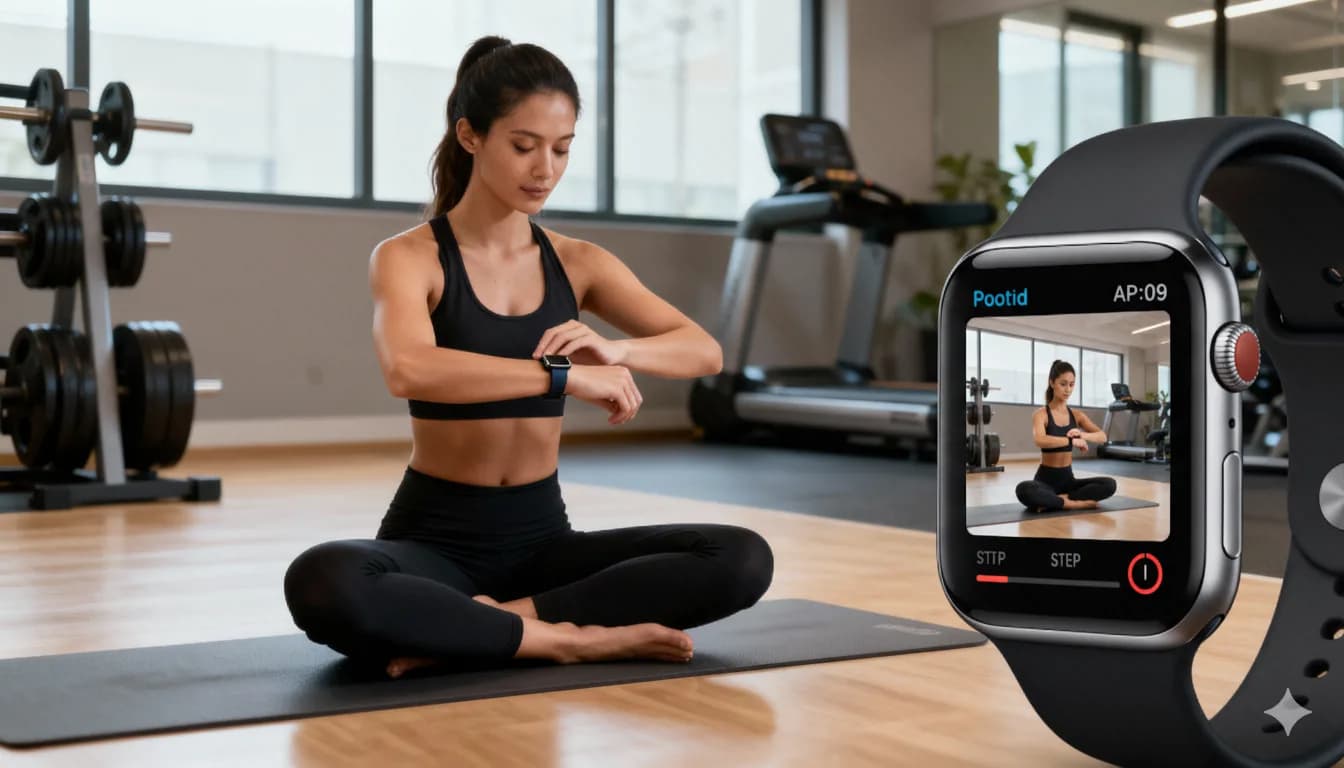
iWatch Videos
Watch without your phone.
Load videos onto the watch itself and play them offline — on a run, a commute, or anywhere the phone stayed behind.
View on the App StoreThe apps

iWatch PDF
Read, search and study any PDF on your wrist — with quizzes and answers drawn from the document itself.
Watch Browser
Browse the web from your Apple Watch. Quick searches and full pages without reaching for your phone.
iWatch Math
Photograph a maths problem and get a worked explanation, with your study material on the watch.

iWatch Videos
Load videos onto your Apple Watch and watch them offline, on a run or a commute.

Translate Now
Speak, and hear the translation out loud — on your iPhone or straight from your wrist.

Watch Tracker
Know where your family is, from your wrist.
From the blog
Getting more out of an Apple Watch.
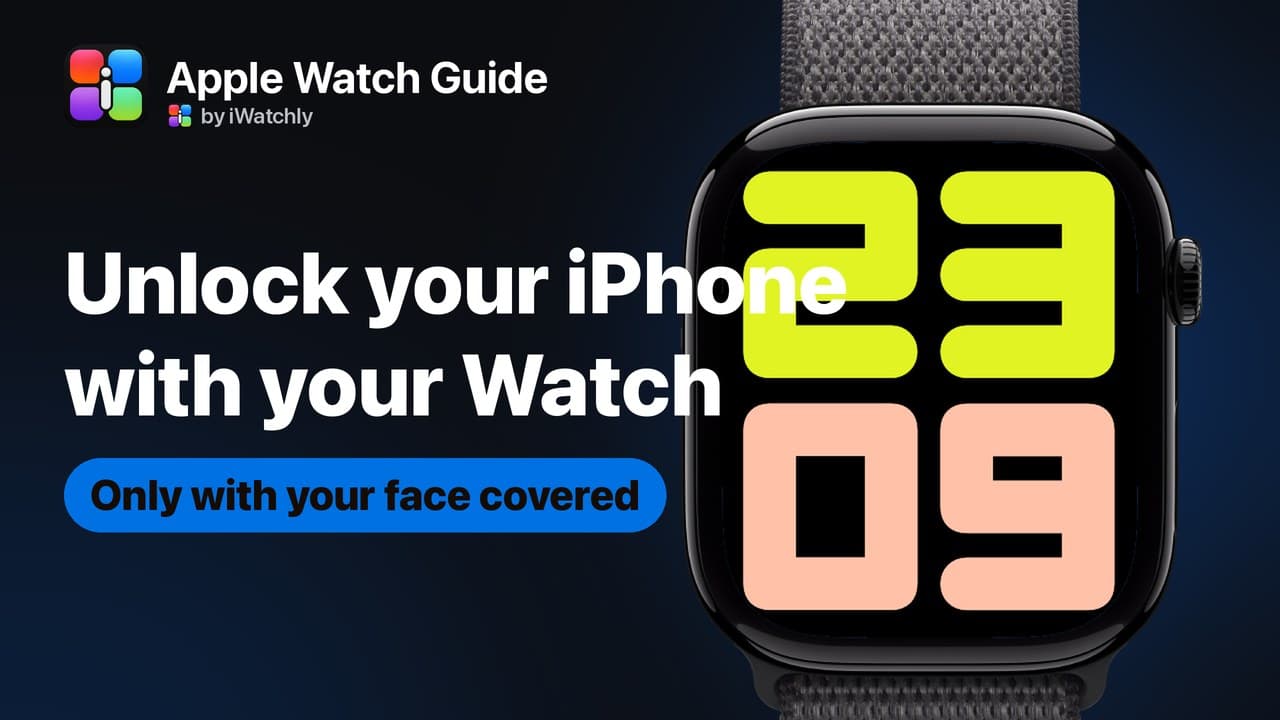
Unlock Your iPhone With Your Apple Watch: Setup and Limits
It only works when something is covering your face, and the watch must be on your wrist and unlocked. Setup, and what it will not do.
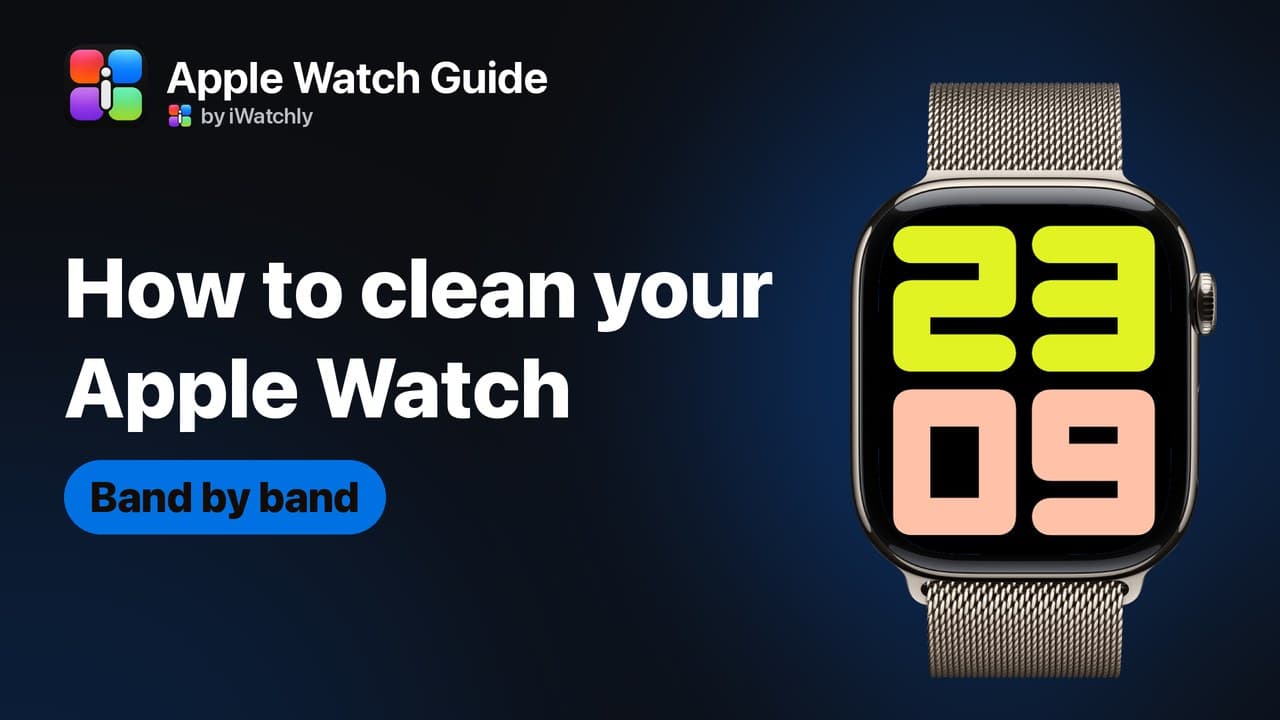
How to Clean Your Apple Watch and Its Band Safely
Apple's own method: water and a lint-free cloth for the watch, mild soap on some bands only, and never a soaking for leather or FineWoven.
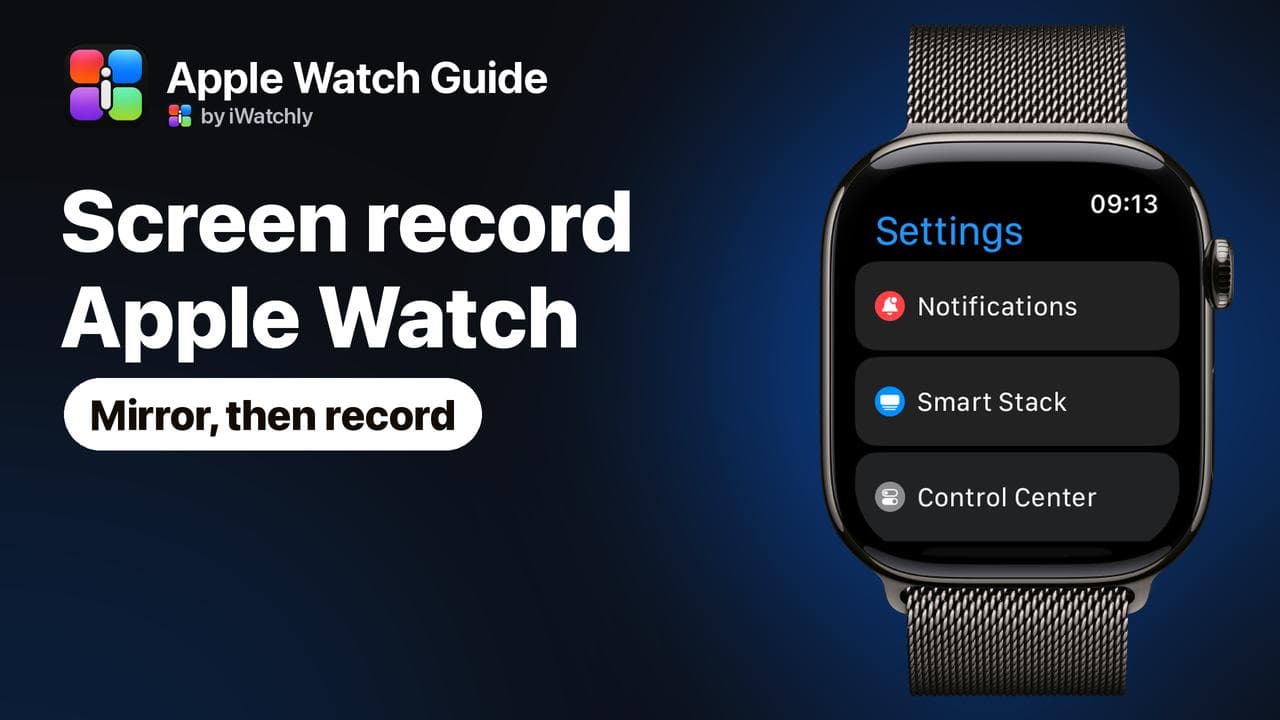
How to Screen Record on Apple Watch: Mirror It, Then Record
watchOS has no screen recorder. Mirror the Watch to your iPhone, then use the iPhone's Screen Recording. Screenshots work on the Watch itself.