- watchOS
- Apple Watch
- screen recording
- how-to
How to Screen Record on Apple Watch: Mirror It, Then Record
By Kalyani Lokireddy
To screen record on Apple Watch, mirror the Watch to your iPhone and record the iPhone's screen. watchOS has no screen recorder of its own. The Watch can take still screenshots, and the steps for those are below.
How do I record my Apple Watch screen?
- On the paired iPhone, open Settings > Accessibility > Apple Watch Mirroring and turn it on. Your Watch screen appears on the iPhone.
- Swipe down from the top-right corner of the iPhone to open Control Center.
- Tap the Screen Recording button and wait for the three-second countdown.
- Use the Watch through the mirrored image. Tap and swipe it; the mirrored Digital Crown and side button work too.
- Tap the red indicator at the top of the iPhone and choose Stop. The video is saved to Photos.
Apple documents both halves: Apple Watch Mirroring and recording the iPhone screen.
Which Apple Watch models support mirroring?
Apple says Apple Watch Mirroring is not available on Apple Watch SE. On an SE, screenshots are the only built-in way to capture the screen.
Mirroring also needs the Watch connected to the iPhone. If the watch face shows a red iPhone or a red X, fix that first: see Apple Watch disconnected from iPhone.
How do I take a screenshot on Apple Watch?
Screenshots are off by default. Turn them on in Settings on the Watch:
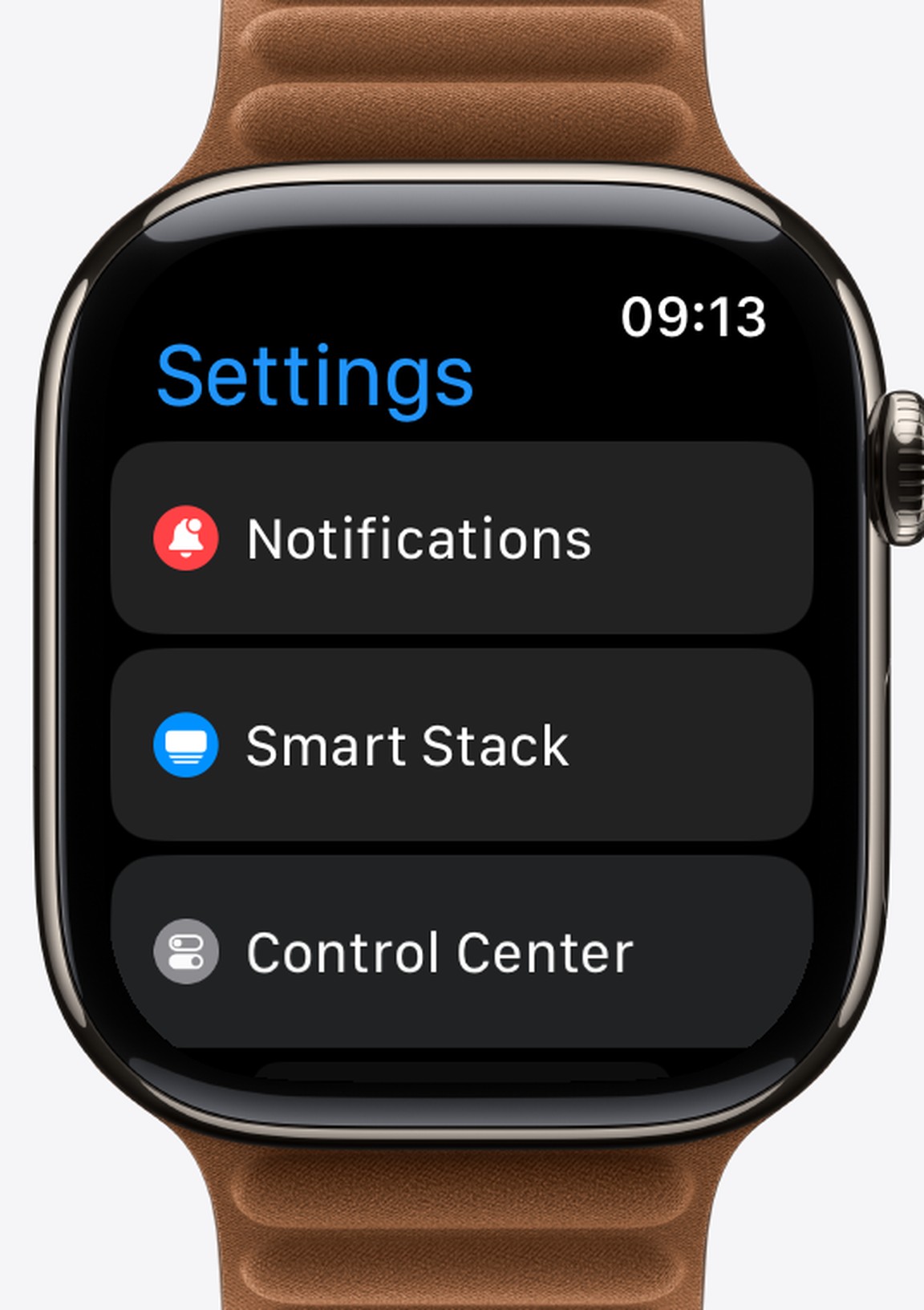
- Open Settings on the Watch, tap General, then Screenshots, and turn on Enable Screenshots. The same switch is in the Watch app on iPhone under My Watch > General.
- Press the Digital Crown and the side button together. The screen flashes.
- Find the image in Photos on your iPhone.
During a workout, the same two buttons pause the workout instead. Details are on Apple's screenshot page.
What about the other way round?
If you want to record your iPhone screen and watch it on the Watch later, that is what iWatch Videos' screen recording does. The recording is kept on the Watch and plays without the phone.
Q: Can Apple Watch record its own screen?
A: No. watchOS takes still screenshots only; video needs Apple Watch Mirroring and the iPhone's recorder.
Q: Why does pressing both buttons not take a screenshot?
A: Enable Screenshots is off, or a workout is running, where the buttons pause it.
Q: Does Apple Watch Mirroring work on Apple Watch SE?
A: No. Apple lists the SE as not supported.
iWatch PDF, iWatch Videos and the other iWatchly apps are built for the Apple Watch you already wear.
Read next
How to Install Apps on Apple Watch (and Find a Missing One)
An app missing from your Apple Watch? Install it from the Watch app on iPhone, under Available Apps, or from the App Store on the watch.
2 min read
Restart, Force Restart or Unpair: Which Apple Watch Reset to Use
Three resets, three different jobs. Use the gentlest one that fixes your problem and keep your data.
3 min read
Apple Watch Storage: What Fits in 64 GB and How to Free It
Every current Apple Watch has 64 GB. Here is how to see what is using it, and what that space holds in music, films, photos and PDFs.
3 min read