- Apple Watch
- troubleshooting
- connectivity
- pairing
Apple Watch Disconnected From iPhone? Read the Icon First
By Kalyani Lokireddy
The icon at the top of your watch face tells you exactly what is wrong: a red iPhone silhouette means the Watch cannot reach your iPhone, a red X means it has lost all connection including Wi-Fi, and a green phone means a call is in progress. Read the symbol first — it decides which of the fixes below you need.
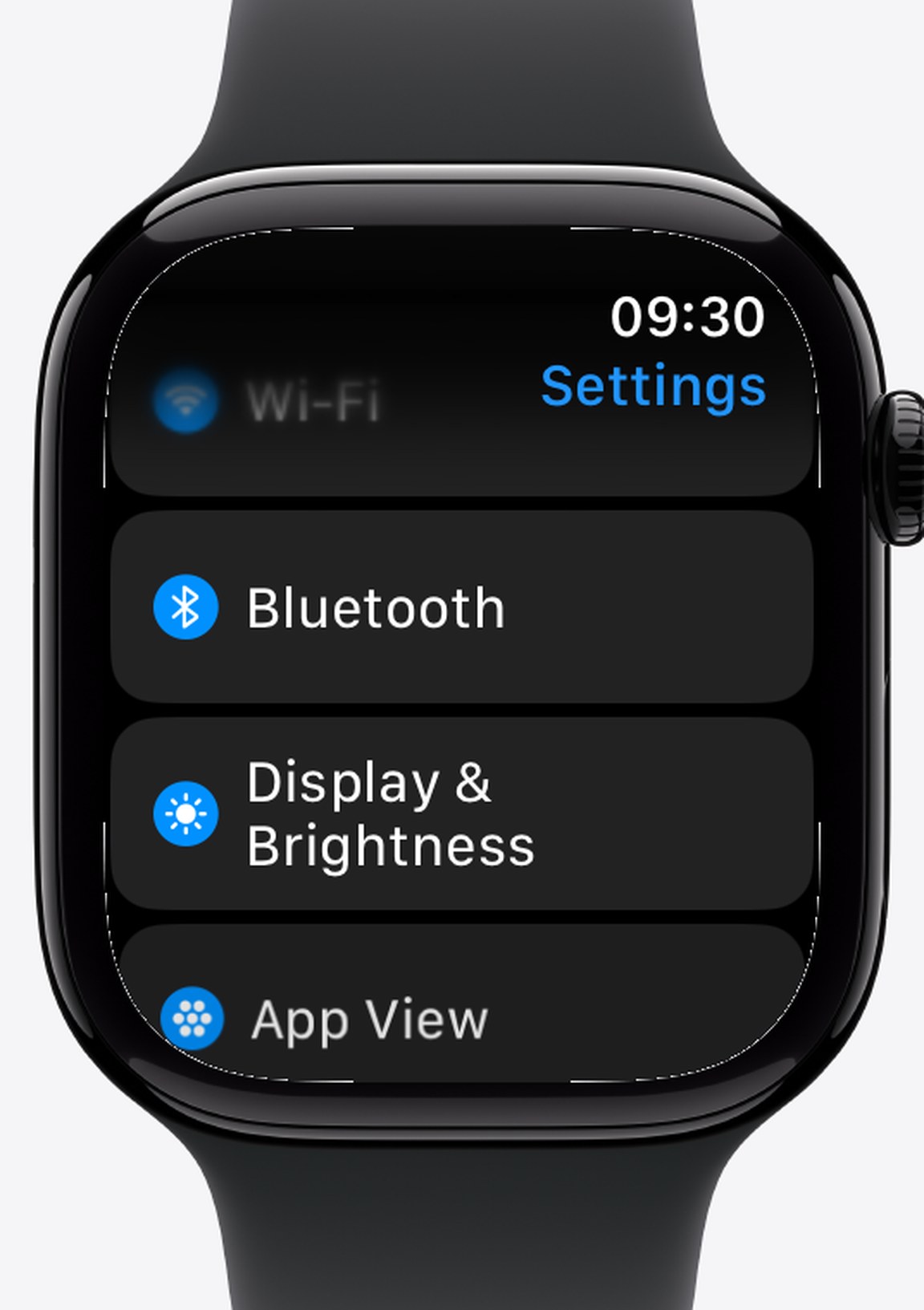
Red iPhone silhouette: no iPhone, but Wi-Fi may still work
The Watch and iPhone are out of Bluetooth range or Bluetooth is off. On a Wi-Fi or cellular Watch, many things keep working anyway. Check in this order:
- Airplane Mode on the Watch — swipe up into Control Center and look for the orange aeroplane.
- Bluetooth on the iPhone — in iOS Settings, not just Control Center, where it is only temporarily disabled.
- Distance — Bluetooth gives you roughly 10 metres through open air, far less through walls.
- Toggle both — turn Airplane Mode on the Watch on, wait ten seconds, turn it off.
Red X: no connection at all
Neither the iPhone nor a known Wi-Fi network is reachable. Beyond the steps above, check that the Wi-Fi network is one the Watch has joined before — it cannot join a new network on its own, and public networks with a sign-in page will not work.
If the icon never clears: restart, in order
Restart the iPhone first, then the Watch (hold the side button, drag Power Off, then hold the side button again). Restarting the iPhone alone fixes a surprising share of these, because the pairing session lives on the phone side.
When re-pairing is actually warranted
Only after the restarts fail and the icon persists across both devices. Unpairing backs the Watch up automatically and restoring that backup puts your settings and data back, but it takes time and re-downloads your apps — treat it as the last step, never the first.
Keep working without the iPhone
A disconnected Watch is not a dead one. Music and files saved to the Watch itself still play and open, workouts still track, and anything already downloaded is still there. That is the difference between content stored on the device and content streamed to it.
Q: What does the red X on my Apple Watch mean?
A: It has lost every connection — no iPhone and no known Wi-Fi network.
Q: Why is there a red iPhone icon on my watch face?
A: The Watch cannot reach your iPhone over Bluetooth. Check Airplane Mode, iPhone Bluetooth and distance.
Q: Will my Apple Watch still work if it is disconnected?
A: Yes for anything stored on the Watch — workouts, saved music and files, timers and the watch face.
Q: Should I unpair and re-pair to fix a connection problem?
A: Only as a last resort, after restarting both devices and checking Airplane Mode and Bluetooth.
The iWatchly apps keep files on the Watch itself, so a dropped connection does not take your documents, videos or music with it.
Read next
Restart, Force Restart or Unpair: Which Apple Watch Reset to Use
Three resets, three different jobs. Use the gentlest one that fixes your problem and keep your data.
3 min read
Apple Watch Battery Draining Fast? Six Settings to Check
Before you blame the battery, check Always On, workout GPS, background refresh and the notifications you never read. Each one is a known drain.
3 min read
Apple Watch Not Getting Notifications? Work Through This List
Notifications go to the iPhone or the Watch, never both. Six checks, in the order that finds the culprit fastest.
3 min read