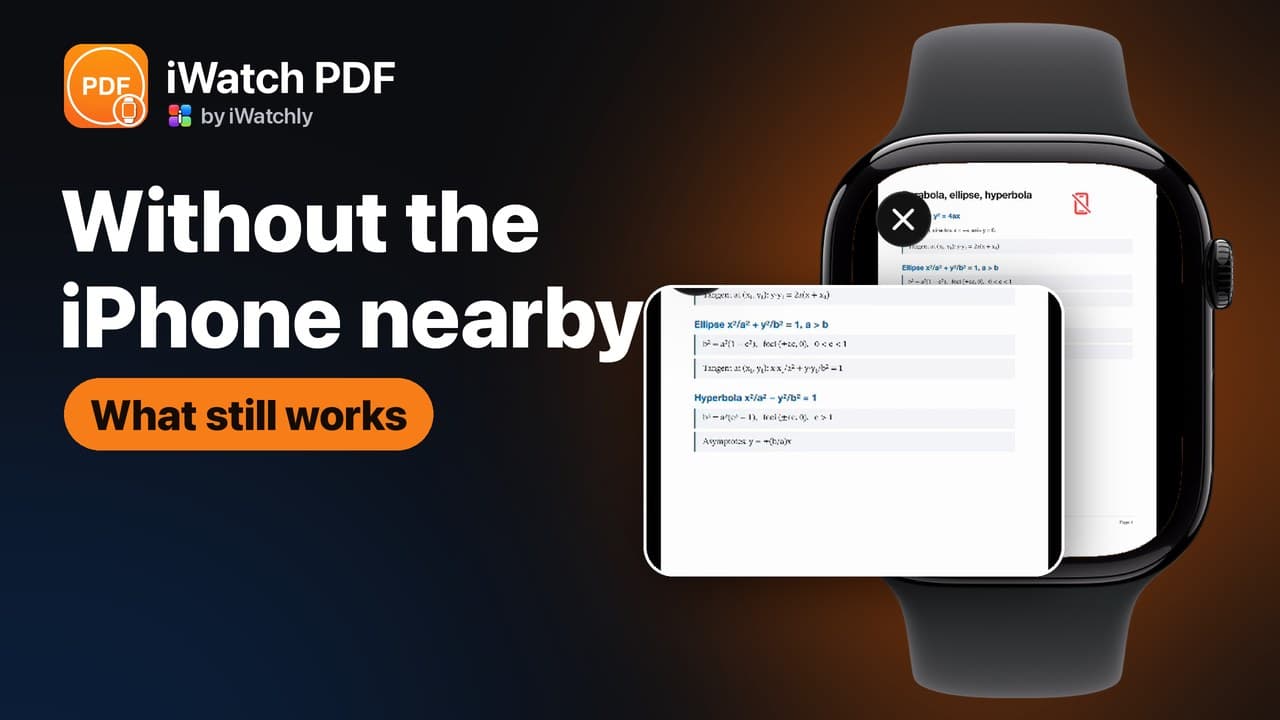
- Apple Watch without iPhone
- watchOS
- Apple Watch tips
- offline
Does Apple Watch Work Without an iPhone? What Actually Runs on the Wrist
By Kalyani Lokireddy
An Apple Watch does a great deal without an iPhone nearby — but the list splits three ways: things that work entirely on the Watch, things that need a network of their own, and things that quietly need the phone. Knowing which is which saves you finding out on a run.
Works with the phone off
- Time, alarms, timers, the stopwatch.
- Workout tracking, heart rate, activity rings.
- Anything already stored on the Watch: audio and video files you transferred, documents saved for offline reading, saved phrases.
- Apple Pay.
Needs a network, not a phone
On Wi-Fi, or on a cellular Watch with its own plan, these work while the phone stays at home:
- Messages and calls, on a cellular model.
- Weather, maps and anything that fetches fresh data.
- Translation, which sends text to a service and waits for the answer.
- Streaming, of any kind — including a video in your own library that was never downloaded to the Watch.
Usually needs the phone
- First-time setup of most apps, and signing into them.
- Importing files, which happens on the phone and then transfers.
- Buying anything: subscriptions are handled in the iPhone app through the App Store.
The practical rule
If a feature reads something that is already on the Watch, it will work with the phone off. If it has to fetch something, it needs a network. The trick is doing the fetching in advance: download the file, save the document, build the phrase book while you have Wi-Fi, and the wrist keeps working when you do not.
Frequently asked questions
Q: Can I leave my iPhone at home? A: For a walk or a run, yes — if what you want is stored on the Watch or you have a cellular model. Prepare before you go.
Q: Does a cellular Watch replace the phone? A: For messages, calls and fetching data, largely. For setting up apps and importing files, no.
Q: Why does my app say it needs the phone? A: Usually sign-in or a transfer. Once the data is on the Watch, the app generally keeps working without it.
Q: Does anything translate offline? A: No. Translation needs a connection, because the text is sent to a service to be translated.
Read next
How to Put Your Own Music on Apple Watch and Play It Without the Phone
Your own audio files — not a streaming subscription — stored on the Watch and played through AirPods with the iPhone left at home.
2 min read
How to Play Your Own Videos on Apple Watch Without an iPhone
A video can play on the Watch with the phone switched off — but only if it was saved to the Watch first. What works offline, and what does not.
3 min read
How to Make an Apple Watch Battery Last Two Days
Which settings cost the most, what Low Power Mode actually turns off, and the charging habit that keeps the battery healthy for years.
4 min read