- Apple Watch without iPhone
- watchOS
- Apple Watch music
- offline audio
How to Put Your Own Music on Apple Watch and Play It Without the Phone
By Kalyani Lokireddy
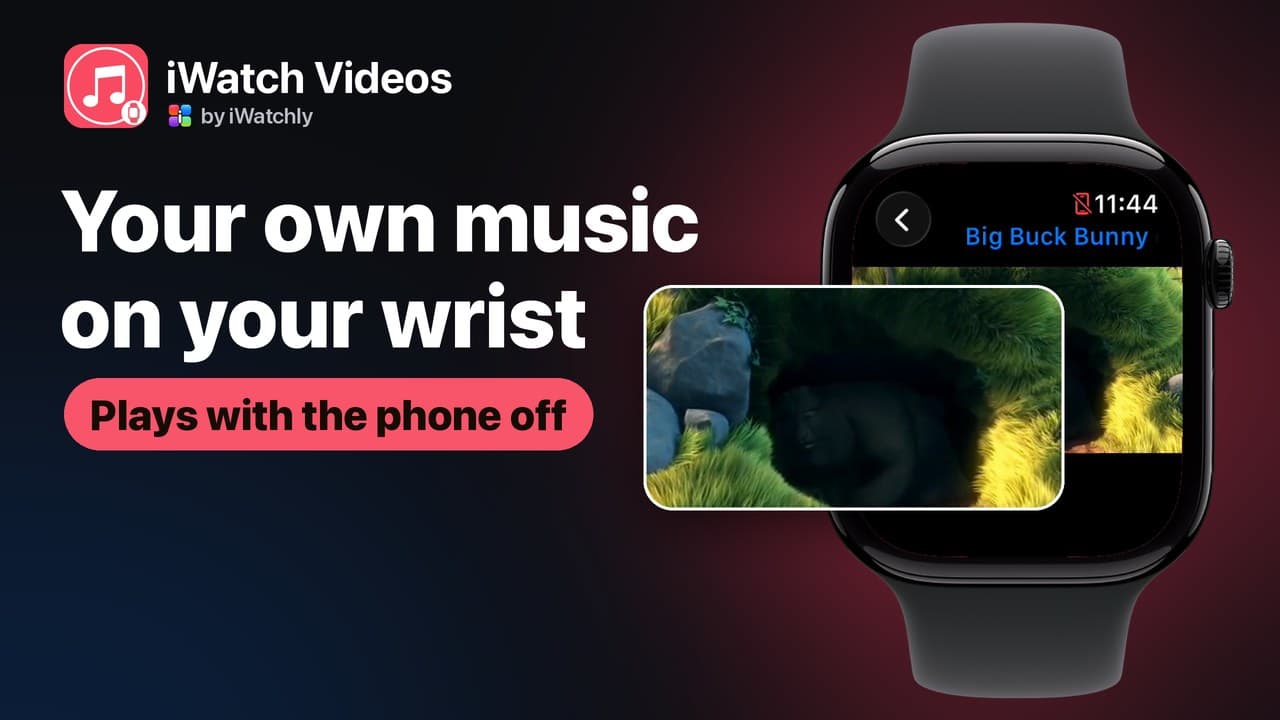
You can copy your own audio files onto an Apple Watch and play them with the iPhone switched off, through AirPods or any Bluetooth headphones. This is about files you own: a recording, a practice track, a podcast episode you downloaded, an audiobook chapter. It is not a way to take a streaming subscription offline.
The three steps
- Add the file on the iPhone. In iWatch Videos, import audio from Files or Photos, or record it in the app.
- Save it to the Watch. Turn on Keep on Apple Watch, or tap Save to Watch on the Watch itself. A copy transfers; the item is marked On Apple Watch when it is really there.
- Leave the phone behind and press play. Sound goes to headphones paired with the Watch.
Why bother, when streaming apps exist
- A run without a phone. No signal needed, nothing in a pocket.
- Recordings that are not in any catalogue: a rehearsal, a lecture, a language drill, a child's voice message.
- Flights and dead spots. A file on the Watch does not care about coverage.
How much fits
Watch storage is small, so treat it as a shelf rather than a library. The free plan keeps three items in your library, three on each Apple Watch, and 500 MB of storage. Pro removes the item limits and raises the storage, and is sold only inside the iPhone app through the App Store.
What will not work
- Music from a streaming service. The app plays files you own and import; it does not download or convert media from other services.
- Playing something you never transferred. Items left in the cloud need a connection.
- Sound without headphones. Pair AirPods or another Bluetooth set with the Watch.
Frequently asked questions
Q: Do I need the iPhone nearby to listen? A: No, once the file is stored on the Watch. The phone is only needed to add it in the first place.
Q: What formats can I import? A: Ordinary audio and video files from Files or Photos, plus recordings made in the app.
Q: Can I keep a whole album on the Watch? A: On the free plan, three items. Beyond that it is Pro, and then Watch storage is the real limit.
Q: Does it need a subscription to play? A: No. Playing what you already added is free; the limits are on how much you keep.
Read next
Does Apple Watch Work Without an iPhone? What Actually Runs on the Wrist
What keeps working when the phone is off, what needs Wi-Fi, and what quietly stops — a plain list, without the marketing.
2 min read
How to Play Your Own Videos on Apple Watch Without an iPhone
A video can play on the Watch with the phone switched off — but only if it was saved to the Watch first. What works offline, and what does not.
3 min read
Can You Read a PDF on Apple Watch Without Your iPhone?
Yes — but only if the document was saved to the Watch first. Here is what works with the phone out of range, and what quietly does not.
5 min read