- Apple Watch without iPhone
- offline audio
- iWatch Videos
- Apple Watch audiobooks
Audiobooks on Apple Watch: Apple Books, Audible and Your Own MP3s
By Kalyani Lokireddy
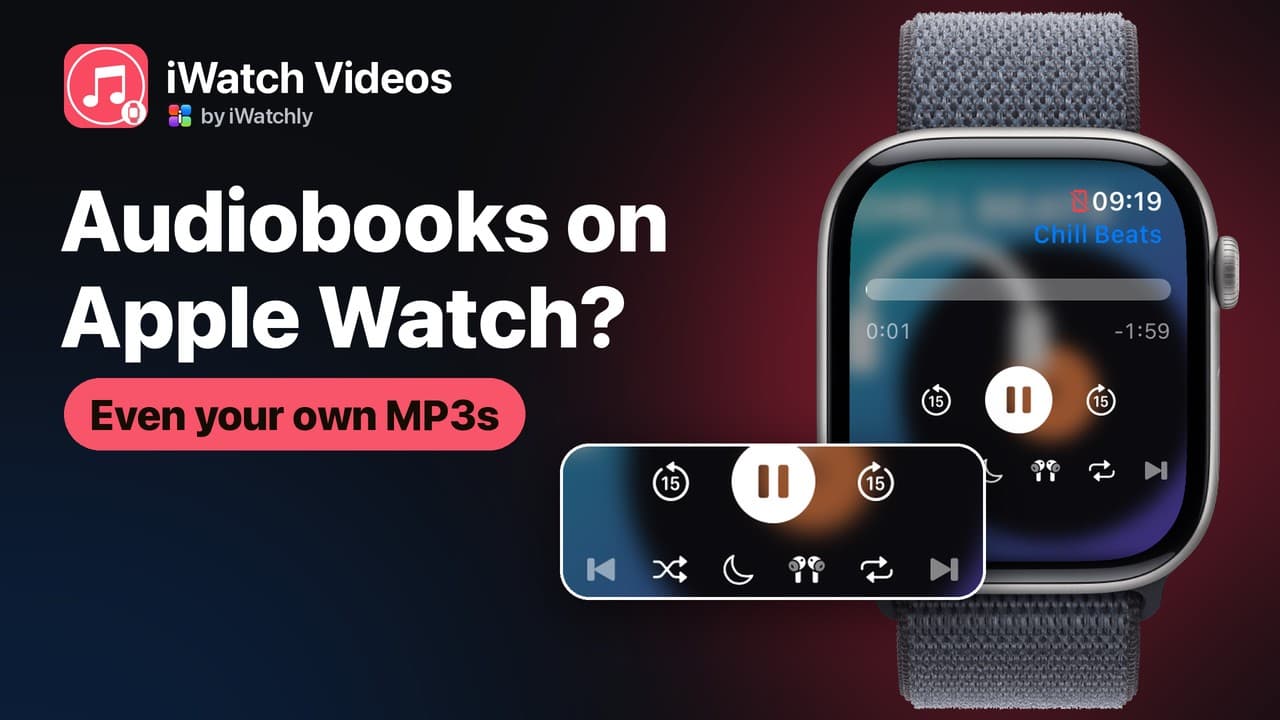
You can listen to audiobooks on Apple Watch without your iPhone, but how depends on where the book came from. Apple Books titles sync to the watch's Audiobooks app, and Audible has its own watch app. A book you own as plain files, like a LibriVox download, a DRM-free purchase or a recorded lecture, needs a third-party app such as iWatch Videos. Whichever route you use, listen through AirPods or other Bluetooth headphones paired with the watch.
How do Apple Books audiobooks get onto the watch?
Per Apple's guide, while the watch is on its charger and has room, it syncs the book you are listening to, your Want to Read list, and up to five hours of each audiobook you add. To add one, open the Apple Watch app on the iPhone, then go to My Watch › Apps › Audiobooks › Add Audiobook. On the watch, open Audiobooks and tap a cover.
What about MP3 audiobooks you already own?
The Audiobooks app plays only your Apple Books library, so plain MP3 or M4A files need another app. In iWatch Videos:
- On the iPhone, import the files from Files.
- Turn on Keep on Apple Watch, or tap Save to Watch on the watch. The file is copied to the watch.
- Leave the phone at home and press play. The book plays from the watch's own storage, even when the watch shows the red disconnected icon.
Will it remember where I stopped?
Yes. The watch saves your place in each item every 15 seconds and picks up from there next time. If you stop in the last 15 seconds, it starts again from the beginning. The "Last played" widget in the Smart Stack resumes with one tap. The player has 15-second skips, and a sleep timer (15, 30 or 60 minutes, or the end of the current file) for listening in bed. Speed (0.75× to 2×) is set in the iPhone player.
What are the limits?
- Headphones. With AirPods connected, playback continues with the screen off. With no headphones connected, sound comes from the watch speaker, and only while the app is open.
- Each file is one item. The free plan keeps three items on each watch and 500 MB of storage, so a book split into 40 chapter files needs Pro or a single combined file. Pro is sold only in the iPhone app, through the App Store.
- No store downloads. It plays files you add yourself. It cannot unlock DRM-protected books from other stores.
Frequently asked questions
Q: Can I listen to audiobooks on Apple Watch without my phone? A: Yes, once the book is stored on the watch, whether it came from Apple Books, Audible or your own files.
Q: Do I need AirPods? A: For Apple's Audiobooks app, yes. In iWatch Videos, the watch speaker works while the app is open.
Q: Does iWatch Videos play Audible books? A: No. Use Audible's own watch app for those.
iWatch Videos is on the App Store. For music files, see Add your own music to Apple Watch.
Read next
Add Your Own Music to Apple Watch and Play It Phone-Free
Your own audio files — not a streaming subscription — stored on the Watch and played through AirPods with the iPhone left at home.
2 min read
Can You Watch Videos on an Apple Watch? Yes — Here's How
Yes — with the right app. Add your own videos on the iPhone, save them to the watch, and they play on your wrist even with the phone left at home.
2 min read
Play a Playlist on Apple Watch Without Your iPhone
Make a playlist in iWatch Videos on the iPhone, save it to the Watch, and play it with the phone left at home.
2 min read