- iWatch Videos
- sleep timer
- Apple Watch audio
- audiobooks
A Sleep Timer on Apple Watch for Audiobooks and Lectures
By Kalyani Lokireddy
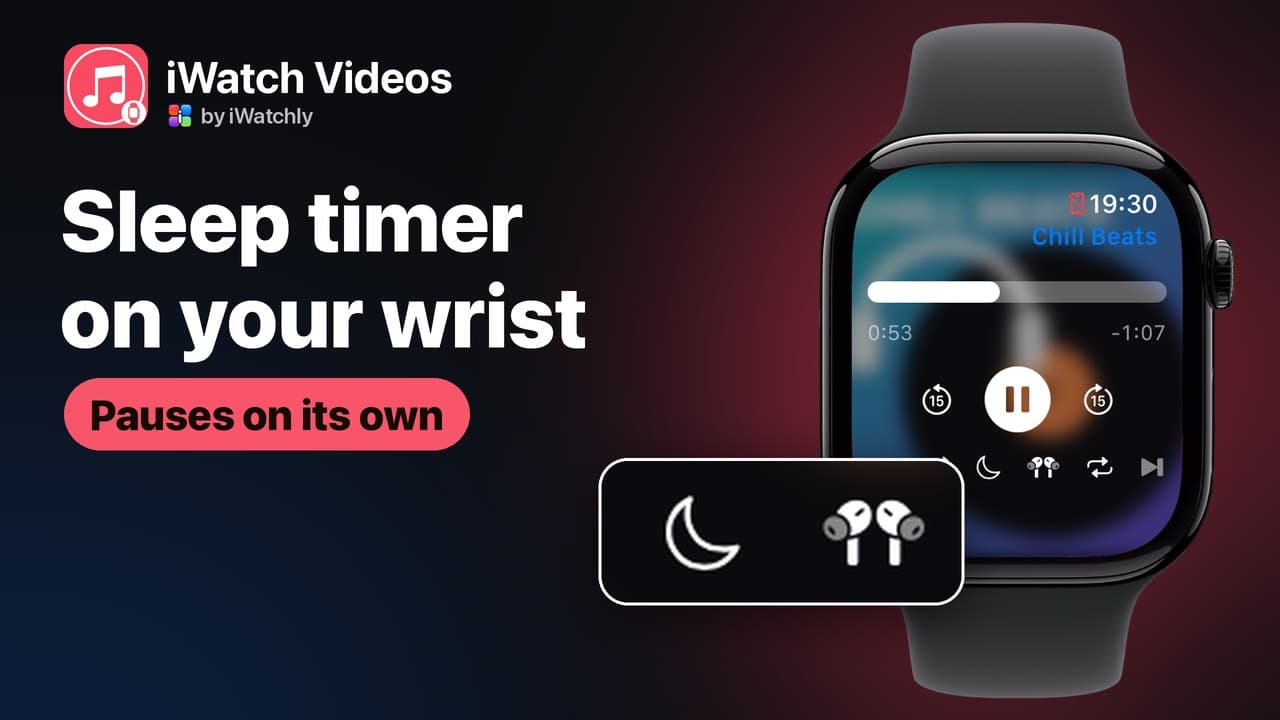
iWatch Videos has a sleep timer on the Apple Watch player: tap the moon and choose 15, 30 or 60 minutes, or End of item, and playback pauses on its own. It is made for falling asleep to an audiobook chapter, a lecture or a long recording without losing your place or listening all night.
It works on audio files you have added to iWatch Videos yourself, such as an audiobook you own, a lecture recording or a podcast episode saved as a file. The app does not stream or download from other services.
How do I set the sleep timer on the Watch?
- Start the recording on the Watch.
- Tap the moon in the row of controls under the play button.
- Choose a time: Off, 15 minutes, 30 minutes, 60 minutes or End of item.
The moon fills in while a timer is running. When it runs out, playback pauses and the timer switches itself off, so it does not catch you out the next night.
What does End of item do?
It lets the current chapter or recording finish, then pauses instead of moving on to the next one. It wins over repeat: with End of item set, a looping track still stops at its end.
Will I lose my place?
No. The player pauses rather than stopping, and iWatch Videos remembers where you were once you are more than ten seconds in. The exception is the last fifteen seconds: an item that close to the end counts as finished and starts again from the beginning next time.
What do the repeat and shuffle buttons do?
- Repeat cycles through three settings: off, repeat all (the queue starts again after the last item) and repeat one (the current item loops). The icon turns to the accent colour when repeat is on, and shows a small 1 for repeat one.
- Shuffle plays the queue in a random order.
- Skip back and forward jump 15 seconds, useful for finding the sentence you dozed through.
Does the iPhone have it too?
Yes, with more choices: 5, 15, 30, 45 and 60 minutes and End of item, alongside playback speed from 0.75× to 2×. On the Watch, the sleep timer sits in the audio player; the full-screen video player has no timer.
Frequently asked questions
Q: Does the sleep timer need the iPhone nearby? A: No. If the recording is saved to the Watch, the timer and playback run on the Watch alone, through headphones paired with it.
Q: Is the sleep timer part of Pro? A: No. It is in the player for everyone. The free plan limits how many items you keep, three on each Apple Watch, not what the player can do.
Q: Can I use it with a podcast app? A: No. It controls playback inside iWatch Videos, so it works on episodes you have saved as audio files and added to the app.
Q: What happens when the timer ends? A: Playback pauses, the moon empties and your position is kept for next time.
Read next
Record Your iPhone Screen and Watch It Later on Apple Watch
Capture a clip from your iPhone screen, with its sound, and keep it on your Apple Watch for when the phone is not in your hand.
2 min read
Starred PDFs: Find Your Most-Used Files Fast on Apple Watch
Star a PDF in iWatch PDF on the iPhone and it waits under Starred on your Apple Watch, sorted A to Z, two taps from the home screen.
2 min read
Translate a Menu or a Sign With Your iPhone Camera
Point the camera at printed text, and Translate Now reads it and translates it — useful for menus, signs, labels and forms.
2 min read