- offline playback
- iWatch Videos
- Apple Watch audio
- Apple Watch playlists
Play a Playlist on Apple Watch Without Your iPhone
By Kalyani Lokireddy
Make the playlist in iWatch Videos on the iPhone, save its items to the Watch, then tap Play on the Watch. Saved items play from the Watch itself, so the iPhone can stay at home. Getting playlists onto the Watch needs iWatch Videos Pro.
How do I make a playlist?
- On the iPhone, open Playlists and tap +. Name it and tap Save.
- Open an item in your Library, tap Add to playlist and tick the playlist.
- To reorder, open the playlist and tap Edit. The Watch plays in this order.

How do I put it on the Watch?
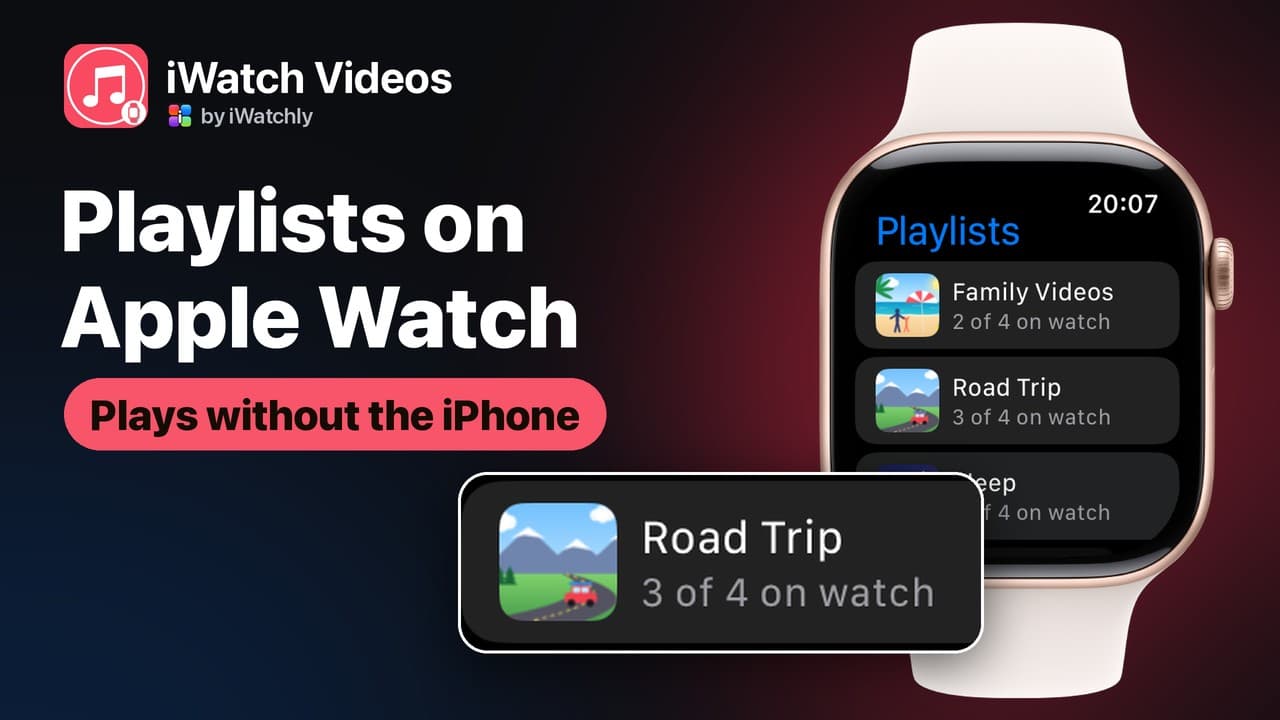
On the Watch, a Playlists row appears at the top of the Library. Each playlist shows how much of it is saved, for example "3 of 4 on watch".

Wrist photo by Anastasiya Badun on Unsplash, with a real iWatch Videos screen capture placed on the display.
Save the rest before you leave, either way:
- iPhone: open the item and switch on Keep on Apple Watch.
- Watch: swipe left on the item and tap Save to Watch.
How do I play it without the iPhone?
- Connect AirPods or other Bluetooth headphones to the Watch.
- Open the playlist and tap Play, or Shuffle.
Play and Shuffle use only the saved items. An unsaved item can still stream, but only while the Watch has its own Wi-Fi or cellular connection. The player also has repeat and a sleep timer.
What does the free plan include?
Free: playlists on the iPhone only, and up to three items saved on each Watch. Pro: playlists on the Watch, and no item limit beyond the Watch's storage.
Frequently asked questions
Q: Does the iPhone need to be nearby? A: No. Saved items play from the Watch alone, through headphones paired with it.
Q: Why does my playlist say 2 of 4 on watch? A: Only two of its items are saved. Play skips the rest until you save them.
Q: Can I edit a playlist on the Watch? A: No. Create, reorder and delete on the iPhone; the Watch plays and saves.
iWatch Videos plays files you add yourself; it does not download from other services.
Read next
A Sleep Timer on Apple Watch for Audiobooks and Lectures
Set iWatch Videos to pause after 15, 30 or 60 minutes, or at the end of the chapter, straight from the Apple Watch player.
3 min read
Record Your iPhone Screen and Watch It Later on Apple Watch
Capture a clip from your iPhone screen, with its sound, and keep it on your Apple Watch for when the phone is not in your hand.
2 min read
How to Play Your Own Videos on Apple Watch Without an iPhone
A video can play on the Watch with the phone switched off — but only if it was saved to the Watch first. What works offline, and what does not.
3 min read