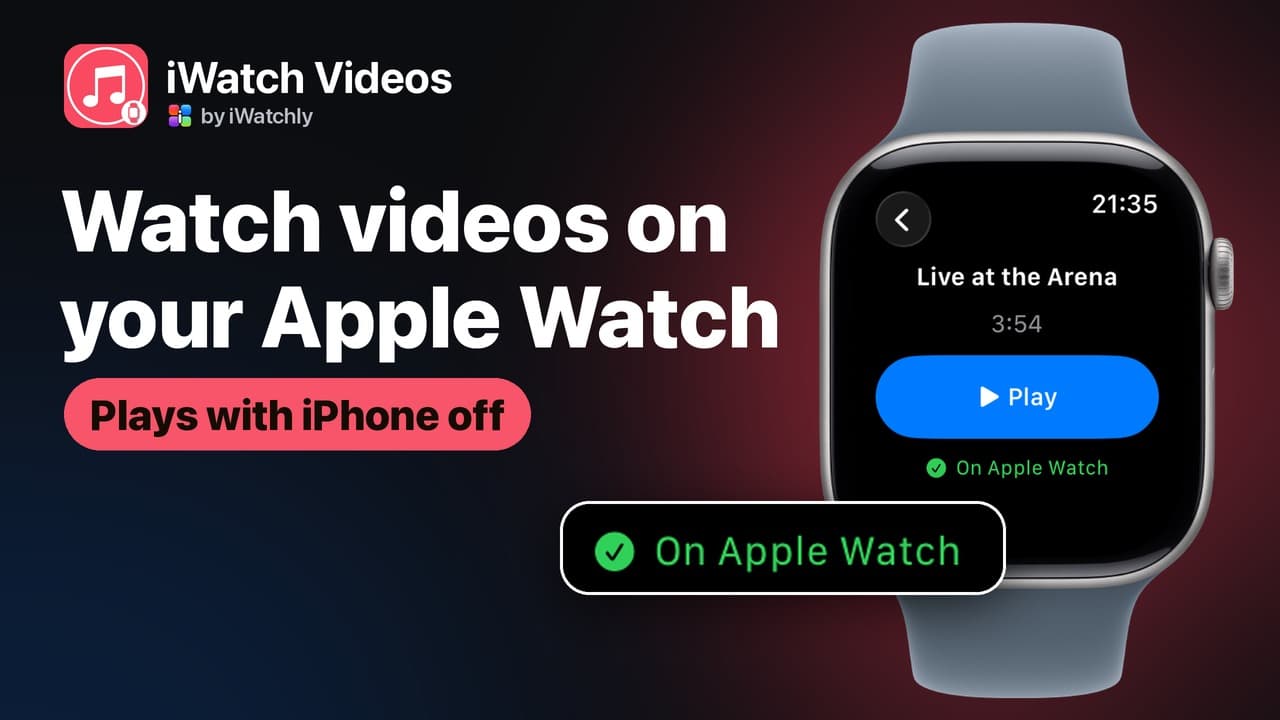
- Apple Watch video
- offline playback
- iWatch Videos
- watch videos on Apple Watch
Can You Watch Videos on an Apple Watch? Yes — Here's How
By Kalyani Lokireddy
Yes, you can watch videos on an Apple Watch — the screen plays full-motion video with sound. What the watch lacks is a way to get videos onto it: there is no YouTube or Netflix app for watchOS, so you add your own files with an app such as iWatch Videos. Once a video is saved to the watch, it plays from the watch's own storage, with the iPhone switched off or left at home.
How do videos get onto the watch?
- In iWatch Videos on the iPhone, add videos from your Photos library (up to ten at a time) or from Files — MP4 and QuickTime movies, plus audio such as MP3 and M4A.
- Each file gets a watch-friendly copy automatically (H.264 MP4, up to 480p), so you never convert anything yourself.
- On the watch, swipe left on an item and tap Save to Watch — or switch on Keep on Apple Watch on the iPhone and the download happens by itself.

Does it work without the iPhone?
Yes. A saved video plays from the watch itself, so it keeps playing when the phone is off, out of range, or the watch shows the red disconnected icon. An item you have not saved can still play, but it streams from your cloud library over the watch's own Wi-Fi or cellular — the iPhone is not involved either way.
What is playback like?
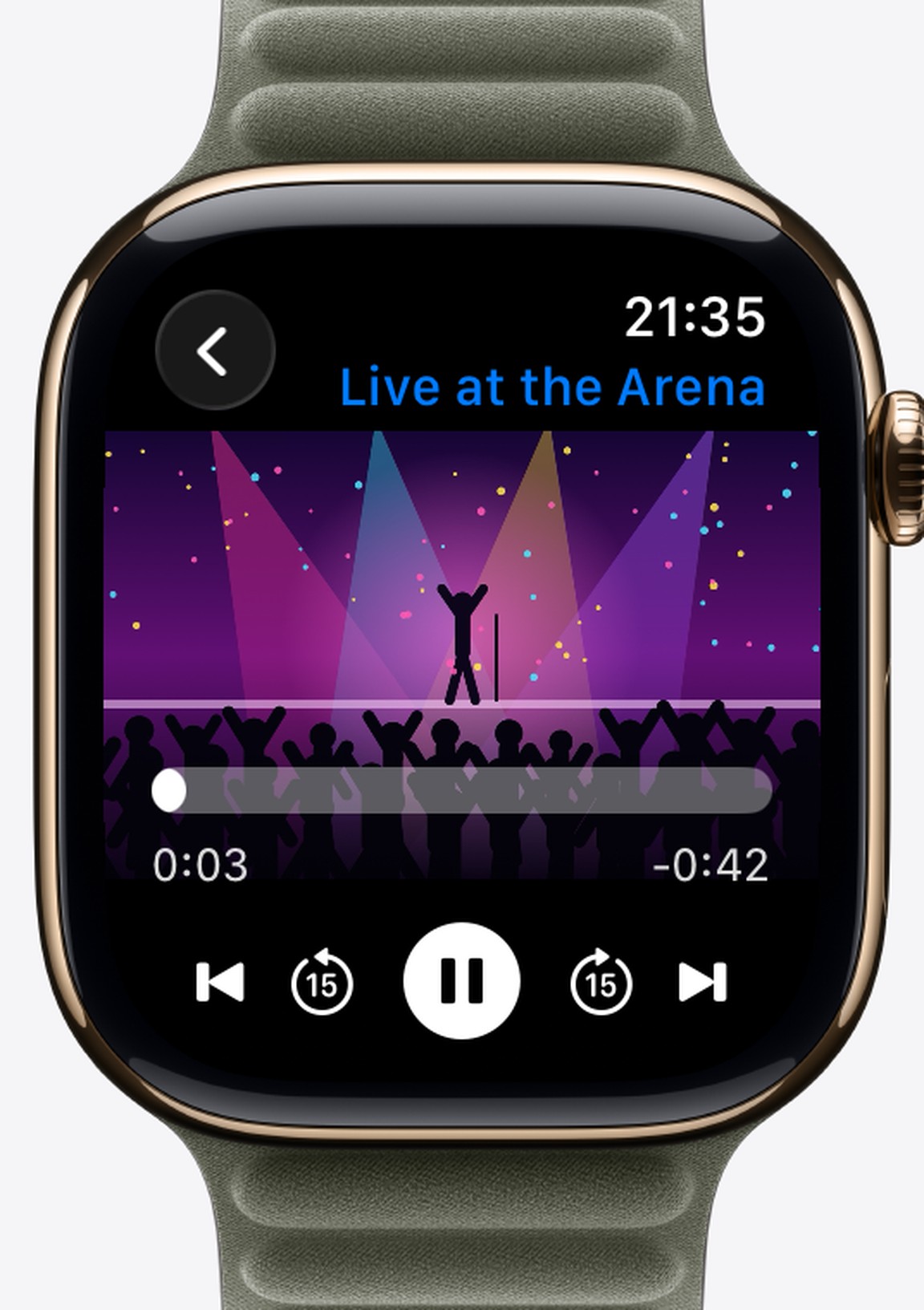
The video fills the screen, and a tap brings up the controls: play and pause, 15-second skips in both directions, and previous and next when you play a playlist. There is no scrub bar to drag — you move in 15-second steps. Sound comes from the watch's speaker or from Bluetooth headphones paired with the watch.
What can't it do?
iWatch Videos plays files you add yourself. It does not download from YouTube, Netflix or any other service, and watchOS has no browser to stream them in. The free plan keeps three items on each watch; saving more is part of Pro.
Frequently asked questions
Q: Do videos play sound on the Apple Watch? A: Yes — through the watch's own speaker, or through headphones paired with the watch.
Q: What video formats can I add? A: Anything iOS recognises as video or audio: MP4, QuickTime (MOV), MP3, M4A. The app makes the watch-friendly copy itself.
Q: Does streaming use the iPhone's connection? A: No. Unsaved items stream over the watch's own Wi-Fi or cellular; saved items need no connection at all.
iWatch Videos is on the App Store. For the step-by-step on leaving the phone behind, see Play videos on Apple Watch without your iPhone.
Read next
Play a Playlist on Apple Watch Without Your iPhone
Make a playlist in iWatch Videos on the iPhone, save it to the Watch, and play it with the phone left at home.
2 min read
Record Your iPhone Screen and Watch It Later on Apple Watch
Capture a clip from your iPhone screen, with its sound, and keep it on your Apple Watch for when the phone is not in your hand.
2 min read
How to Play Your Own Videos on Apple Watch Without an iPhone
A video can play on the Watch with the phone switched off — but only if it was saved to the Watch first. What works offline, and what does not.
3 min read