- watchOS 27
- Apple Watch health
- sleep score
- sleep tracking
Apple Watch Sleep Tracking: How to Set It Up and Read the Results
By Kalyani Lokireddy
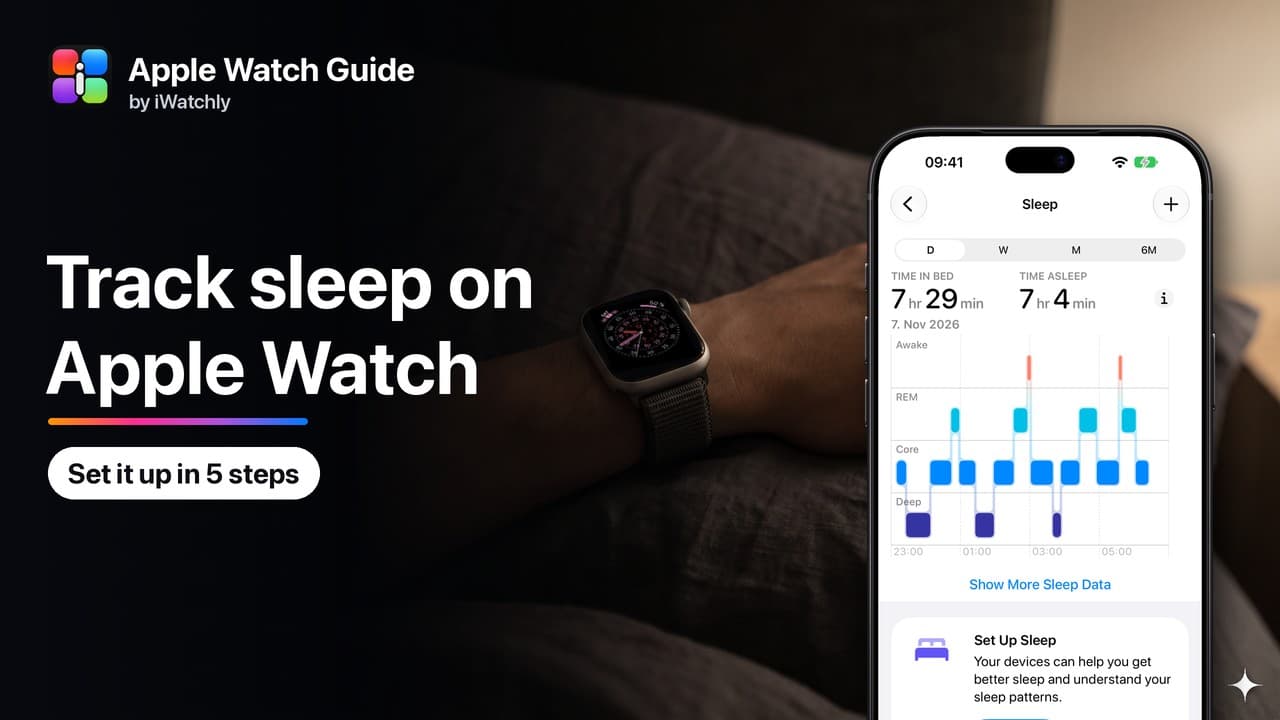
To track sleep on Apple Watch, set up Sleep in the Health app on your iPhone and turn on Track Sleep with Apple Watch. Then wear the watch to bed with at least 30% battery. The next morning, the Sleep app shows how long you slept, your sleep stages and a Sleep Score out of 100.
How do I set up sleep tracking?
- On your iPhone, open Health, tap Get Started under Set Up Sleep, then tap Next.
- Choose a sleep goal, a bedtime and a wake-up time.
- Turn on Sleep Focus so your phone and watch go quiet at bedtime.
- Turn on Track Sleep with Apple Watch.
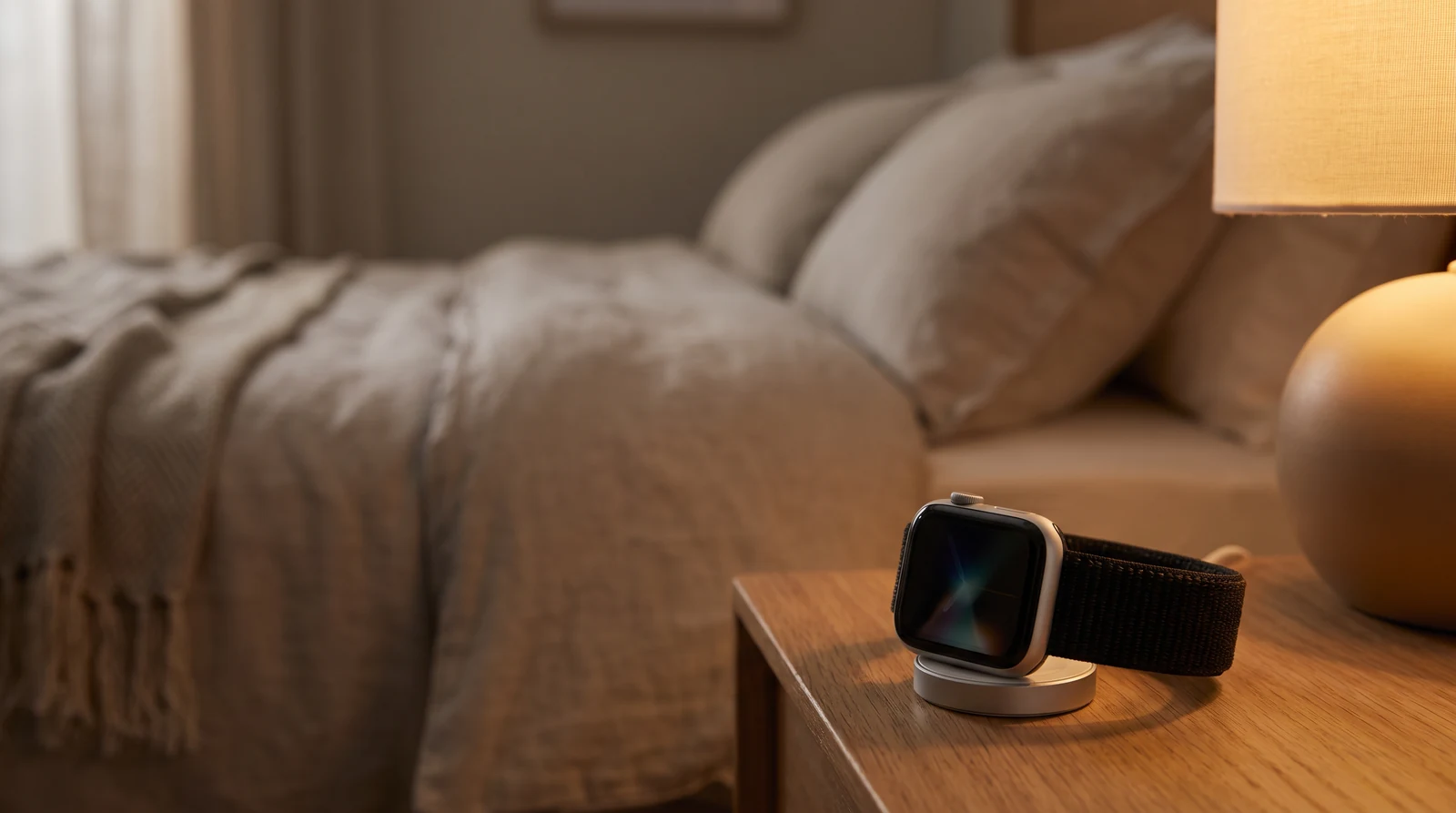
- In the Watch app, go to My Watch › Sleep and turn on Charging Reminders. The watch then reminds you to charge before bedtime.
What does the watch record overnight?
It records how long you were asleep and the time you spent in each stage: Awake, REM, Core and Deep. It also measures your heart rate and breathing rate while you sleep. Series 8 and later, the SE 3 and every Ultra also record wrist temperature.
On a Series 9 or later, an Ultra 2 or later, or the SE 3, the watch can also send sleep apnea notifications. It looks for breathing disturbances over 30 days. A notification is a reason to talk to a doctor, not a diagnosis. The feature is for adults 18 and older who have not been diagnosed with sleep apnea.
What is a good Sleep Score?
Anything from 81 to 95 is High, and 96 or more is Very High. OK is 61 to 80, Low is 41 to 60 and Very Low is 40 or below. The score has three parts: up to 50 points for how long you slept, 30 for going to bed at a regular time, and 20 for how little you woke up. Here is how each part is scored.
How much deep sleep do you need?
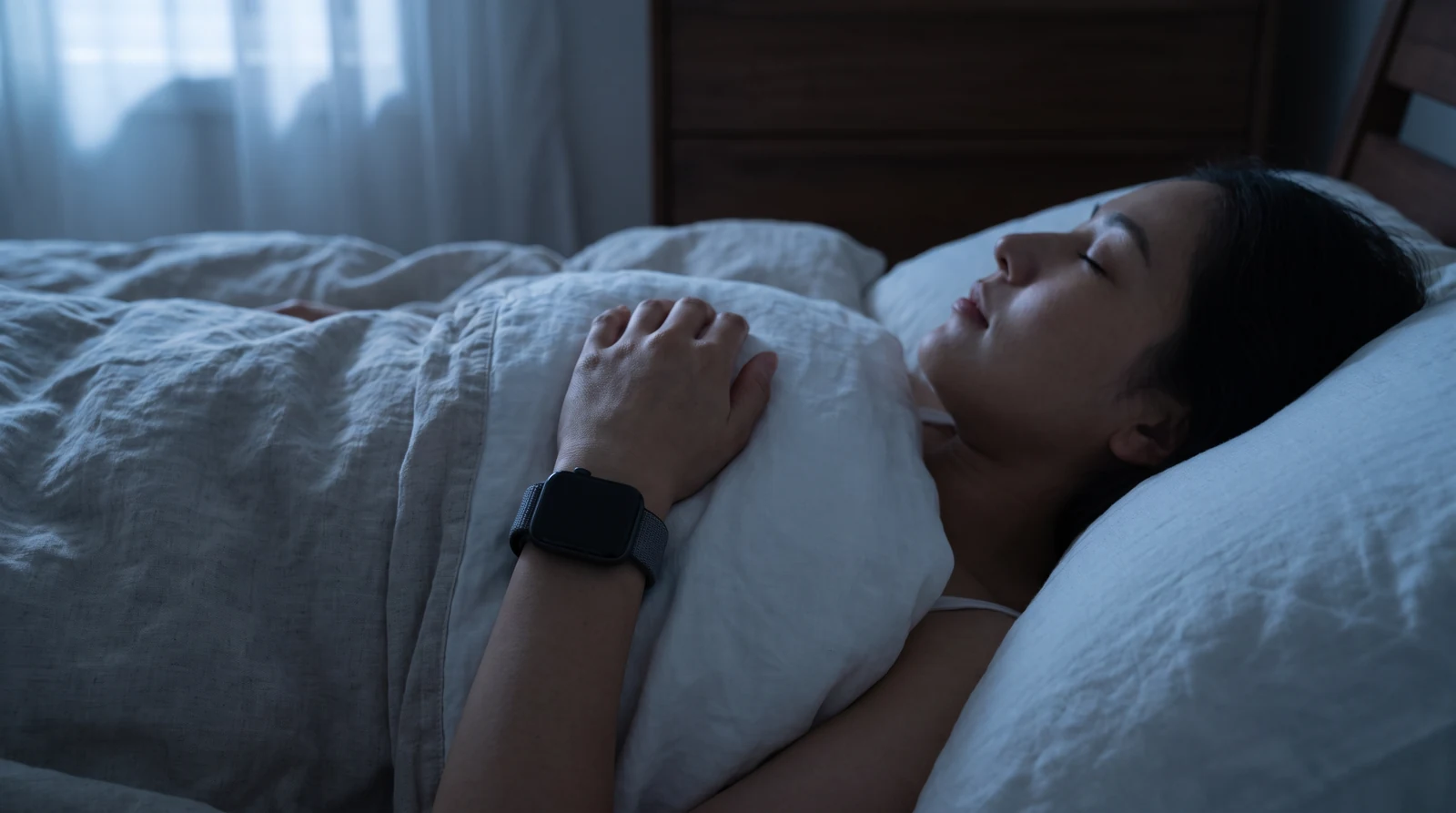
The Sleep Foundation says adults usually spend 10 to 20% of the night in deep sleep. That is about 40 to 110 minutes over seven to nine hours. A watch estimates stages, so compare weeks, not single nights.
Which Apple Watch is best for sleep?
All three current models give you the Sleep Score and sleep apnea notifications. The real difference is battery life. The SE 3 lasts up to 18 hours, so top it up while you shower: 15 minutes adds up to eight hours. The Series 12 lasts up to 24 hours, and the Ultra 4 up to 50, so it can track two nights between charges. The Series 12 and Ultra 4 also add a daily Readiness score that uses your Sleep Score. Unsure? Answer five questions.
Q: Why didn't my watch record my sleep? A: Track Sleep with Apple Watch must be on, the battery at least 30% at bedtime, and the watch worn for an hour or more.
Q: Can I see my Sleep Score on the watch face? A: Yes. Add the Sleep complication, or look in the Smart Stack in the morning.
Q: Is a Low Sleep Score a health problem? A: Not by itself. Look at the trend over two weeks, start with sleep duration, and talk to a doctor if poor sleep goes on.
Read next
Oura Ring vs Apple Watch: Which One Should You Wear?
Compare price, battery, sleep accuracy, health alerts and the monthly fee, then pick the one that fits how you actually live.
3 min read
WHOOP vs Apple Watch: Which One Should You Wear?
Compare price, battery, sleep and recovery scores and health alerts, then pick the one that fits how you actually live.
3 min read
Apple Watch Sleep Score and Hypertension Notifications, Explained
How the nightly score is built from three parts, what a hypertension alert does and does not mean, and which watches can do each.
4 min read