Blog
Guides and honest verdicts on using an Apple Watch for reading, studying and working — without reaching for your phone.
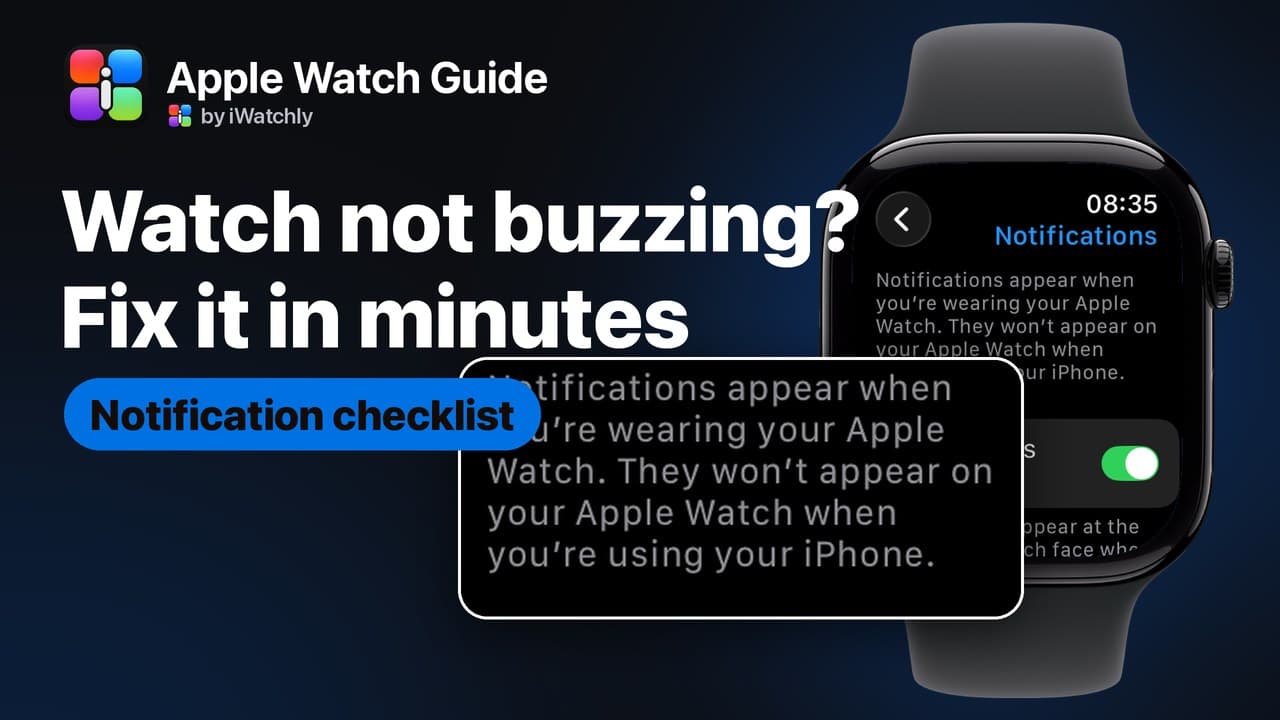
Apple Watch Not Getting Notifications? Six Things to Check
Notifications go to the iPhone or the Watch, never both. Six checks, in the order that finds the culprit fastest.
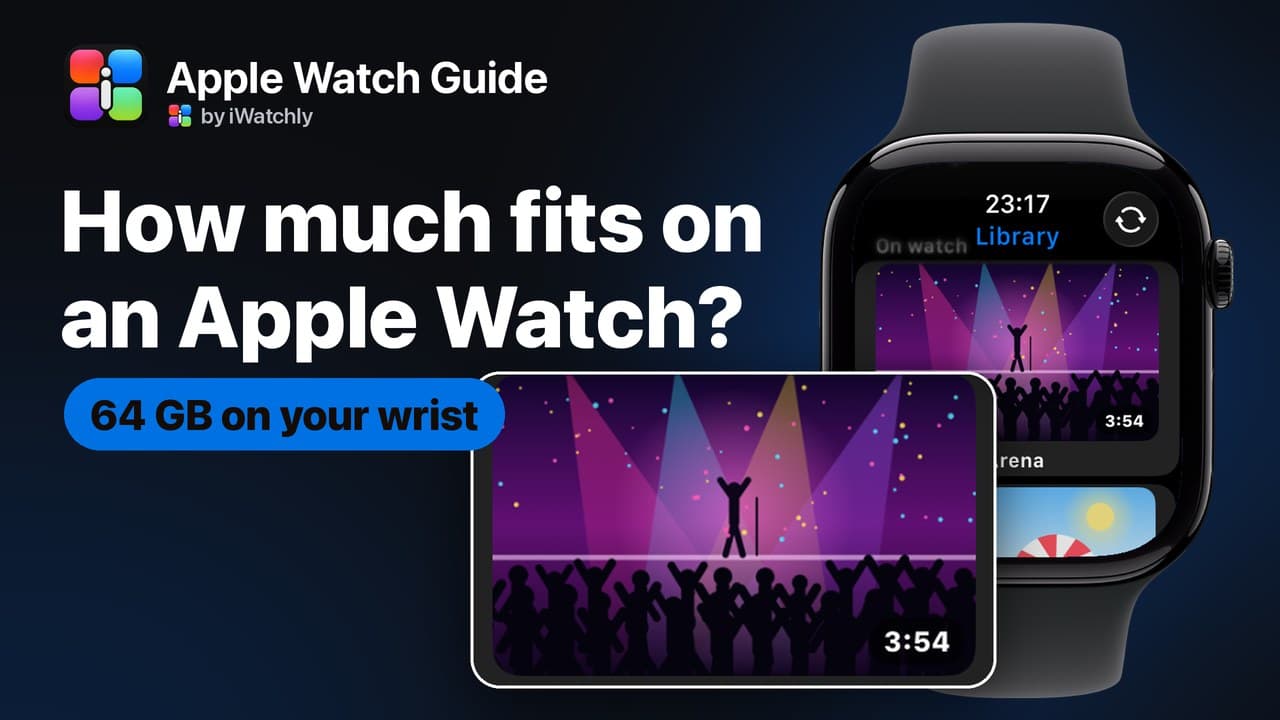
Apple Watch Storage: What Fits in 64 GB and How to Free It
Every current Apple Watch has 64 GB. Here is how to see what is using it, and what that space holds in music, films, photos and PDFs.
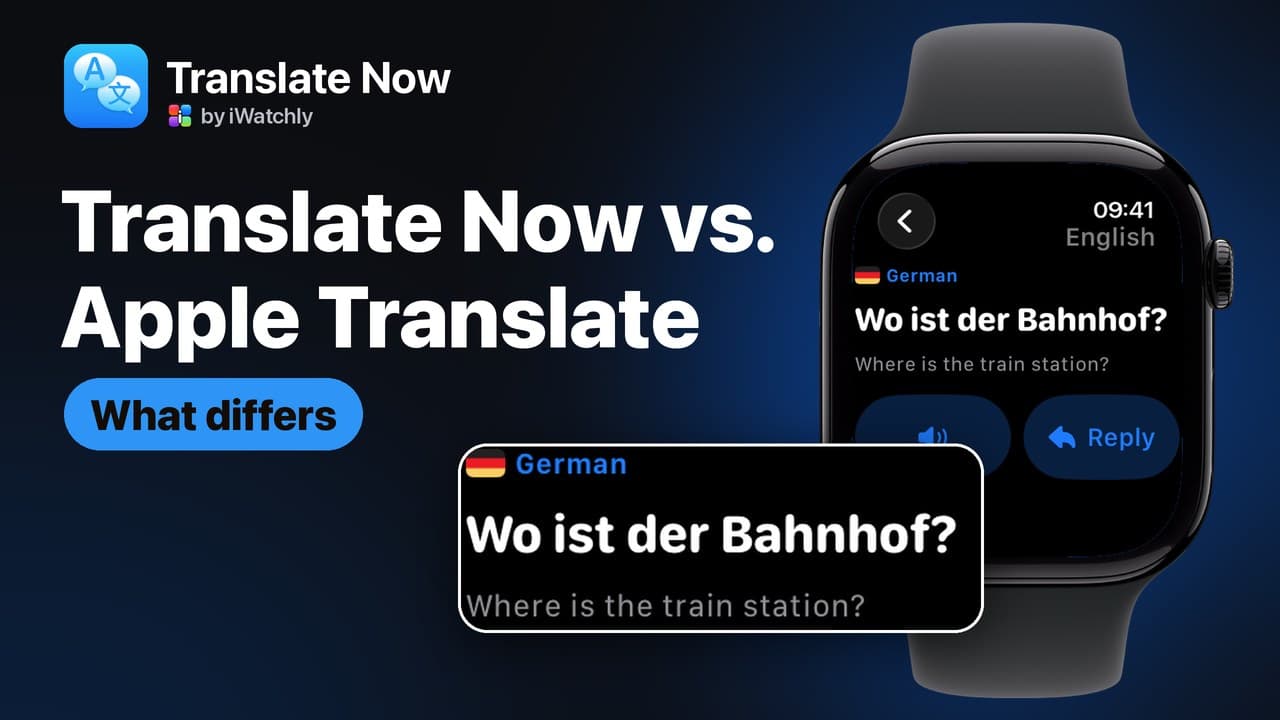
Translate Now vs. the Built-in Translate App: What Differs
Apple's Translate is free and works offline. Translate Now covers 29 languages, phrase books on the Watch and a Reply button, and needs a connection.
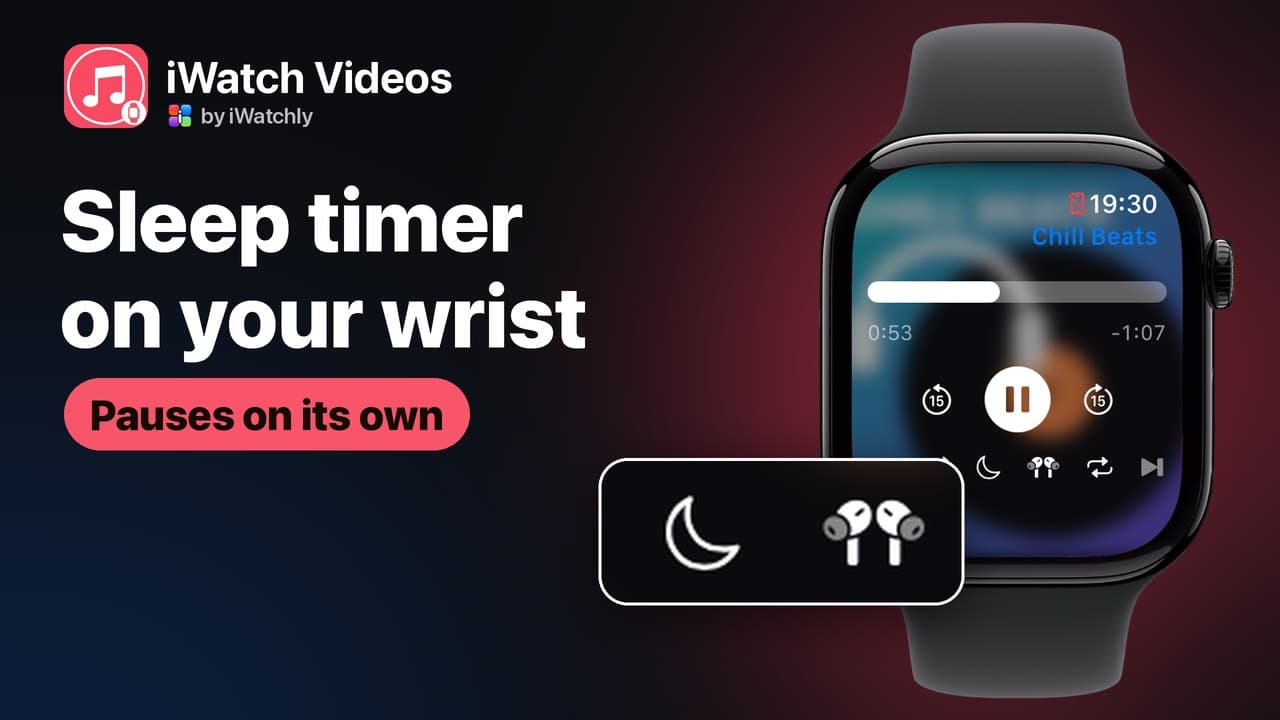
A Sleep Timer on Apple Watch for Audiobooks and Lectures
Set iWatch Videos to pause after 15, 30 or 60 minutes, or at the end of the chapter, straight from the Apple Watch player.
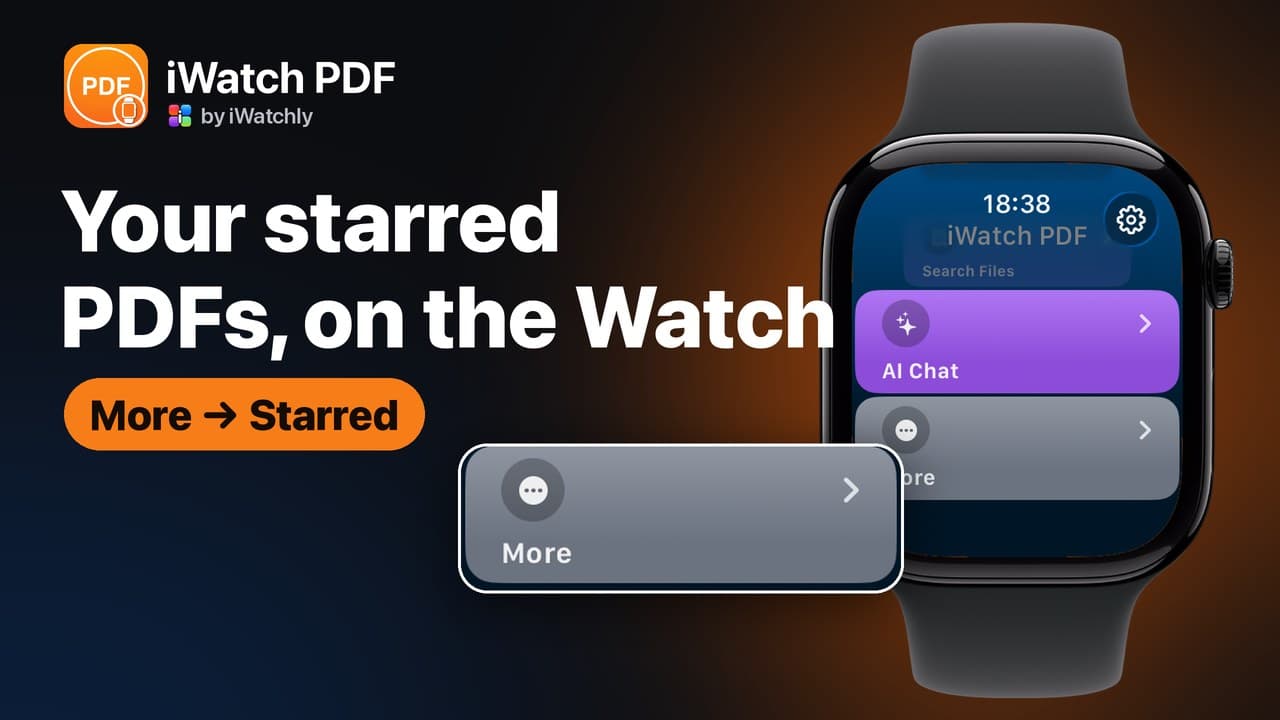
Starred PDFs: Find Your Most-Used Files Fast on Apple Watch
Star a PDF in iWatch PDF on the iPhone and it waits under Starred on your Apple Watch, sorted A to Z, two taps from the home screen.
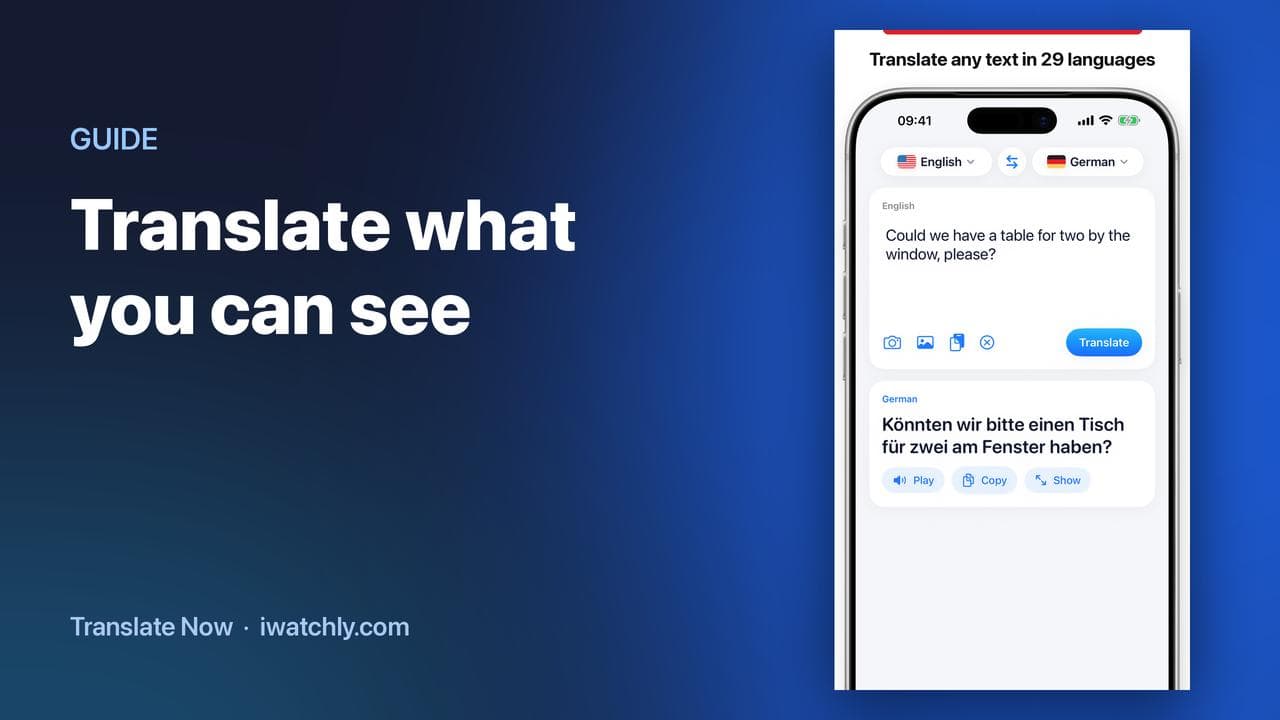
Translate a Menu or a Sign With Your iPhone Camera
Point the camera at printed text, and Translate Now reads it and translates it — useful for menus, signs, labels and forms.
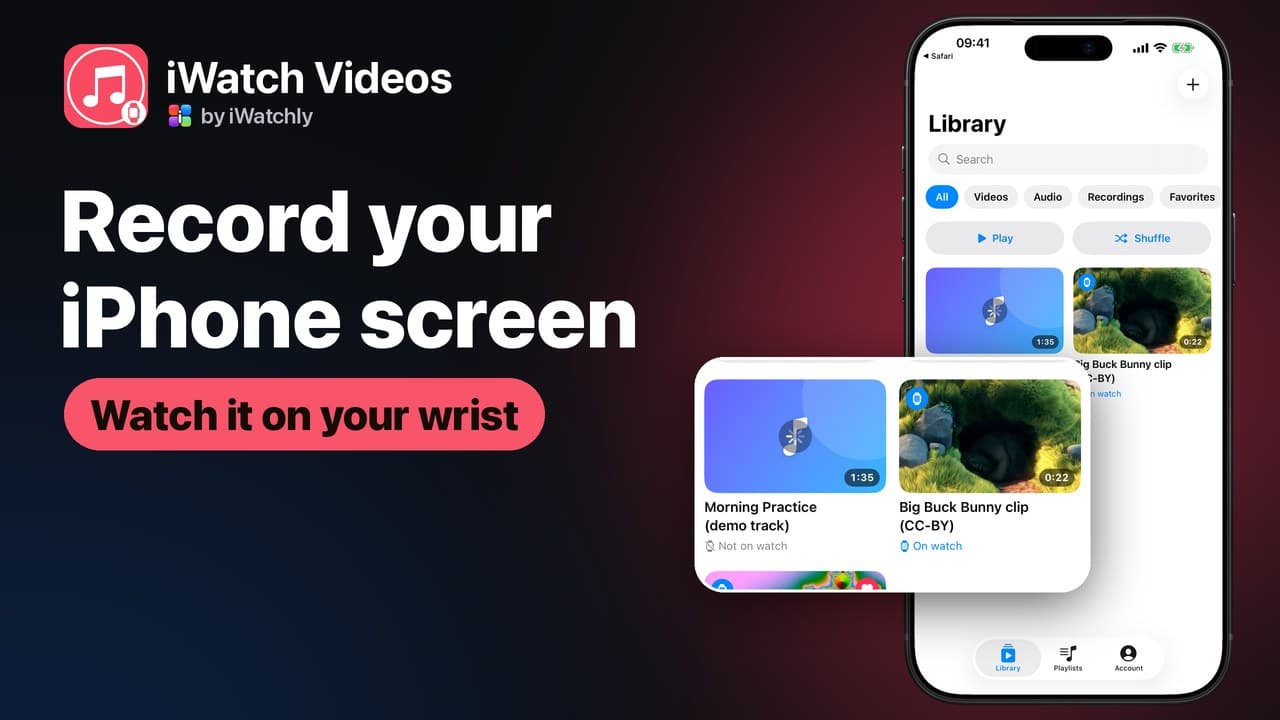
Record Your iPhone Screen and Watch It Later on Apple Watch
Capture a clip from your iPhone screen, with its sound, and keep it on your Apple Watch for when the phone is not in your hand.
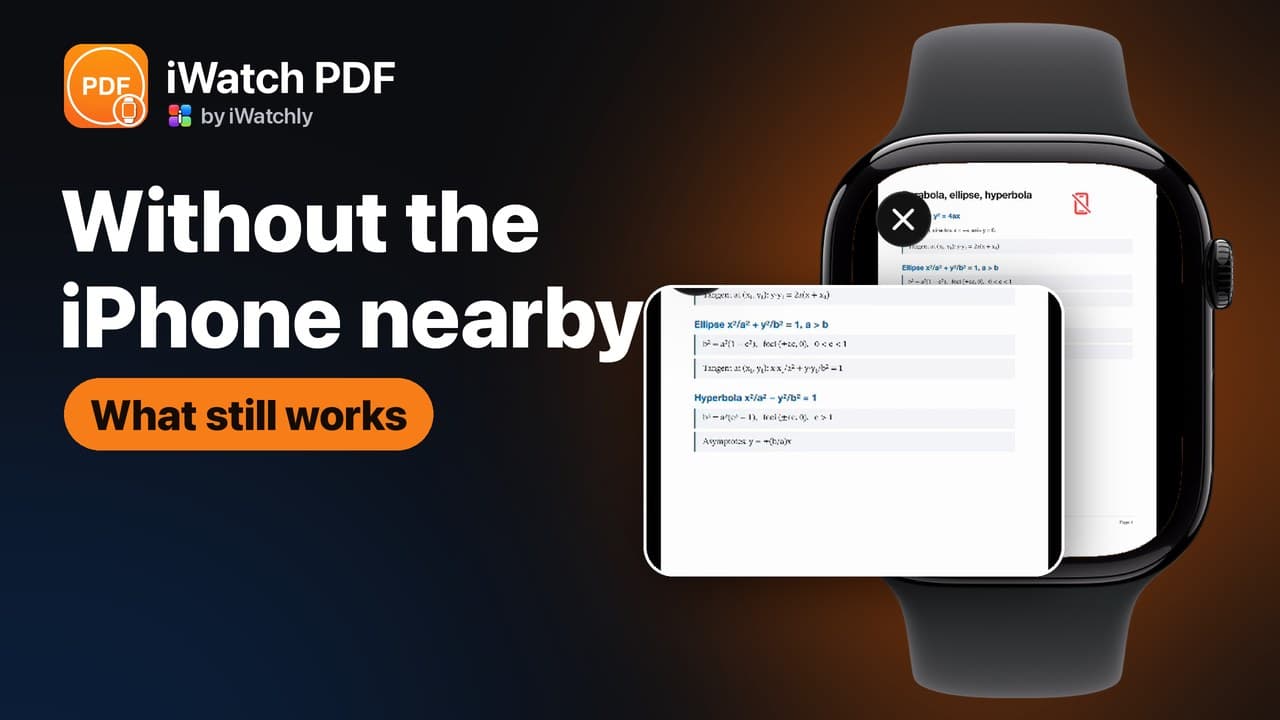
Does Apple Watch Work Without an iPhone? What Actually Runs on the Wrist
What keeps working when the phone is off, what needs Wi-Fi, and what quietly stops — a plain list, without the marketing.
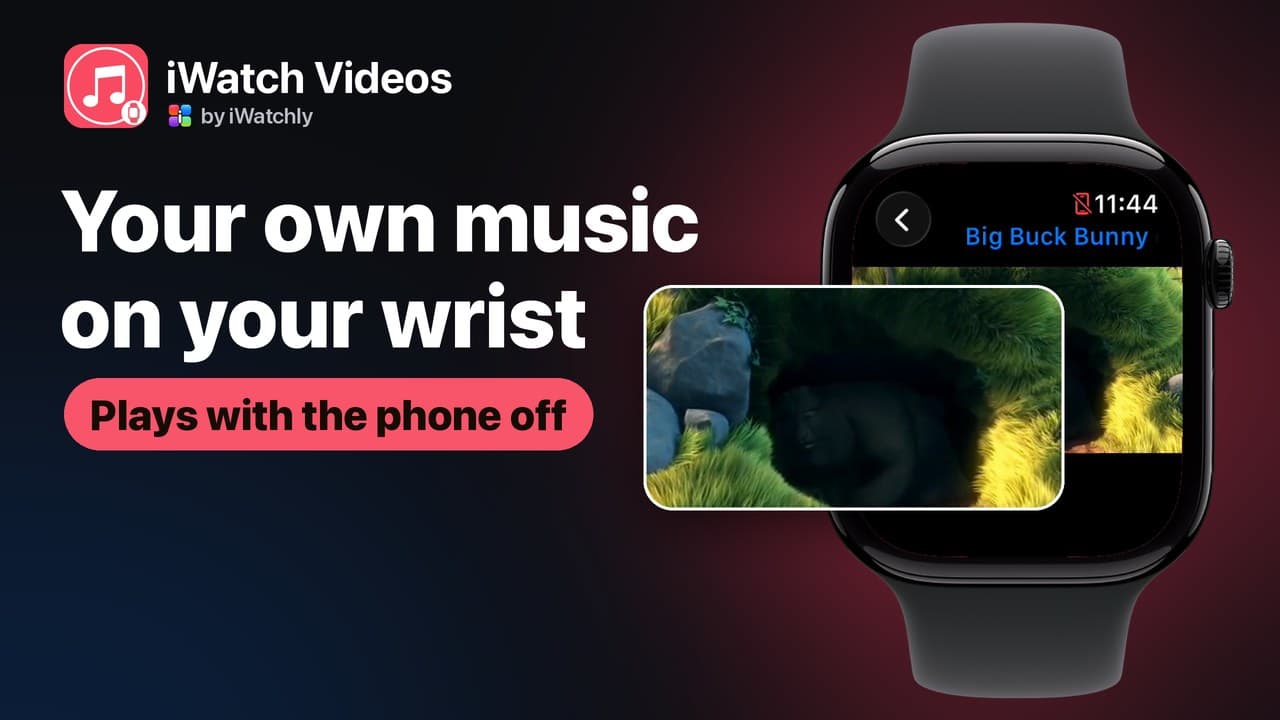
Add Your Own Music to Apple Watch and Play It Phone-Free
Your own audio files — not a streaming subscription — stored on the Watch and played through AirPods with the iPhone left at home.

Travel Phrase Books You Can Reach in Seconds
Save the sentences you always need, group them per trip, and have them on your wrist — with the translation already done.
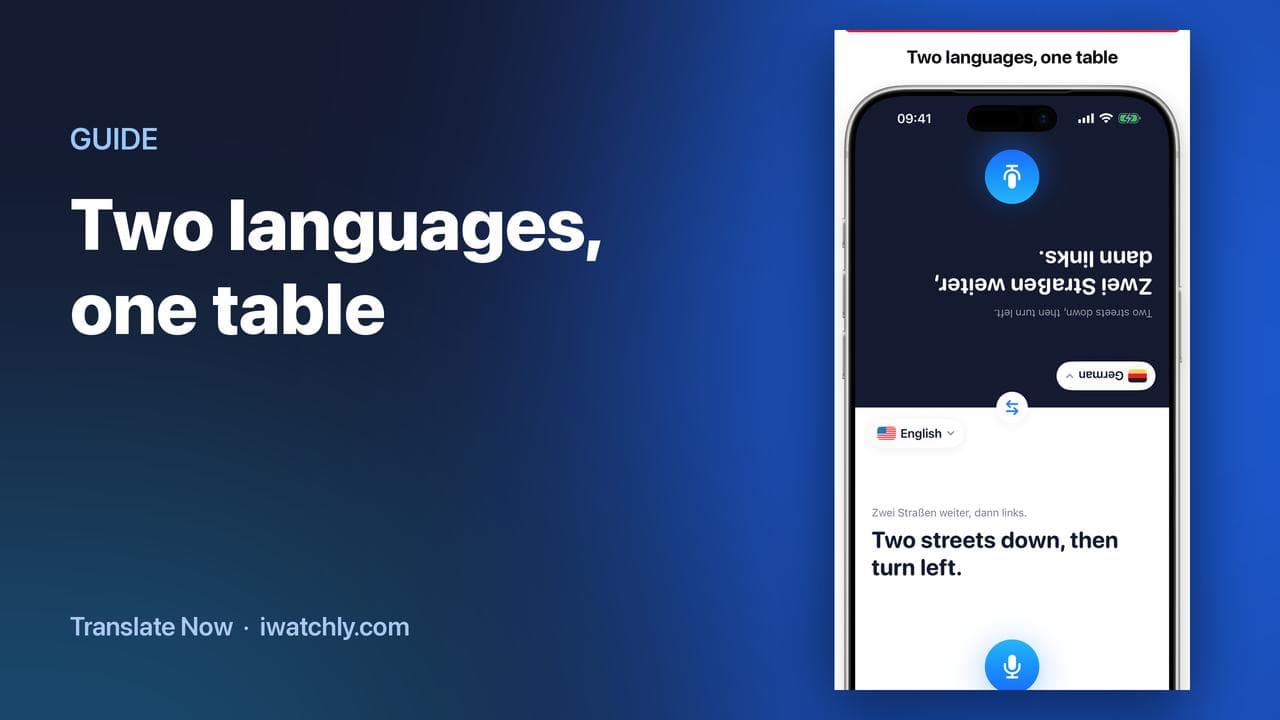
Talk Face to Face with Conversation Mode
One iPhone between two people: the screen splits, the top half faces them, and each side has its own language and microphone.
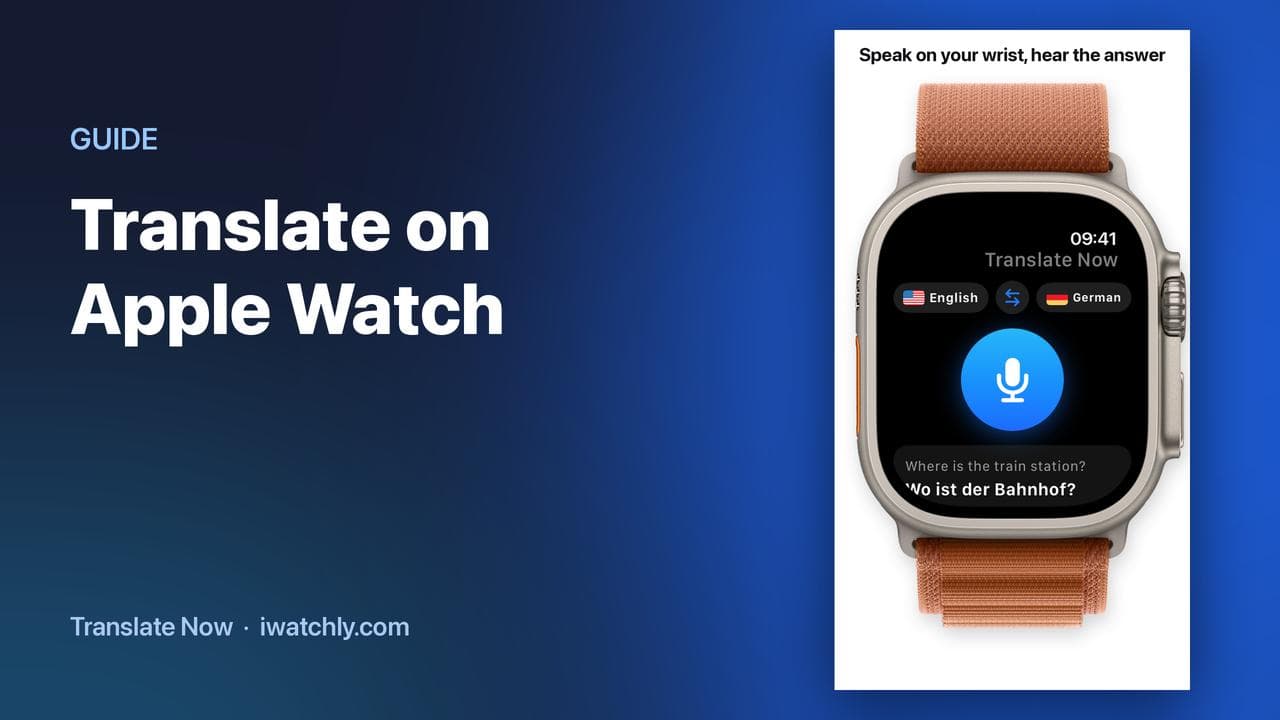
How to Translate on Apple Watch
Speak into the Watch, read the translation, hear it out loud and let the other person reply — without taking your phone out.