Blog
Guides and honest verdicts on using an Apple Watch for reading, studying and working — without reaching for your phone.
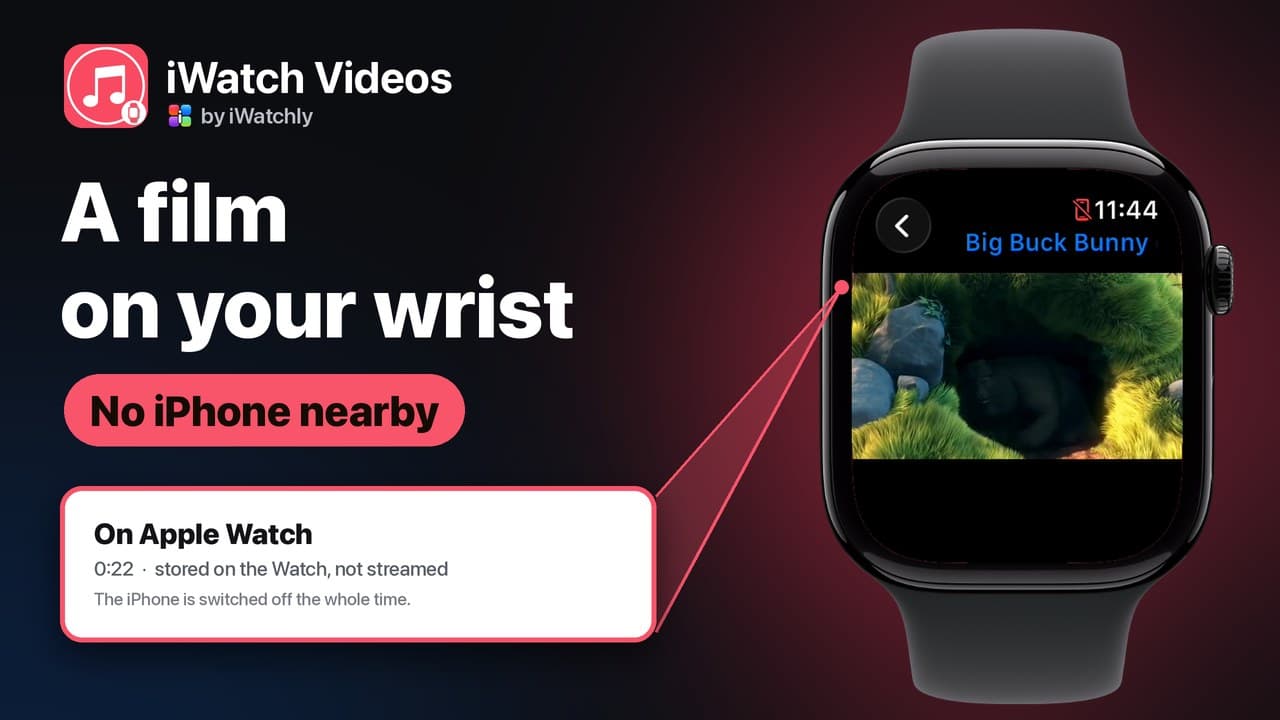
How to Play Your Own Videos on Apple Watch Without an iPhone
A video can play on the Watch with the phone switched off — but only if it was saved to the Watch first. What works offline, and what does not.
Apple Watch Sleep Score and Hypertension Notifications, Explained
How the nightly score is built from three parts, what a hypertension alert does and does not mean, and which watches can do each.

How to Make an Apple Watch Battery Last Two Days
Which settings cost the most, what Low Power Mode actually turns off, and the charging habit that keeps the battery healthy for years.
watchOS 27: What Changed on Your Apple Watch, and What to Try First
Siri that holds a conversation, a one-finger gesture for the Smart Stack, a new app grid and quieter health alerts. What is worth your time on day one.
What Counts Against the Monthly AI Allowance in iWatch PDF
Why the allowance is measured in tokens rather than questions, what uses it, what never does, and how to read the Usage page.
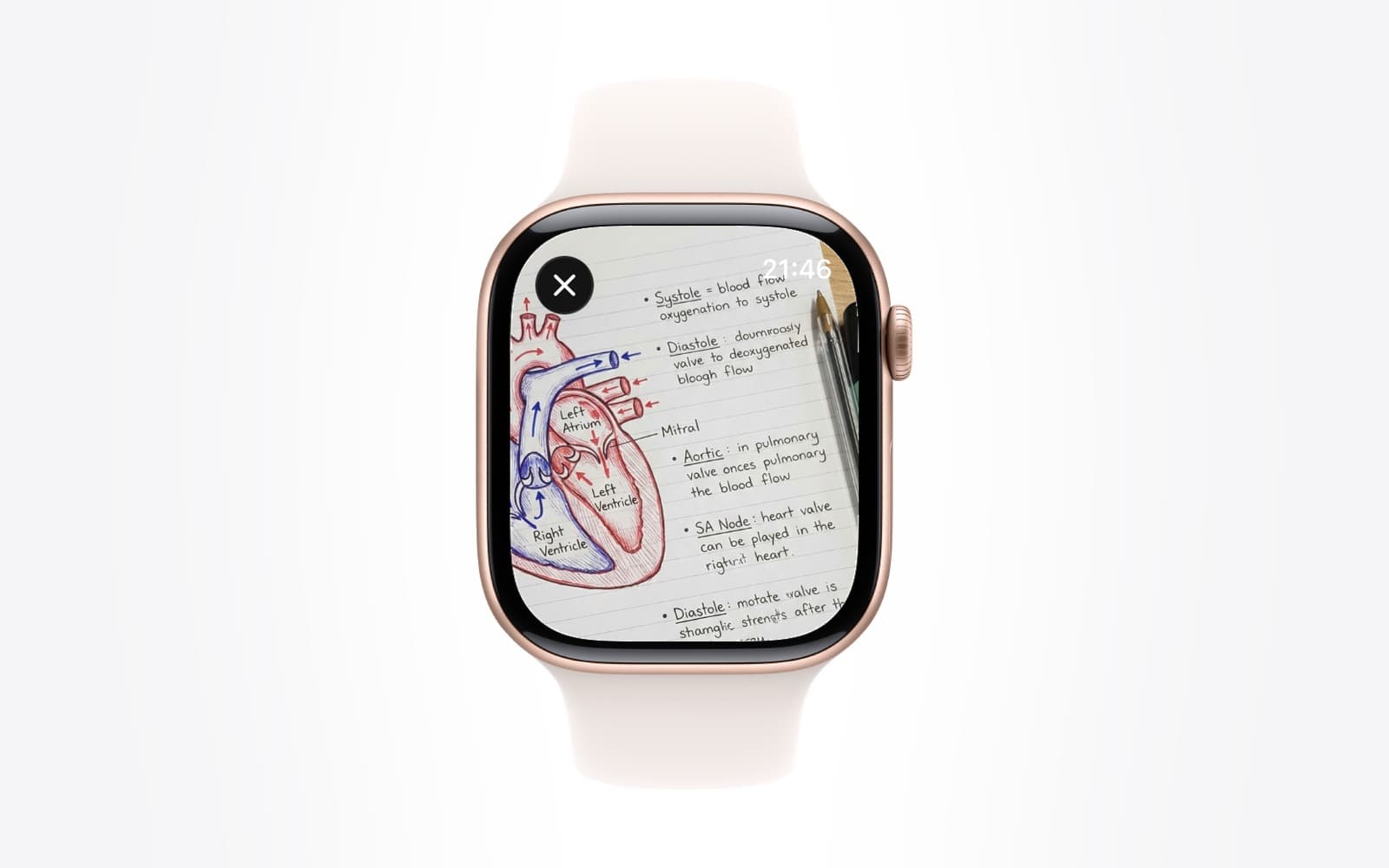
How Test Yourself Marks Your Answers and Tracks What You Have Mastered
Where the questions come from, why marking happens on the server, and what coverage, mastery and weak pages mean on the results screen.
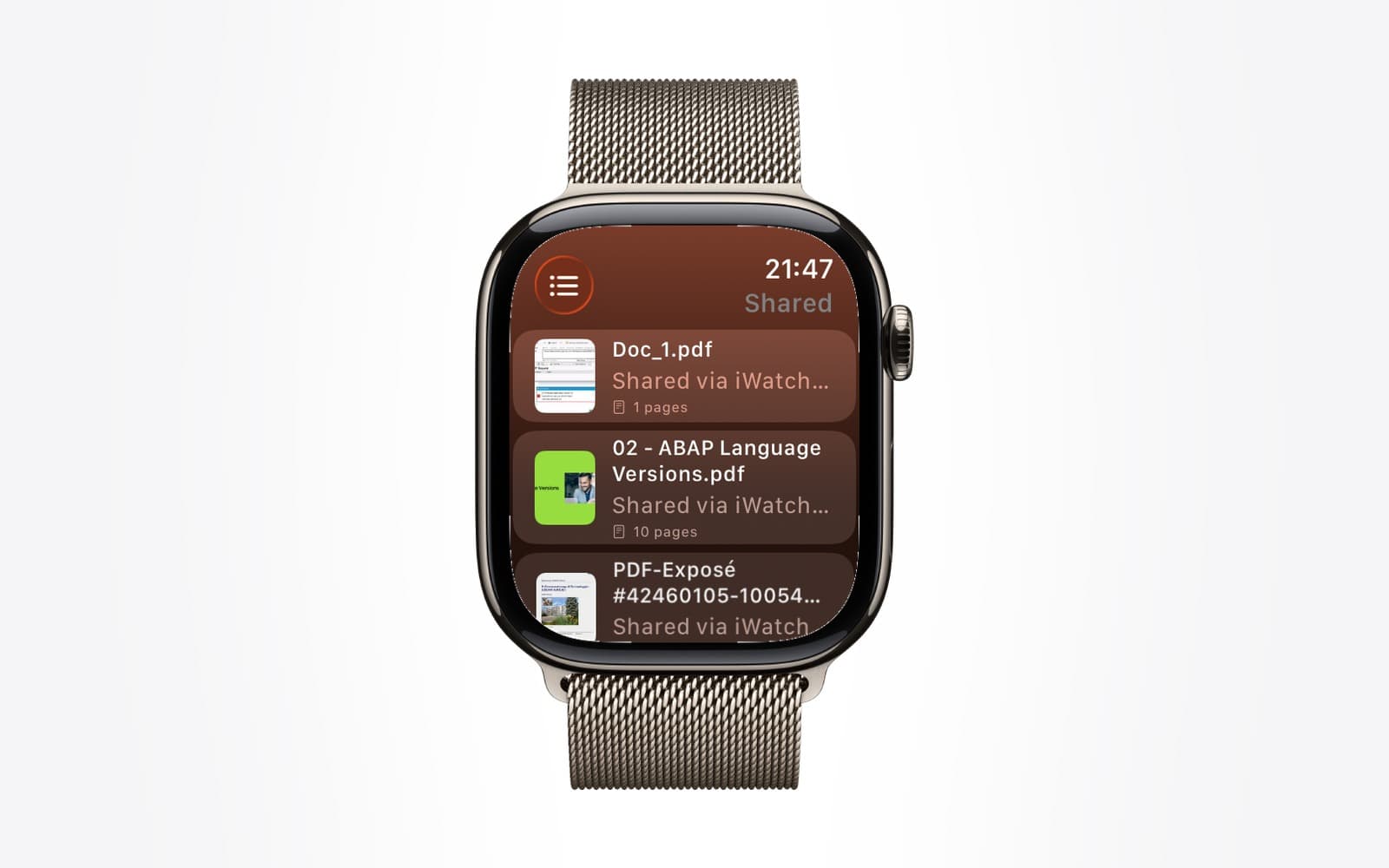
How to Share a PDF With Another Apple Watch User (and Take It Back)
Share by email, watch it turn from pending to opened, and revoke it later. What the other person can and cannot do with your document.
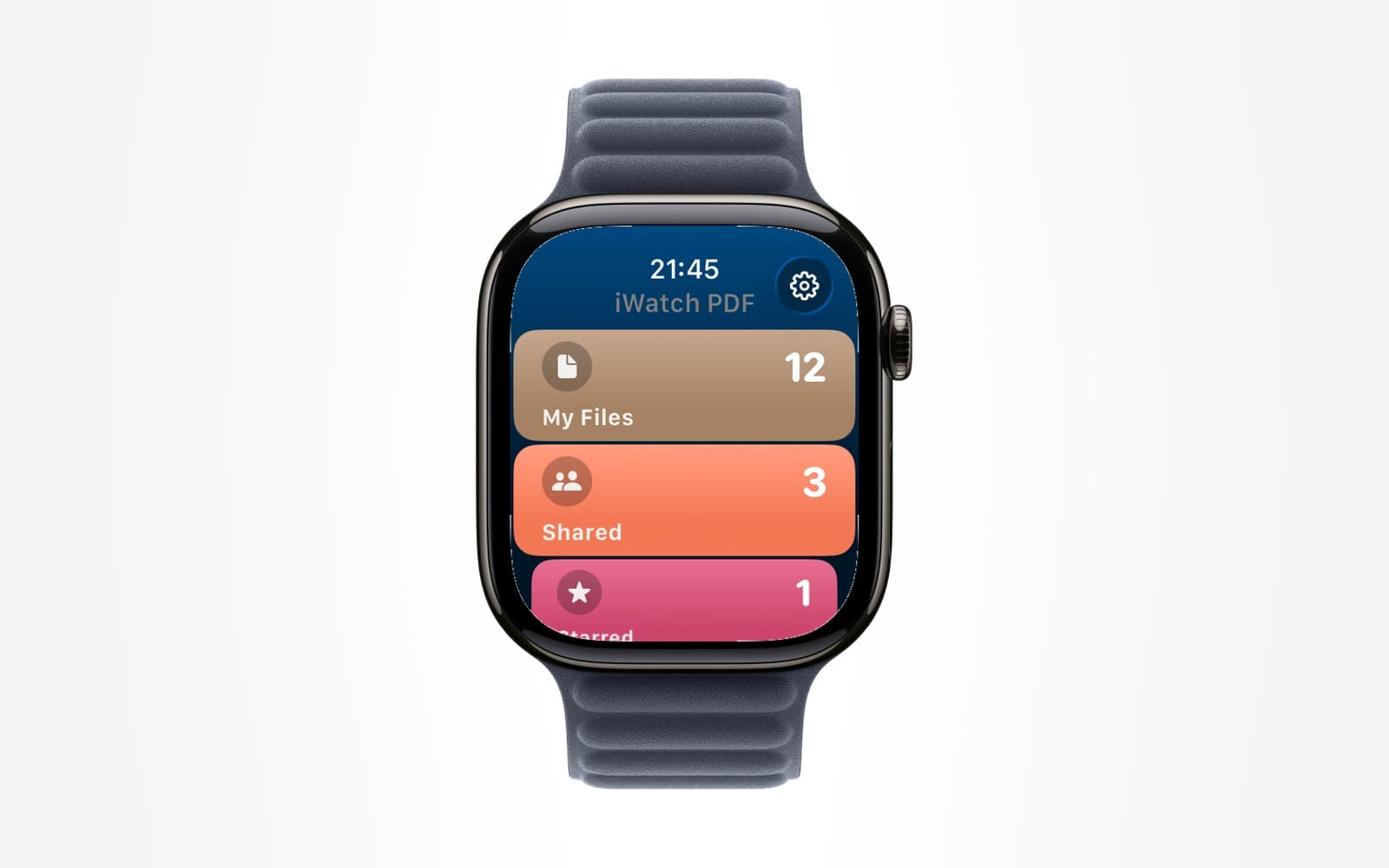
Your iWatch PDF Library on the Web: What the iwatchly.com Account Does
Sign in at iwatchly.com with the account you use in the app and your documents are there: read, ask, quiz, share and upload from any computer.
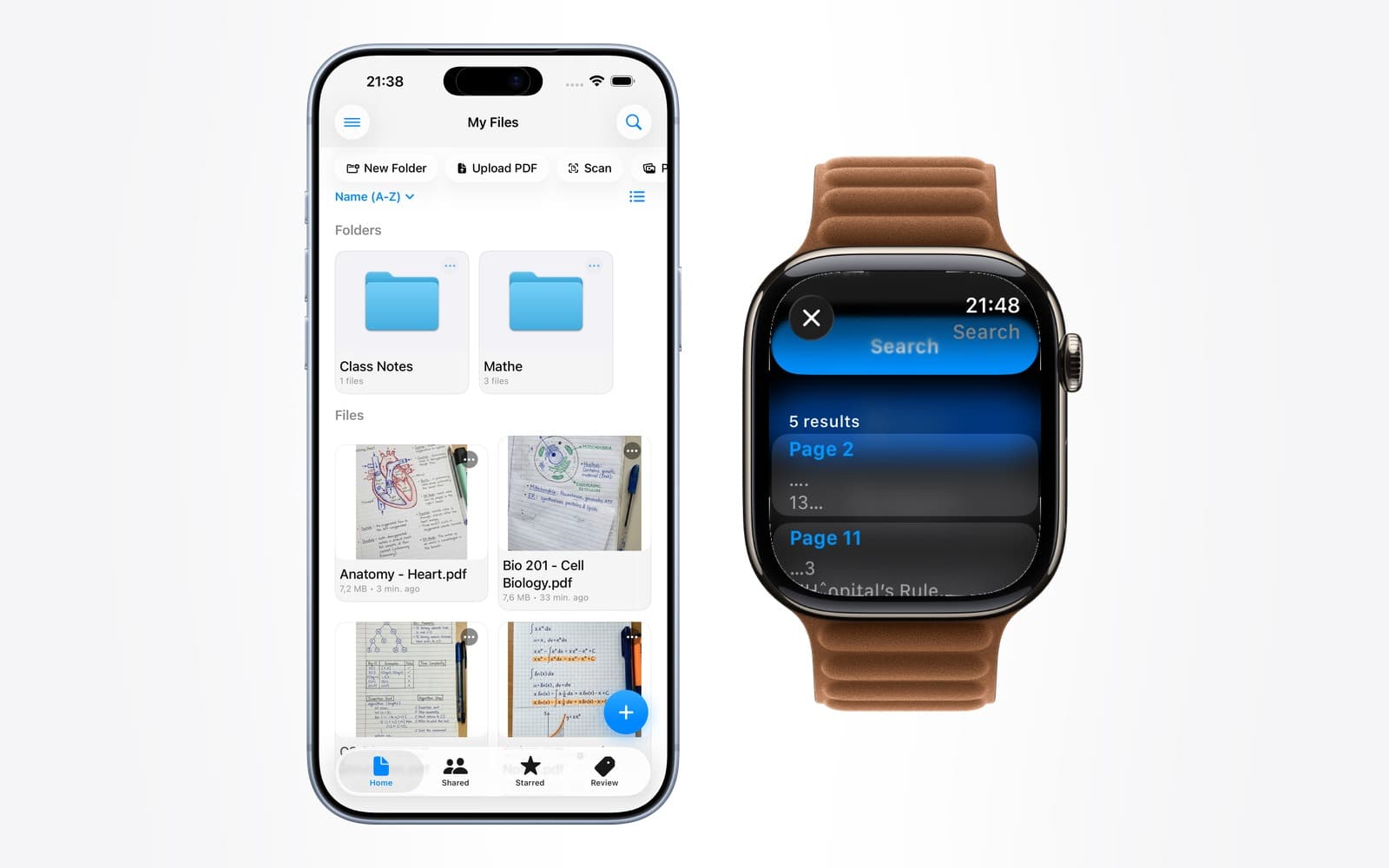
Ask a PDF a Question, Get the Page Number Back
An answer you cannot check is a rumour. Citing the page it came from is what makes asking a document worth doing at all.
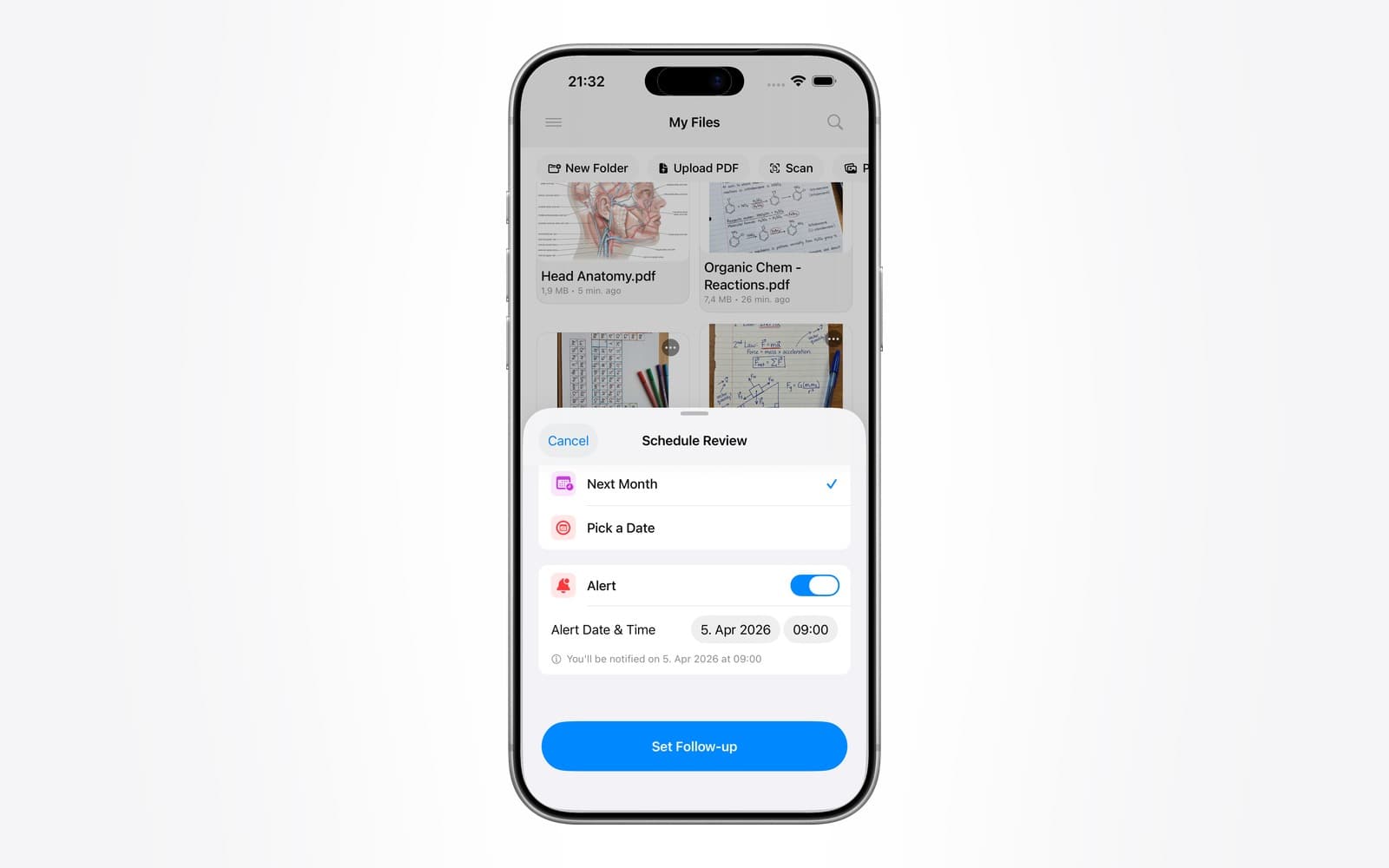
Revising for an Exam by Quizzing Yourself on Apple Watch
Turn a set of lecture notes into questions, then answer them from your wrist in the two-minute gaps you already have.
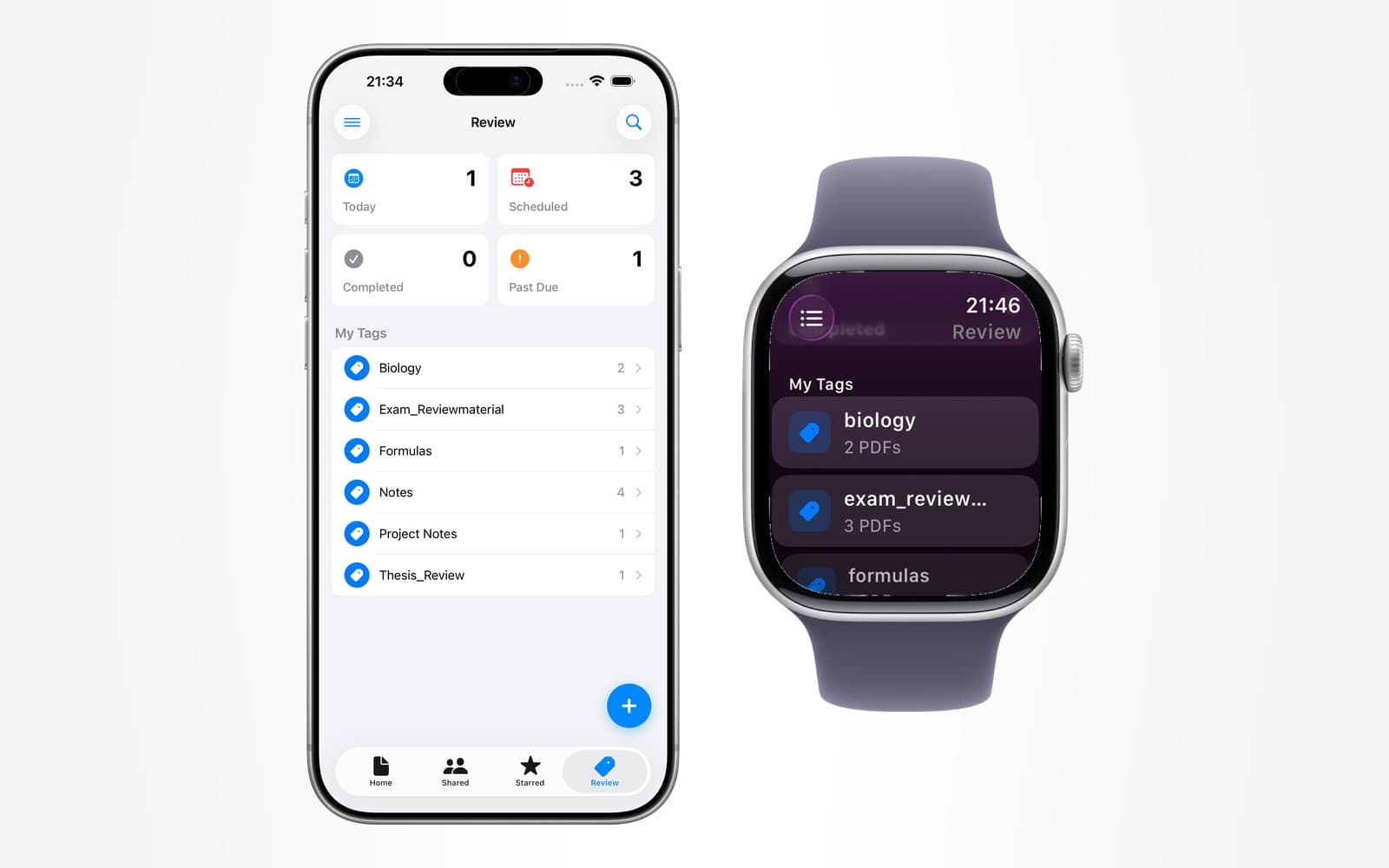
How to Study Flashcards on Apple Watch
The wrist is bad for long reading and unusually good for retrieval practice. Here is how to build cards that work in twenty seconds.
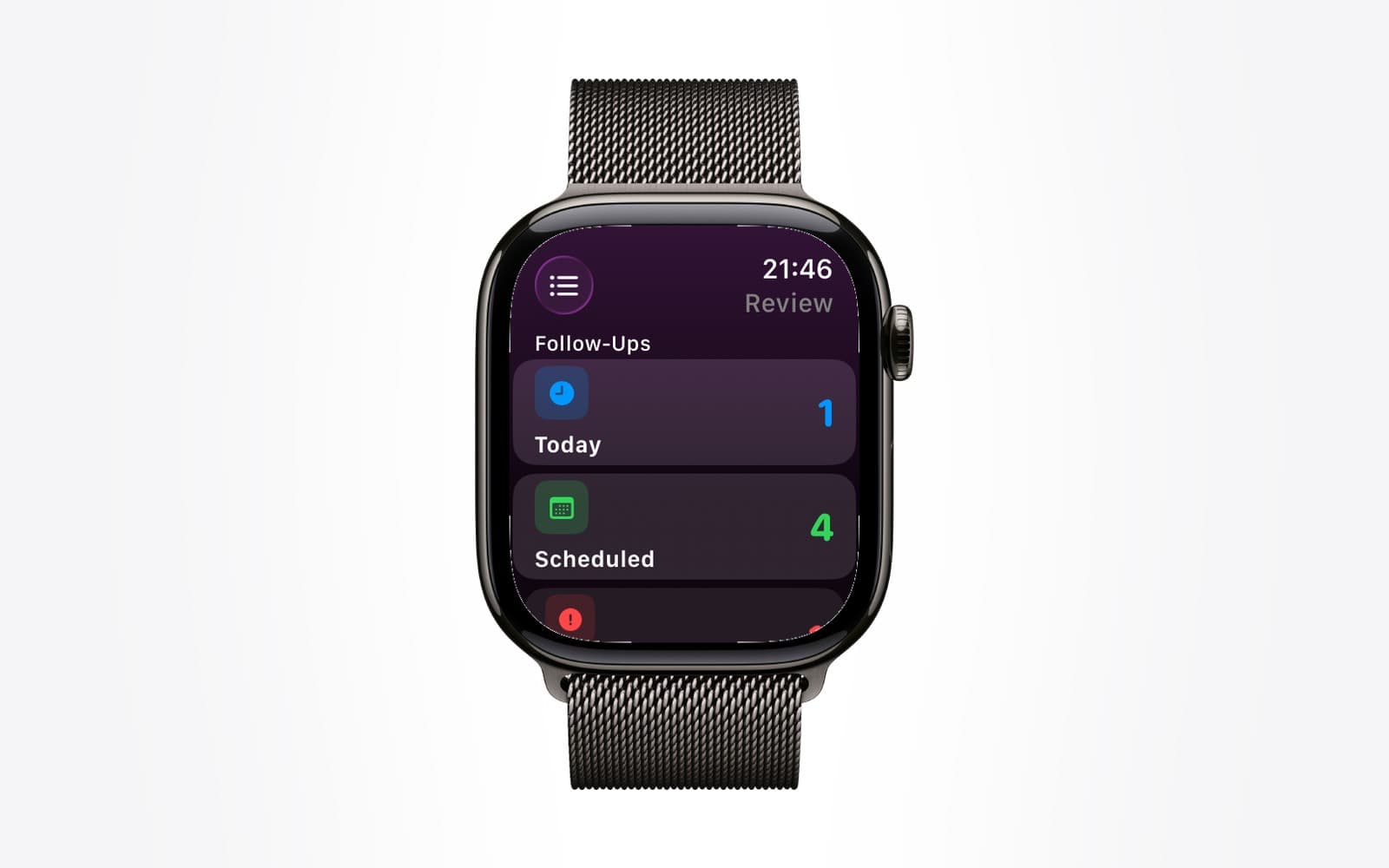
Apple Watch for Pilots: Checklists and Reference Cards on Your Wrist
A wrist is not a replacement for an EFB. It is a good place for the one page you need with both hands busy — and a poor place for charts.