- Apple Watch for students
- exam revision
- quiz
- study with Apple Watch
Revising for an Exam by Quizzing Yourself on Apple Watch
By Kalyani Lokireddy
The most useful thing an Apple Watch can do for revision is ask you questions. Not show you notes — ask. Reading on a wrist is a compromise; being tested on one is not, because a question and a four-option answer are exactly the amount of text that fits comfortably on that screen.
This is how that works in iWatch PDF, what it costs, and where it genuinely does not help.
How do you turn a document into questions?
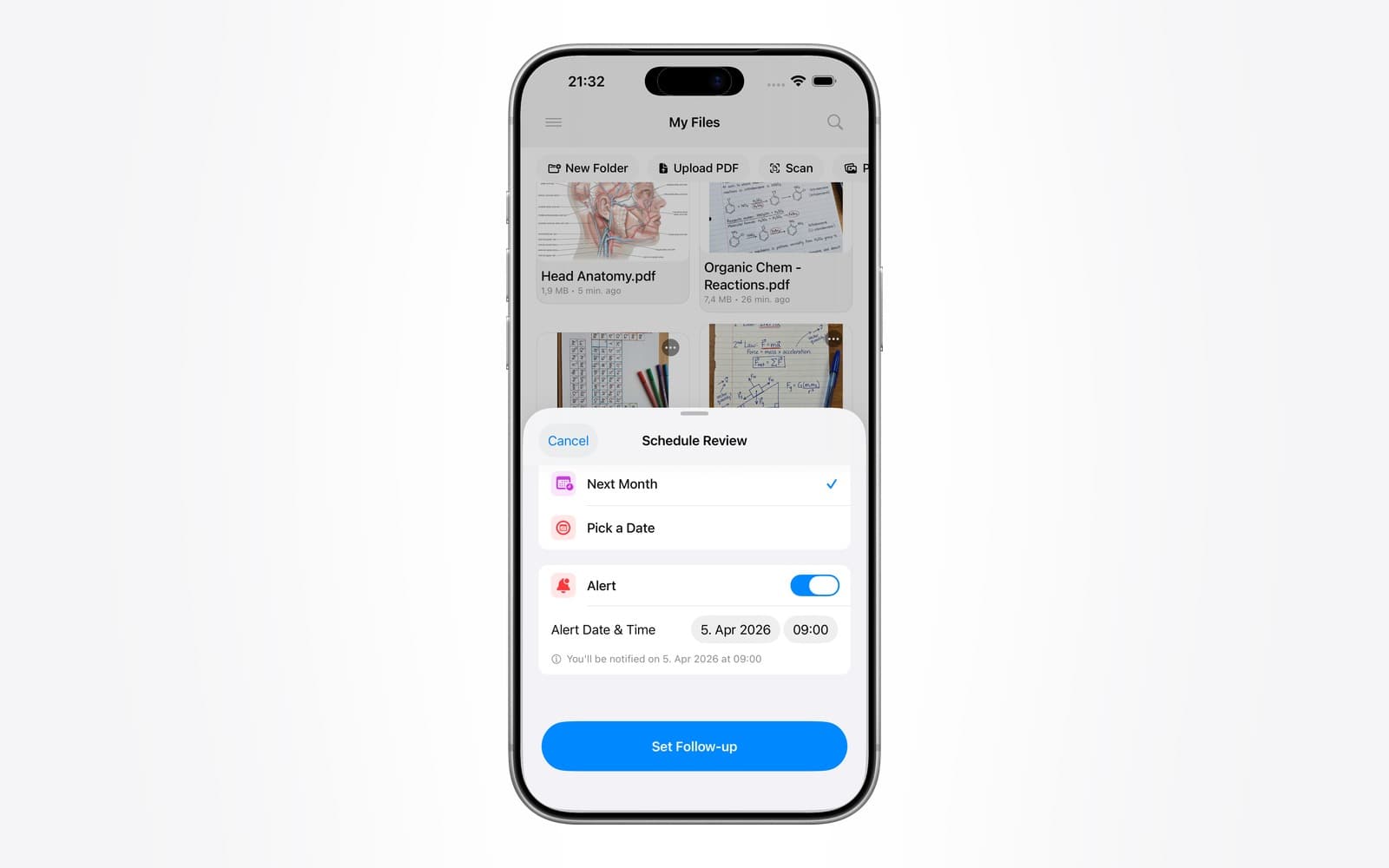
You start from a document you already have. Import a PDF on the iPhone — lecture slides, a summary sheet, a past paper — and the app can generate a set of multiple-choice questions from its contents.

Two things sit behind that panel. Test yourself builds the questions. Ask this PDF answers a question you type, and cites the page it took the answer from. Both work on a document you have already imported; neither invents material from outside it.
Once a set exists, it is available on the Watch. You answer with a tap, and each question shows the page it came from — so a question you get wrong points at the page to reread rather than leaving you to hunt for it.
Why does testing beat rereading?
Retrieval practice — attempting to recall something before checking — is among the most consistently supported findings in learning research. Trying and failing to remember, then seeing the answer, does more for retention than reading the same passage again.
Rereading needs a quiet twenty minutes and a decent screen. Retrieval needs a prompt, a pause, and an answer. That fits the shape of the moments a watch is available in: a lift, a bus stop, the queue at a coffee shop, the three minutes before a seminar starts.
Those moments are otherwise dead time, and they compound. Twenty scattered sessions of ninety seconds is half an hour of active recall you would not otherwise have done — and it is spaced across the day, which is itself the more effective pattern.
What kind of document produces good questions?
Documents with clear factual content. Definitions, mechanisms, named structures, dated events, formulae with stated conditions. Anatomy notes, a pathology summary, a chemistry reaction sheet, a glossary — these produce questions worth answering.
What produces weak questions is prose that argues rather than states. An essay on the causes of a war has few discrete facts to test, so the questions come out either trivial or vague. A scanned page with poor text quality produces worse: if the text cannot be read reliably, the questions inherit the errors.
A practical filter: if you could write flashcards from the page without rewriting it first, the generator will do a reasonable job. If you would need to restructure it, do that first.
What does it look like on the wrist?
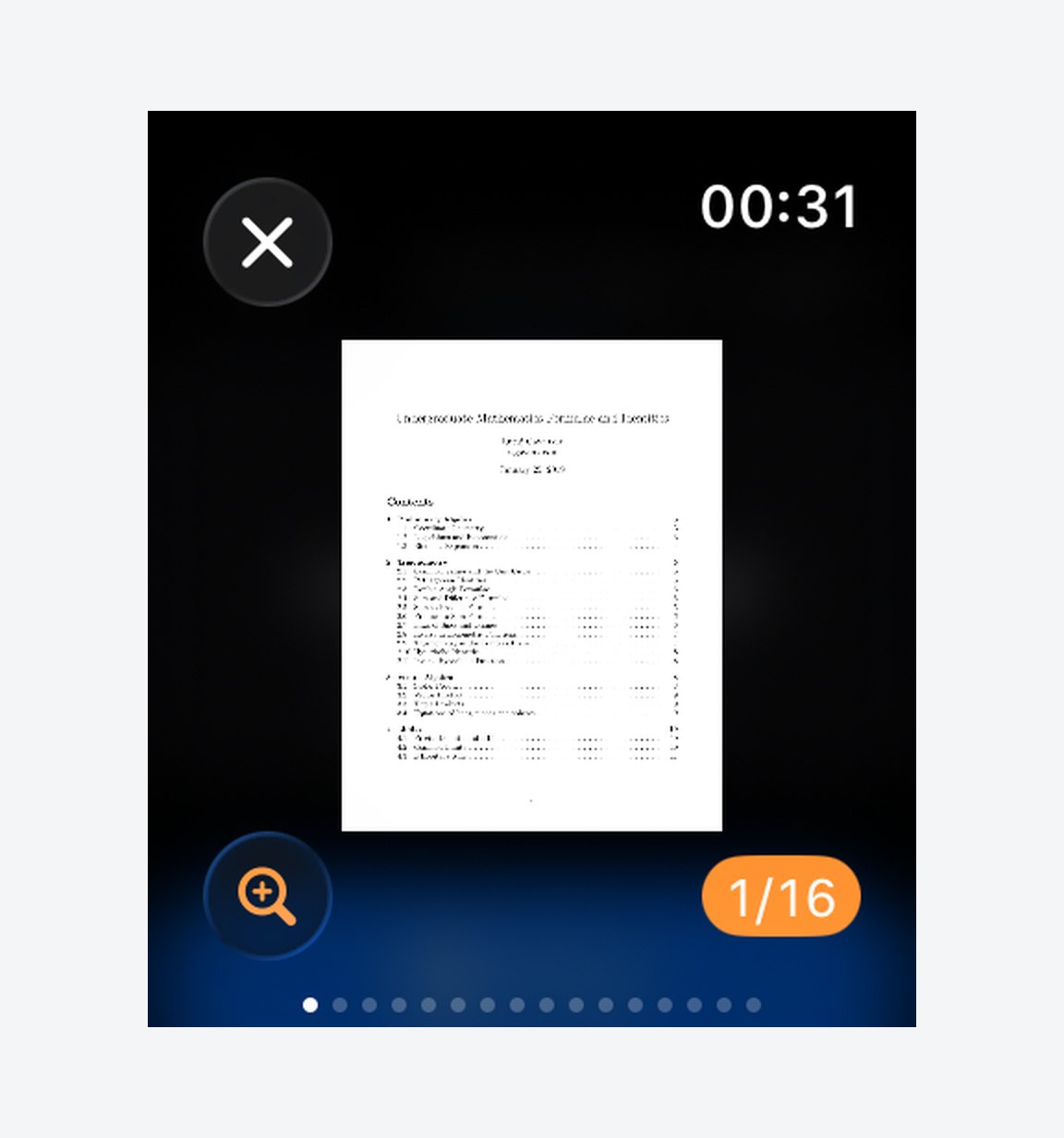
The Watch app opens on the things you would want in a spare minute — your documents, search, and the AI features.

Documents you have saved are readable there with no phone nearby, which matters more than it sounds: revision happens in places you would rather not take a phone out, and a document already on the Watch opens with no network at all.
What does it cost?
Reading documents on the Watch is part of the app. Quizzes and document chat are Pro features, and Pro is purchased in the iPhone app through the App Store — there is no other way to buy it, and nothing to buy on this site.
Free users get one quiz on one document, so you can see whether the questions are any good on your own material before deciding. That is the honest test: generic marketing screenshots tell you nothing about how a generator handles your lecture notes.
Where this does not help
It will not build understanding you do not already have. Retrieval practice consolidates material you have worked through; it cannot substitute for the working-through. If you cannot follow the reasoning on a page, being asked about it will only tell you that.
It also will not help if you answer on reflex. The pause before checking is where the benefit is. A question you flip past instantly is a question you did not study.
And it is not a replacement for past papers under timed conditions. Multiple choice tests recognition; most exams test production. Use this for the recall layer, not the whole of revision.
Frequently asked questions
Q: Do I need my iPhone nearby to answer questions on the Watch?
A: Documents saved to the Watch are readable without a phone. Generating a new quiz requires a connection, because the questions are produced from the document server-side — so create the set before you leave, the same as you would download a playlist.
Q: Can I get a quiz from a scanned PDF?
A: Only if the text is recognisable. A clean scan usually works; a photograph of a page at an angle, or handwriting, often does not. Where there is not enough readable text, the app says so rather than producing questions from noise.
Q: How many questions does it generate?
A: A short set per document — enough for a session of a minute or two rather than an exam paper. The intent is something you finish in a spare moment, not something you have to set time aside for.
Q: Does it tell me which page an answer came from?
A: Yes. Each question carries its page, and the summary at the end lists what you got wrong with the correct answer and the page to reread. That is the part that turns a score into a revision plan.
Q: Is the quiz free?
A: One quiz on one document is, so you can judge it on your own material. Beyond that it is part of Pro, bought in the iPhone app through the App Store.
Q: Can I retake the same quiz?
A: Yes, and it is worth doing. Repeating a set after a day or two, rather than immediately, is what makes the spacing work in your favour.
The short version
Do not try to read on your wrist. Be tested on it. Generate a set from material you already understand, answer a few questions whenever you have a spare minute, and use the page references to decide what to reread. The small screen stops being a limitation once you stop asking it to be a book.
iWatch PDF is available on the App Store.
Read next
How Students Can Use Apple Watch to Study Smarter (Not Just Track Fitness) – 2026
Three habits that turn scattered minutes into study time: reminders without unlocking your phone, capture by voice, and notes at a glance.
1 min read
How Test Yourself Marks Your Answers and Tracks What You Have Mastered
Where the questions come from, why marking happens on the server, and what coverage, mastery and weak pages mean on the results screen.
3 min read
How to Study Flashcards on Apple Watch
The wrist is bad for long reading and unusually good for retrieval practice. Here is how to build cards that work in twenty seconds.
4 min read