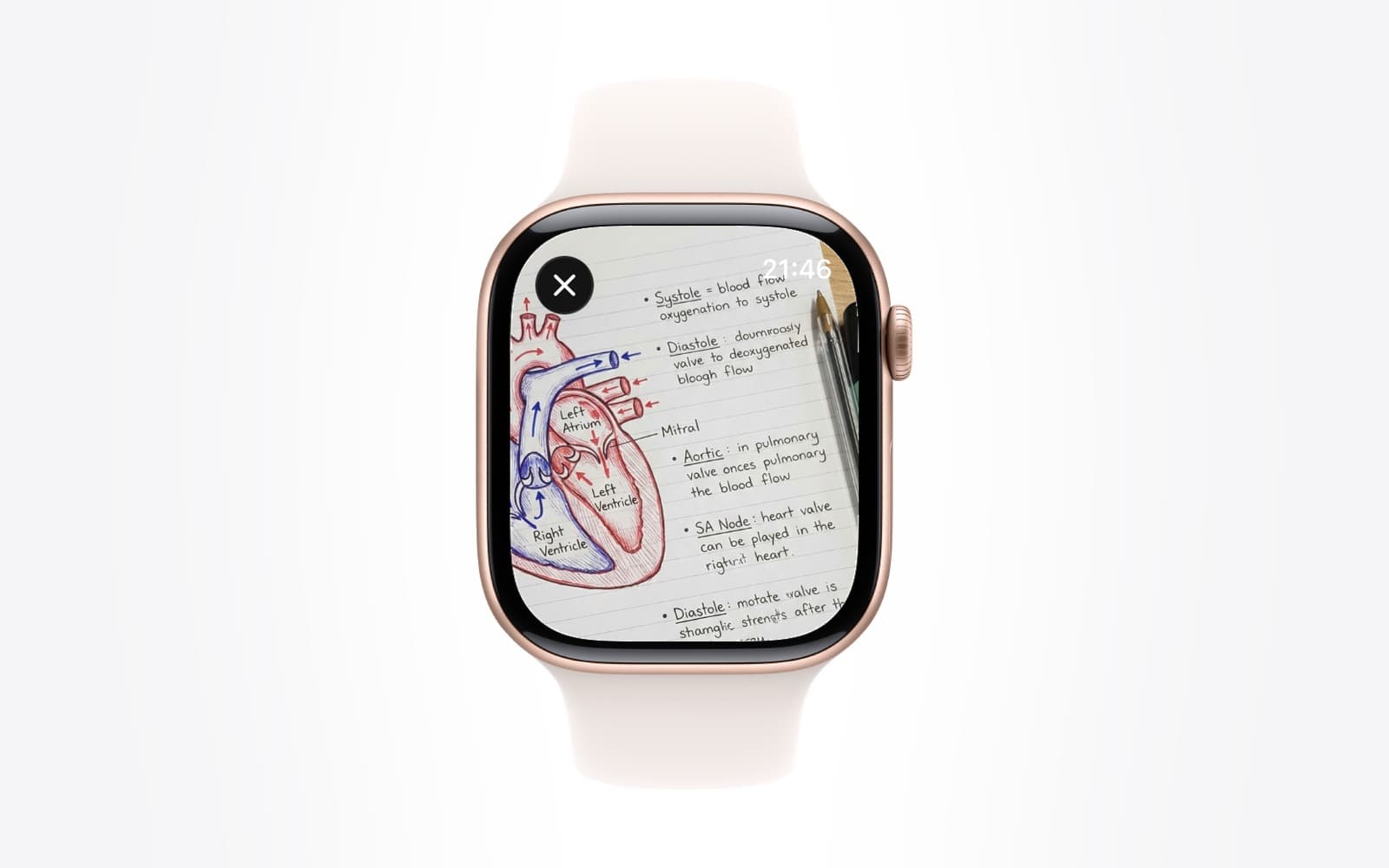
- exam revision
- study tools
- Test Yourself
- Apple Watch quiz
How Test Yourself Marks Your Answers and Tracks What You Have Mastered
By Kalyani Lokireddy
Test Yourself turns a document you have imported into multiple-choice questions, each tied to a page, and marks your answers against a stored answer key on the server rather than on your device. Because of that, an attempt on the Apple Watch, the iPhone and iwatchly.com all count in the same record, and the results screen can tell you which pages you have covered, which you have mastered, and which keep tripping you up.
This piece explains each of those numbers, because a score alone does not tell you what to do next.
Where do the questions come from?
From the text of your document, page by page. After a document is imported and its text is read, the app prepares a question bank for it. Each question records the page it was written from, so a wrong answer points you at something you can reread rather than a topic name.
The bank is kept with the document. Opening it again does not generate new questions and costs nothing; generating a fresh set is a separate action and uses some of the monthly AI allowance, the same as asking a question does.
Why is marking done on the server?
Two reasons. The device only ever sends which option you chose, so the answer key is not sitting on the wrist waiting to be seen before you answer. And because one place does the marking, every attempt lands in one record. Take three questions on the Watch in a queue and the rest at your desk later, and the mastery figures reflect both.
What do the results mean?
- Score is the share of questions you answered correctly in that attempt.
- Coverage is how many of the document's quizzable pages have had at least one question answered. A high score on low coverage means you have only tested a corner of the material.
- Mastered counts pages whose questions you have answered correctly, as a share of the pages tested.
- Pages to revisit lists the pages behind your wrong answers. On iwatchly.com each is a link that opens the page in the viewer.
- Best and latest scores sit side by side so you can see whether you are improving or drifting.
How should you use it for revision?
Take the quiz once early, before you feel ready, to find the pages you are weak on. Reread those pages, not the whole document. Take it again a few days later; mastery going up while coverage stays high is the signal you want. On exam week, the Watch is enough for a five-question pass while walking between rooms, and the results page at your desk shows where the evening should go.
What happens when the AI allowance runs out?
Taking a quiz that already exists never touches the allowance, so you can keep attempting it. Generating a new bank does, and when the month's allowance is used up that action waits until it resets on the first of the month. The Usage page in the app and on iwatchly.com shows the remainder against the cap.
Q: Is Test Yourself free?
A: Every account gets one free quiz to try it. Beyond that it is part of Pro, bought in the iPhone app through the App Store.
Q: Can I choose how many questions to take?
A: Yes, between one and thirty per attempt, so a Watch session can be short and a desk session thorough.
Q: Do wrong answers show the correct one?
A: Yes, with a one-line explanation and the page it came from.
Q: Can I quiz a document someone shared with me?
A: No. Quizzes belong to the document's owner. Ask them for a copy you can import as your own if you want to revise from it.
The short version
Questions come from your pages, marking happens in one place, and the numbers that matter are coverage and mastery, not the score. Use the pages-to-revisit list to decide what to reread.
iWatch PDF is available on the App Store.
Read next
Your iWatch PDF Library on the Web: What the iwatchly.com Account Does
Sign in at iwatchly.com with the account you use in the app and your documents are there: read, ask, quiz, share and upload from any computer.
4 min read
Revising for an Exam by Quizzing Yourself on Apple Watch
Turn a set of lecture notes into questions, then answer them from your wrist in the two-minute gaps you already have.
5 min read
Apple Watch App Stuck Loading? Sign In From the iPhone
Most watch apps take their sign-in from the iPhone app. Open it, stay signed in, keep the phone close, then tap Sync with iPhone on the watch.
2 min read