- iWatch PDF
- web app
- iwatchly.com
- study tools
Your iWatch PDF Library on the Web: What the iwatchly.com Account Does
By Kalyani Lokireddy
Everything in your iWatch PDF library can now be opened in a browser at iwatchly.com, with the same account you use on your iPhone and Apple Watch. Nothing is copied and nothing is set up twice. The website reads the same documents, the same favourites and the same quiz results the app uses, so a change on one shows up on the other.
This piece explains what the web account is for, what it can do today, and the two things it deliberately does not do.
What can you do on iwatchly.com?
After signing in you see your documents as a table: name, page count, size and the date it was added. From there:
- Read. Open a document and turn pages with the arrow keys. The pages are the same rendered images your Watch downloads, so what you see is what the Watch shows.
- Ask this PDF. Type a question and the answer arrives with the page numbers it came from. Click a page number and the viewer jumps to it. Your conversations are the same ones the app lists.
- Test yourself. Take the quiz generated for a document on a full-size screen. Marking happens on the server from the stored answer key, so an attempt on the web counts in the app's mastery figures exactly like an attempt on the Watch.
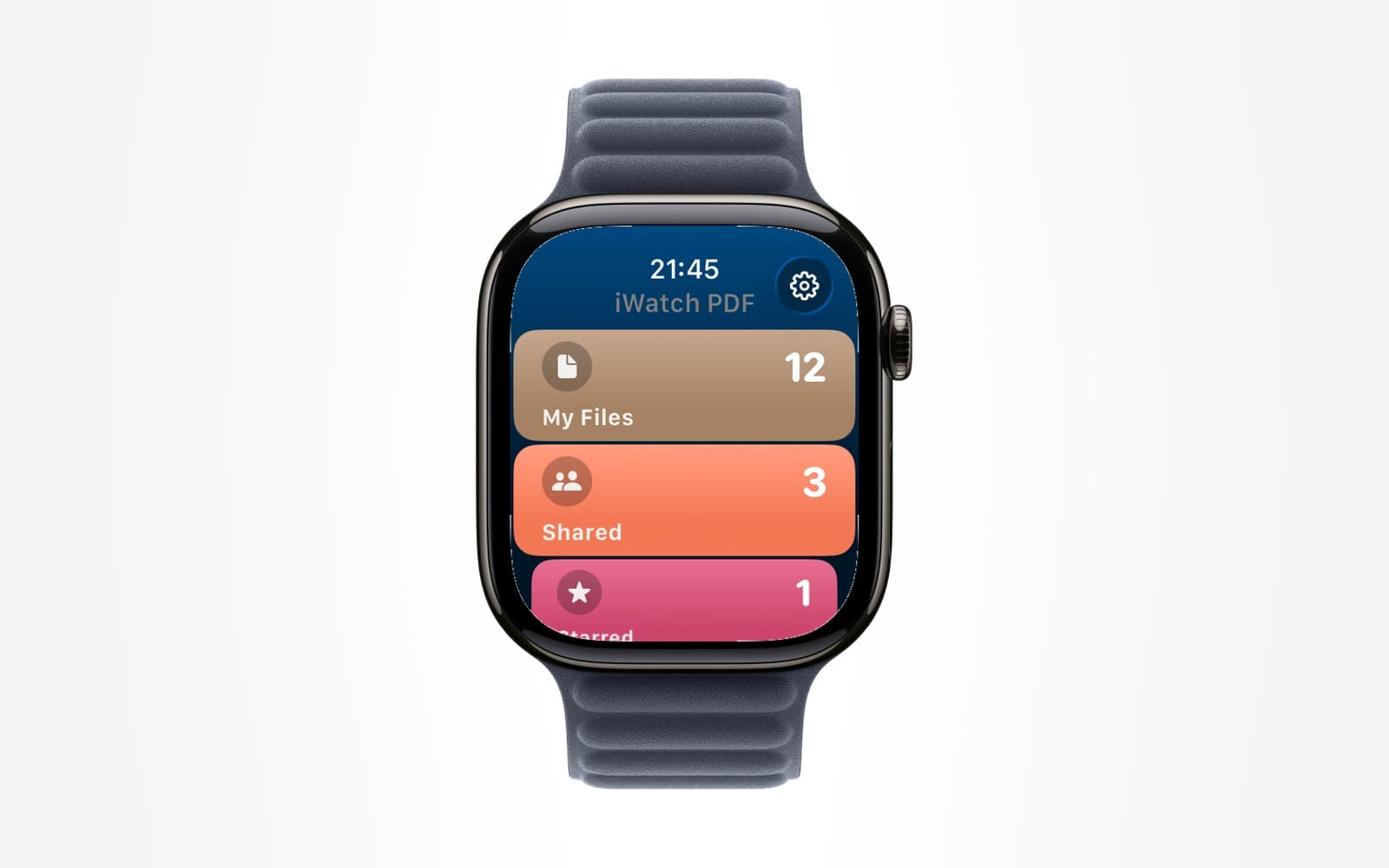
- Favourite, sort, filter. Star a document and it is starred on the Watch. Filter by folder or favourites, search by name.
- Share. Send a document to another iWatch PDF user by email, see whether they have opened it, and stop sharing when you want to.
- Add a PDF. Pro accounts can upload a file from the browser. It lands in the same library and reaches the Watch the same way as a file added on the phone.
There are also pages for your devices, for how much of the monthly AI allowance you have used, and for your account itself.
Is it the same account as the app?
Yes. Signing in on the web does not create a new account. Use the same Google account you use in the app and your library is already there. That is the reason the website exists at all: one identity across phone, Watch and browser, rather than a third place to keep things.
Why would you use a browser when the app is on your phone?
Because some things are better with a keyboard and a large screen. Typing a long question, reading a forty-page reference beside a laptop, checking which pages a quiz keeps marking weak, or tidying folders after a semester are all faster on a computer. Reading on the wrist and reviewing at a desk are different jobs, and the account lets you do each on the device suited to it.
What does the website not do?
Two things, on purpose.
It does not sell anything. Pro is bought in the iWatch PDF app on your iPhone, through the App Store, and managed there. The website shows whether your account is Pro or Free and points you to the app. There is no checkout, no price list and no upgrade button on iwatchly.com.
It does not delete your account. Deletion lives in the app's Settings, because the app can also remove the copies saved on your devices and a web page cannot.
Q: Do I need to install anything?
A: No. Open iwatchly.com in any current browser and sign in.
Q: Can I add PDFs from the web on the free plan?
A: Adding files from the browser is part of Pro. Reading, searching, favourites and sharing are available to everyone.
Q: Will a document I upload on the web appear on my Apple Watch?
A: Yes. It joins the same library, and the Watch downloads it the next time it syncs, exactly as it would for a file added on the phone.
Q: Does asking a question on the web use the same allowance as in the app?
A: Yes. One monthly allowance covers questions and quizzes wherever you use them, and the Usage page shows how much is left.
The short version
iwatchly.com is your iWatch PDF account on a bigger screen: the same documents, questions, quizzes and shares, nothing to buy and nothing to set up.
iWatch PDF is available on the App Store.
Read next
Apple Watch App Stuck Loading? Sign In From the iPhone
Most watch apps take their sign-in from the iPhone app. Open it, stay signed in, keep the phone close, then tap Sync with iPhone on the watch.
2 min read
Starred PDFs: Find Your Most-Used Files Fast on Apple Watch
Star a PDF in iWatch PDF on the iPhone and it waits under Starred on your Apple Watch, sorted A to Z, two taps from the home screen.
2 min read
What Counts Against the Monthly AI Allowance in iWatch PDF
Why the allowance is measured in tokens rather than questions, what uses it, what never does, and how to read the Usage page.
3 min read