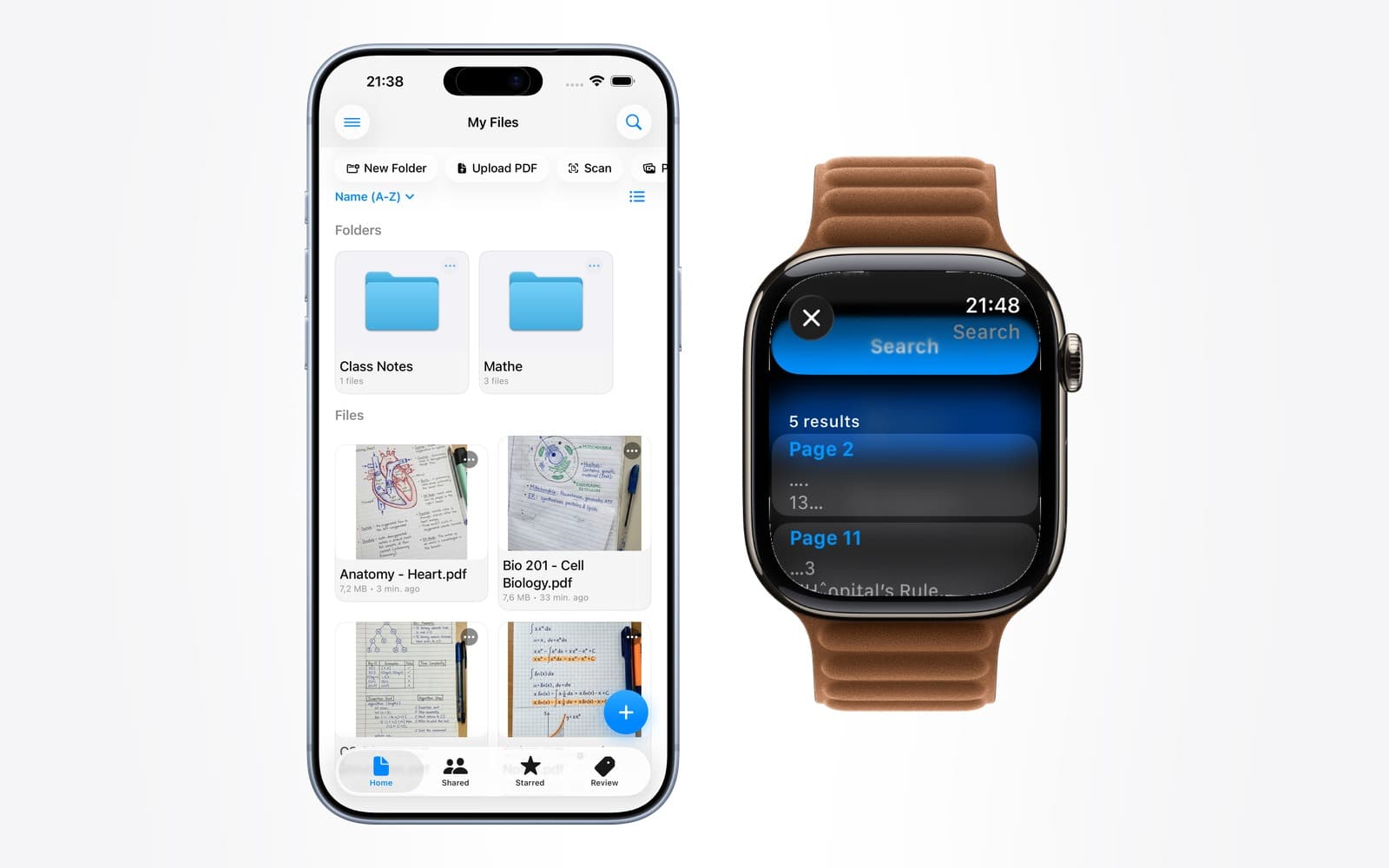
- Apple Watch PDF
- AI chat
- PDF search
- document AI
Ask a PDF a Question, Get the Page Number Back
By Kalyani Lokireddy
The useful part of asking a document a question is not the answer — it is the page number underneath it. An answer with a citation can be checked in five seconds. An answer without one has to be trusted, and a language model is not something you should trust unverified on material that matters.
That is the design decision behind Ask this PDF in iWatch PDF, and it is worth explaining because it changes what the feature is for.
What does it actually do?
You pick a document you have imported and ask a question in plain language. The answer is drawn from that document's contents, and it names the page it came from.

The scope is deliberate. It answers from your document, not from the open web and not from the model's general knowledge. Ask a chemistry summary about a reaction it does not cover and the honest answer is that it is not in there — which is more useful than a confident paragraph assembled from somewhere else.
Why is a citation the whole point?
Because language models produce fluent text whether or not they have grounds for it. Fluency is not accuracy, and on a small screen, with no source in view, there is nothing to catch an error against.
A page reference changes the interaction from "believe this" to "look here". You get a fast answer when speed is what you need, and a two-second route to the source when correctness is what you need. Both, from the same reply.
It also makes the feature honest about its limits. If an answer cites page 7 and page 7 does not support it, you have found that out immediately rather than in an exam.
How is this different from searching the document?
Search finds where a word appears. That is the right tool when you know the term — jump to every mention of "mitochondria" and read around them.
Asking is the right tool when you know the shape of what you want but not the word for it. "What was the threshold they used for exclusion?" has no obvious search term; the document might say "cut-off", "criterion", or express it only in a table. A question tolerates not knowing the vocabulary, which is precisely the situation you are in with unfamiliar material.
Both exist in the app because they answer different questions. Search is free; asking is part of Pro.
Does it work on the Watch?
AI Chat appears on the Watch home screen alongside your files and search.

On the wrist it is dictation-first, which suits short factual questions and suits them better than typing ever could. It is not where you would work through a long document — that is a phone task — but "what dose was it again?" is exactly the kind of question you want answered without taking a phone out.
Reading a document you have saved needs no connection at all. Asking one does, because the question has to reach a model. That distinction is worth keeping in mind before you rely on it somewhere without signal.
What it will get wrong
Three honest limitations.
Poor text quality propagates. If a scan is bad, the text extracted from it is bad, and an answer built on that text inherits every error. The citation still helps — you look at the page and see the problem — but the answer was never going to be better than its source.
Questions spanning many pages are harder than questions answered in one place. "What is the definition on page 4" is easy. "How does the argument in chapter 2 differ from chapter 5" is the kind of question where you should check both citations rather than take the synthesis on trust.
It is not a second opinion. It reads one document. If the document is wrong, so is the answer, faithfully.
Frequently asked questions
Q: Does the answer always include a page number?
A: That is the intent — answers cite the page they came from, and the citation appears next to the reply. Where a document has no usable text to cite, you should treat the absence of a reference as a reason to check rather than an oversight.
Q: Can it answer questions about things not in my document?
A: Document chat is scoped to the document you picked, which is the point — it keeps the answer checkable against a source you have. The app also offers a general chat that is not tied to a document, and that one carries no page references because there is no document to reference.
Q: Is my document sent somewhere to answer the question?
A: Answering requires the relevant text to reach a model, so this is not an on-device feature. If a document is sensitive enough that this matters to you, do not use chat on it — reading and search do not require it.
Q: Do I need a cellular Watch to ask questions?
A: You need a connection, whether that is cellular, Wi-Fi, or your phone in range. Reading documents already saved to the Watch needs none of those.
Q: Is this free?
A: Reading and text search are part of the app. Asking a document is a Pro feature, purchased in the iPhone app through the App Store.
Q: What happens if the document is a scan of handwriting?
A: Expect it to struggle. Handwriting recognition is unreliable enough that answers built on it should be checked against the page every time — which, again, is why the page reference is there.
The short version
Ask a document when you know what you want but not what it is called, and use the citation every time the answer matters. Speed and verifiability are not a trade-off here; the page number is what lets you have both.
iWatch PDF is available on the App Store.
Read next
Starred PDFs: Find Your Most-Used Files Fast on Apple Watch
Star a PDF in iWatch PDF on the iPhone and it waits under Starred on your Apple Watch, sorted A to Z, two taps from the home screen.
2 min read
How to Share a PDF With Another Apple Watch User (and Take It Back)
Share by email, watch it turn from pending to opened, and revoke it later. What the other person can and cannot do with your document.
3 min read
Apple Watch for Pilots: Checklists and Reference Cards on Your Wrist
A wrist is not a replacement for an EFB. It is a good place for the one page you need with both hands busy — and a poor place for charts.
5 min read