- Apple Watch translation
- Translate Now
- travel
- Apple Translate
Translate Now vs. the Built-in Translate App: What Differs
By Kalyani Lokireddy
Apple's built-in Translate app is free and can translate offline once you download the languages. Translate Now needs an internet connection every time, but it covers 29 languages, carries your phrase books onto the Apple Watch, and has a Reply button so the other person can answer from your wrist. If you mostly travel without data, use Apple's app. If your language pair is missing from Apple's list, or you want saved phrases on the Watch, Translate Now is the one to try.
Which one works offline?
Apple's. In Translate on the Watch you can download both languages of a pair and translate with no connection at all, on an Apple Watch Series 9 or newer or an Ultra 2 or newer. The iPhone app downloads languages too.
Translate Now has no offline mode. The text goes to our translation service, which uses Google Cloud Translation, and the answer comes back. On the Watch that request goes straight from the Watch, so it works with the iPhone left behind as long as the Watch has Wi-Fi or cellular. Without any connection, it cannot translate.
Which languages does each cover?
Translate Now translates between 29 languages, the same set on the iPhone and the Watch. Apple's Translate covers around twenty. Check that both of your languages are on Apple's list before you rely on it.
What is different on the Apple Watch?
Both apps put a microphone front and centre, show the result in large type and can read it aloud automatically. The differences:
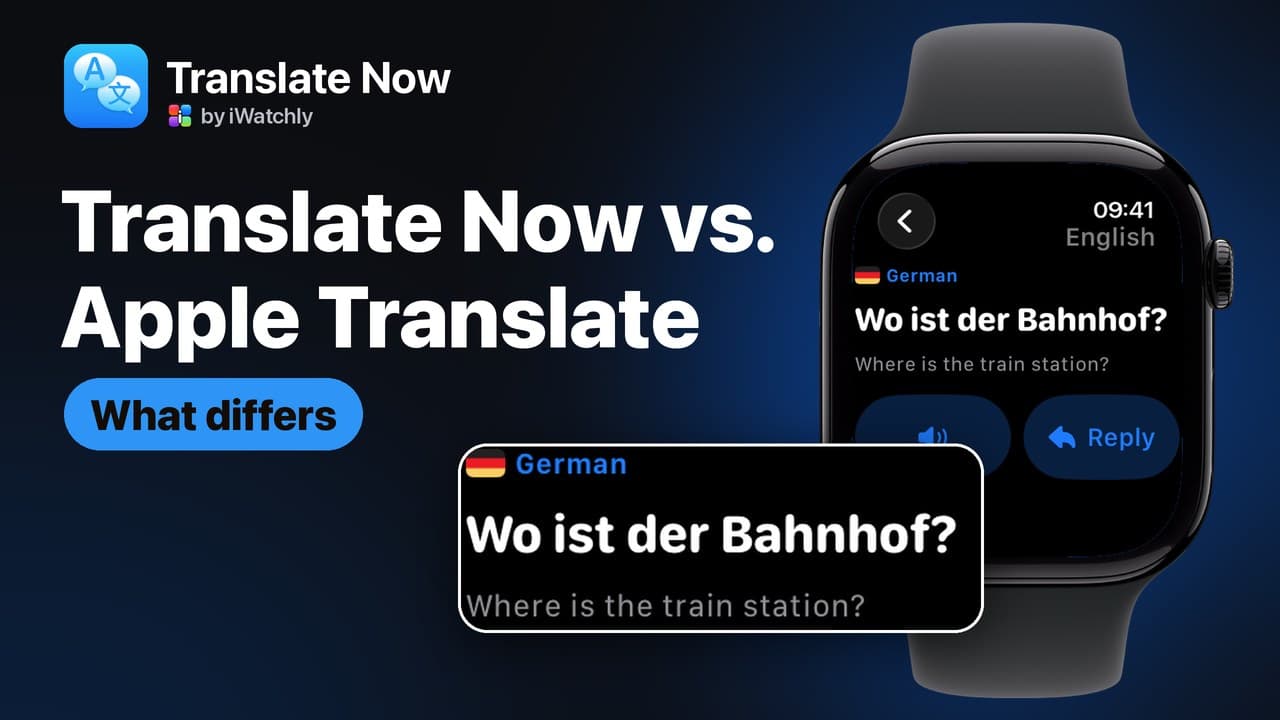
- Reply. Under a Translate Now result is a Reply button that flips the direction. The other person speaks in their language and the answer comes back in yours, so a short exchange takes two taps.
- Phrase books. Translate Now syncs the phrase books you build on the iPhone to the Watch, where you tap a phrase to hear it. This is part of Premium.
- Favourites. Apple's app saves favourite translations and syncs them through your Apple Account. Translate Now has no favourites; phrase books do that job.
- Watch face. Translate Now has a complication that shows your language pair and opens the microphone screen. Apple's Translate appears as a suggestion in the Smart Stack when you travel somewhere with a different language.
What is different on the iPhone?
Both have a conversation view for two people across a table. In Translate Now it is its own tab: the screen splits, the top half is turned round to face the other person, and each half has its own microphone and language. You take turns; it does not listen on its own.
Camera translation also works differently. Apple's app translates text live in the camera view. Translate Now reads the text from a photo you take or pick, puts it in the text box for you to check, and then translates it. Camera and photo translation are part of Premium in Translate Now.
Apple's app also does live translation with AirPods. Translate Now is an iPhone and Apple Watch app only, with no widgets, Shortcuts or share sheet.
What does each cost?
Apple's Translate is free and comes with the iPhone and the Watch. Translate Now gives you five translations a day on the free plan. Premium removes the daily limit and adds camera and photo translation and phrase books. It is sold only through the App Store, inside the app.
Where does your text go?
Apple's app can translate on the device once languages are downloaded. Translate Now always sends the text and the two language codes to our server to be translated. Your history stays on your device: on the iPhone and, for the last 20 translations, on the Watch. Signing in is optional.
Q: Can Translate Now translate without the internet?
A: No. Every translation needs a connection, through the iPhone, Wi-Fi or a cellular Watch. For offline translation, download languages in Apple's Translate.
Q: Does Translate Now need the iPhone nearby on the Watch?
A: No, if the Watch has Wi-Fi or cellular. The Watch sends the translation request itself. The iPhone is needed to sync phrase books.
Q: Is Translate Now free?
A: Five translations a day are free. Premium removes the limit and adds camera, photo and phrase books.
Q: Can I use both?
A: Yes. Keep Apple's app for places with no signal, and Translate Now for languages Apple does not cover and for phrase books on the Watch.
Translate Now is an iWatchly app for iPhone and Apple Watch.
Read next
How to Translate on Apple Watch
Speak into the Watch, read the translation, hear it out loud and let the other person reply — without taking your phone out.
2 min read
Translate a Menu or a Sign With Your iPhone Camera
Point the camera at printed text, and Translate Now reads it and translates it — useful for menus, signs, labels and forms.
2 min read
Travel Phrase Books You Can Reach in Seconds
Save the sentences you always need, group them per trip, and have them on your wrist — with the translation already done.
2 min read