- watchOS
- Apple Watch translation
- Translate Now
- travel
How to Translate on Apple Watch
By Kalyani Lokireddy
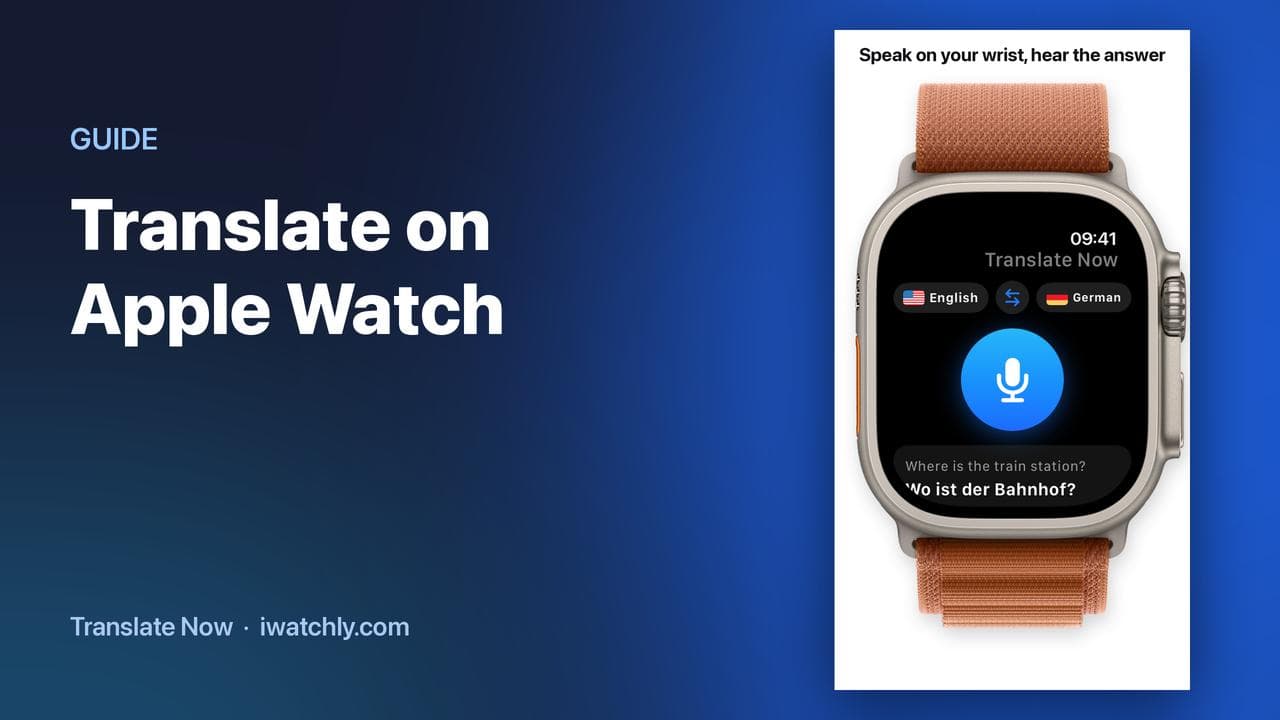
Translate Now runs on the Apple Watch itself: you speak, the translation appears on the screen, and the Watch reads it aloud. Nothing has to come out of your pocket, which is the entire point when you are holding a suitcase, a coffee or a ticket.
It needs an internet connection. Translation happens on our servers, so the Watch has to reach them — through your iPhone, through Wi-Fi, or over cellular on a Watch that has it. There is no offline translation.
Translating a sentence
- Open Translate Now on the Watch. The two languages sit at the top, with a swap button between them.
- Tap the microphone and speak. The prompt says Speak English, or whichever language you are translating from.
- Read the result. The translation appears in large type, your own sentence underneath in grey.
- Tap the speaker to play it aloud, so the other person hears it in their language rather than reading your wrist.
Letting them answer
Under the translation is a second button, prompting in the other language. Hand them your wrist, they speak, and their sentence comes back in yours. That is a conversation, in two taps, without unlocking a phone.
If you are sitting down with more to say, the iPhone's Conversation mode is the better tool: the screen splits, the top half is turned round to face them, and each side has its own language and microphone.
What else is on the Watch
- Recent — the last translations, so you can repeat one without saying it again.
- Phrases — your phrase books, carried over from the iPhone.
- Settings — including whether translations are spoken automatically as they arrive.
Frequently asked questions
Q: Does it work without the iPhone? A: It works without taking the phone out, but not without a connection. The Watch reaches our translation service through the phone, Wi-Fi, or its own cellular connection.
Q: Can the Watch speak the translation out loud? A: Yes. Tap the speaker on any result, or turn on automatic speaking in Settings so every translation is read as it arrives.
Q: How many languages are there? A: 29, the same set on the Watch as on the iPhone.
Q: Is it free? A: Five translations a day are free. Premium removes the daily limit and is sold only through the App Store, inside the iPhone app.
Read next
Travel Phrase Books You Can Reach in Seconds
Save the sentences you always need, group them per trip, and have them on your wrist — with the translation already done.
2 min read
Talk Face to Face with Conversation Mode
One iPhone between two people: the screen splits, the top half faces them, and each side has its own language and microphone.
2 min read
How to Play Your Own Videos on Apple Watch Without an iPhone
A video can play on the Watch with the phone switched off — but only if it was saved to the Watch first. What works offline, and what does not.
3 min read